4.7 Setting the Contact Check
4-26 ZM2371/ZM2372
4.7 Setting the Contact Check
ZM2372 has the 4-terminal contact checking function that can check the contact condition of
all the terminals H
CUR
, H
POT
, L
POT
and L
CUR
with the DUT. This function is not available in
ZM2371.
The contact checking is disabled under the initial state. To avoid a wrong measurement due
to the contact failure, set the contact check to “enabled".
_
SHIFT
_
+ [ CONTACT ]
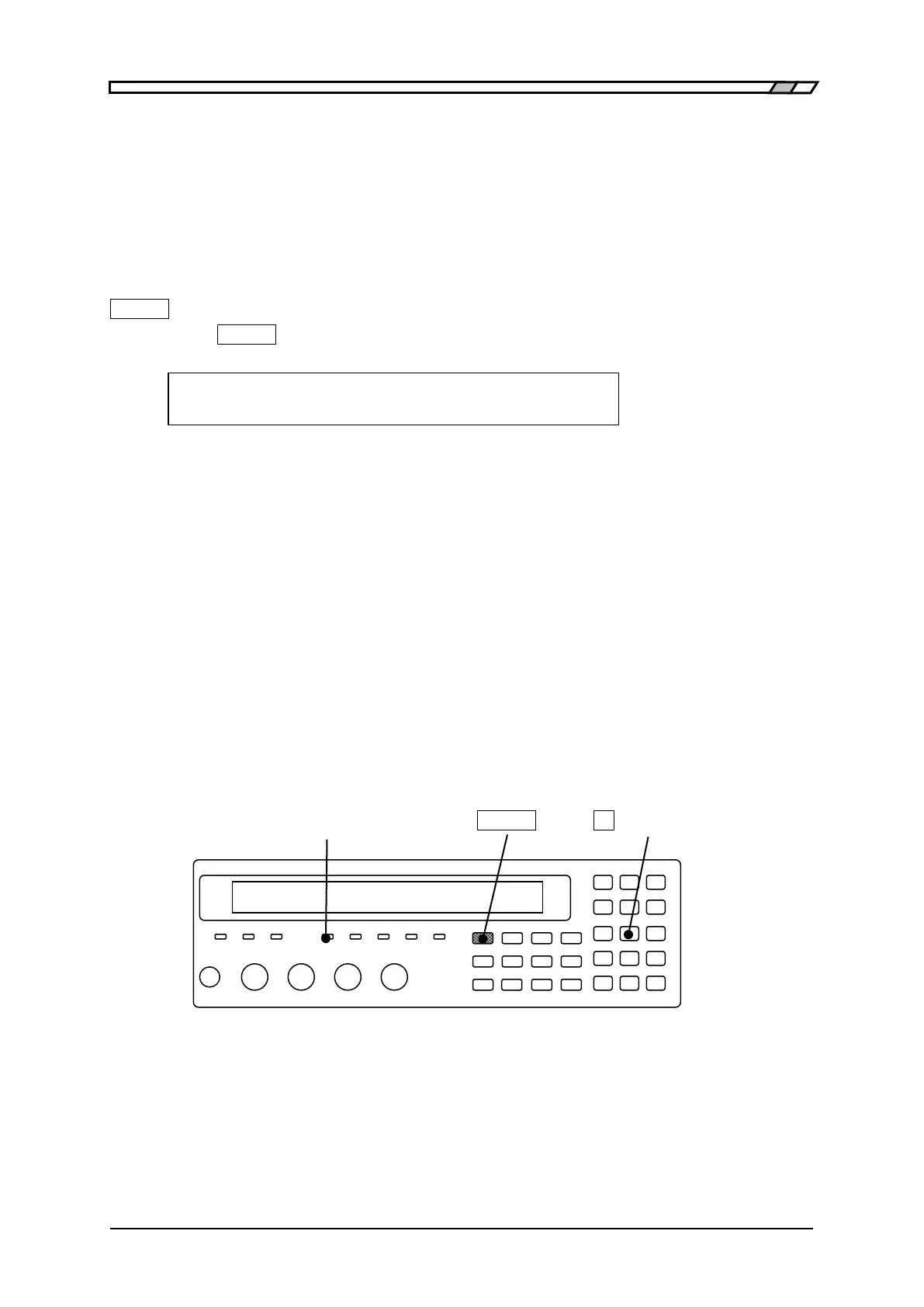
Press the
_
SHIFT
_
+ [CONTACT] keys to display the contact check setting menu.
Contact check:OFF Current setting
0)OFF 1)ON 2)Real time Options
OFF Disables the contact check (initial value)
ON Enables the contact check
Detects the contact failure immediately before measuring the
impedance
Real time Display the real time check setting menu
The contact failure of H
CUR
terminal can be detected during signal
acquisition for impedance measurement.
If a setting is made or the EXIT operation is performed, the measurement screen
comes back.
After enabling the contact check, triggered drive can be automatically set to enabled. When
the contact check is enabled, triggered drive cannot be set to disable, resulting in an error.
CONTACT CHECK lamp
When the contact check is enabled, CONTACT CHECK lamp lights up.
CONTACT CHECK lamp
_
SHIFT
_ _
2
_
| [CONTACT]



 To Next Page