3.5 Basic Operations
3-29 ZM2371/ZM2372
3.5.5.3 Setting of Secondary Parameters
_
Sec
_
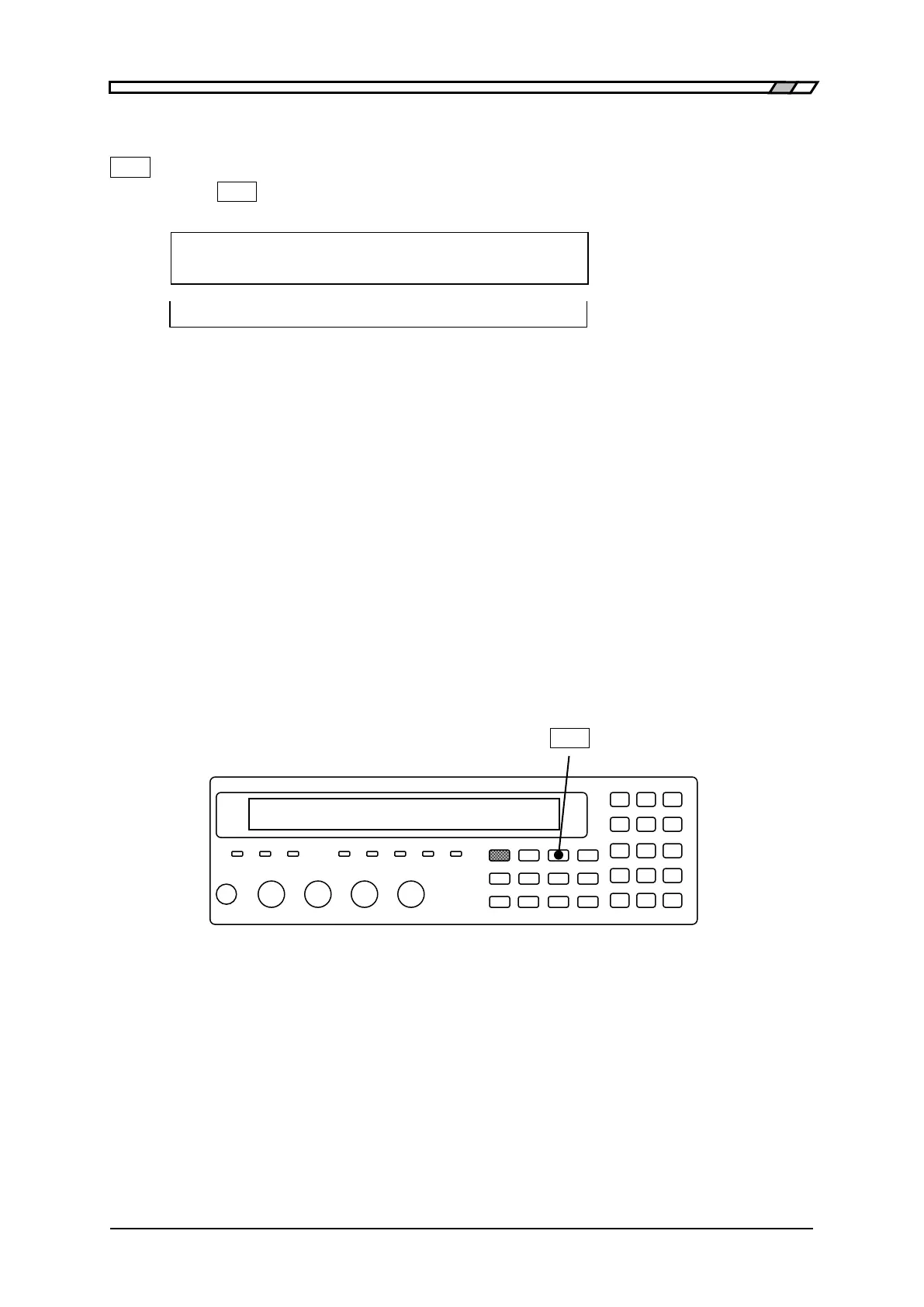
Press the
_
Sec
_
key to display the secondary parameter selection menu (see below), and
select a secondary parameter with a numeric key.
Secondary parameter : D Current setting
0)Q 1)D 2)θ 3)X 4)B 5)Rs >NEXT Options (first page)
6)Rp 7)G 8)Lp 9)Rdc <PREV Options (second page)
Q Quality factor (=1/D)
D Dissipation factor (= tan)
θ Phase angle of impedance (unit: degree)
X Reactance Xs expressed with series equivalent circuit (unit: )
B Susceptance Bp expressed with parallel equivalent circuit (unit: S)
Rs Resistance Rs expressed with series equivalent circuit (unit: )
Rp Resistance Rp expressed with parallel equivalent circuit (unit: )
G Conductance Gp expressed with parallel equivalent circuit (unit: S)
Lp Inductance Lp expressed with parallel equivalent circuit (unit: H)
Rdc Direct-current resistance Rdc (unit: )
Any secondary parameters can be selected regardless of a setting of equivalent circuit.
If a setting is made or the EXIT operation is performed, the measurement screen comes
back.
_
Sec
_
A display range of each secondary parameter is as follows:
Q, D ±(0.00000 to 99999.9)
±(0.000° to 180.000°)
Rs, Rp, X, Rdc ±(0.000m to 999.999M)
G, B ±(0.00nS to 9.99999kS)
Lp ±(0.000nH to 99.9999GH)
The display range is limited by the measurement range.



 To Next Page