3.5 Basic Operations
3-28 ZM2371/ZM2372
3.5.5.2 Setting of Equivalent Circuit
_
CKT
_
Press the
_
CKT
_
key to display the equivalent circuit selection menu (see below), and
select parallel (suffix p) or series (suffix s) with a numeric key.
Equivalent circuit Auto selection function
Equivalent CKT : Series Auto:OFF Current setting
0)Auto OFF 1)ON 2)Parallel 3)Series Options
Auto OFF Disables automatic selection of equivalent circuit
ON Enables automatic selection of equivalent circuit
Parallel Parallel equivalent circuit (automatic selection is disabled)
Series Series equivalent circuit (automatic selection is disabled)
If an equivalent circuit is set or EXIT operation is performed, the measurement screen
comes back.
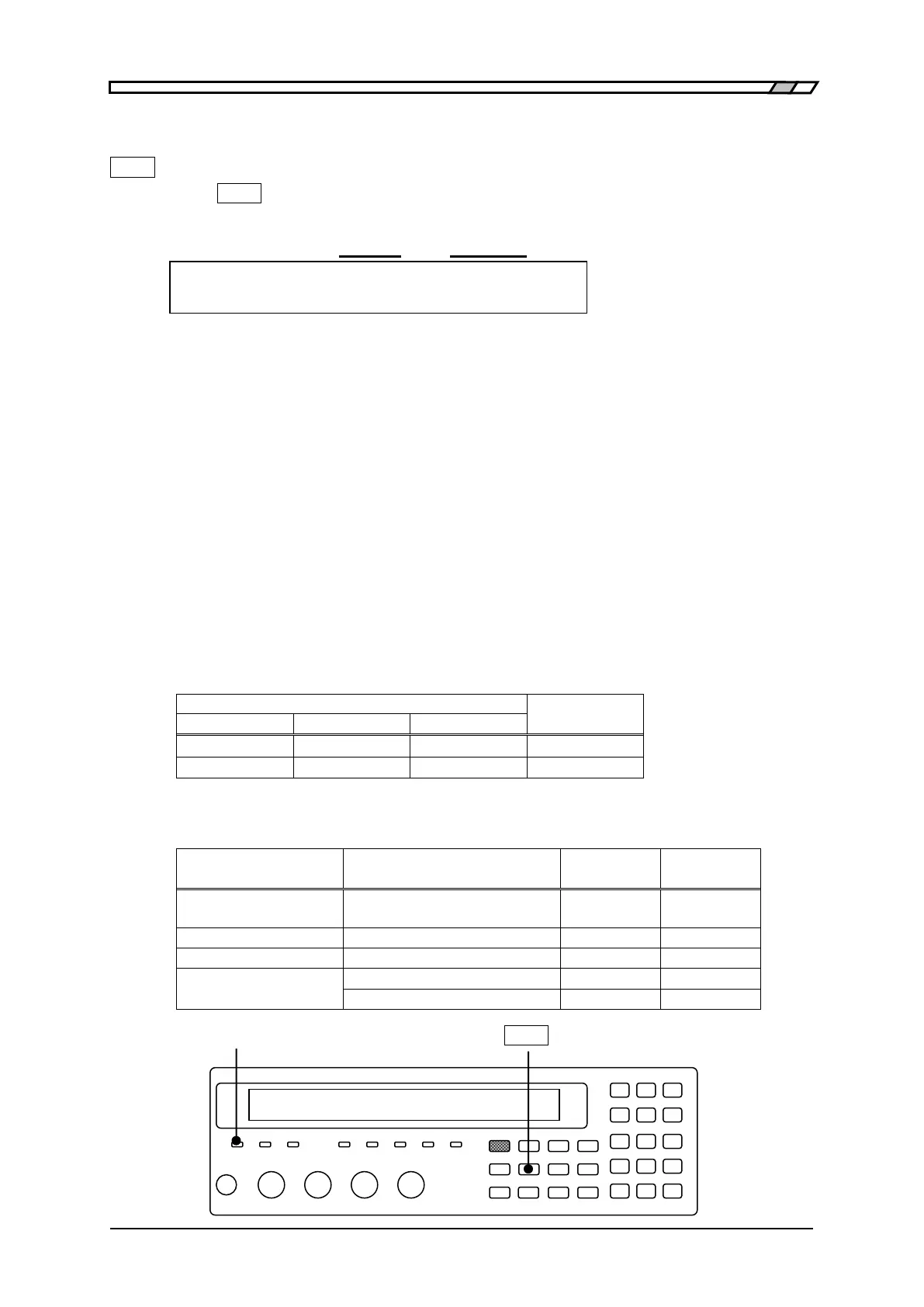
AUTO CKT lamp
The AUTO CKT lamp lights up when automatic selection of equivalent circuit is enabled.
When the primary parameter is L, C, R, Z, or Y, the equivalent circuit can be specified or
its automatic selection function can be used. However, |Z| and |Y| values do not depend
on the equivalent circuit.
If automatic selection of equivalent circuit is enabled, the equivalent circuit is
automatically selected based on the automatic selection rule listed below when the
primary parameter is L, C, or R.
If the primary parameter is set to other than L, C, and R, automatic selection of
equivalent circuit is as follows.
AUTO CKT lamp
_
CKT
_



 To Next Page