4.6 Saving/Recalling the Setting and Correction Value into the Memory
4-24 ZM2371/ZM2372
4.6 Saving/Recalling the Setting and Correction Value into the
Memory
ZM2371 / ZM2372 enable save-/recalling the setting and correction value up to 32-set.
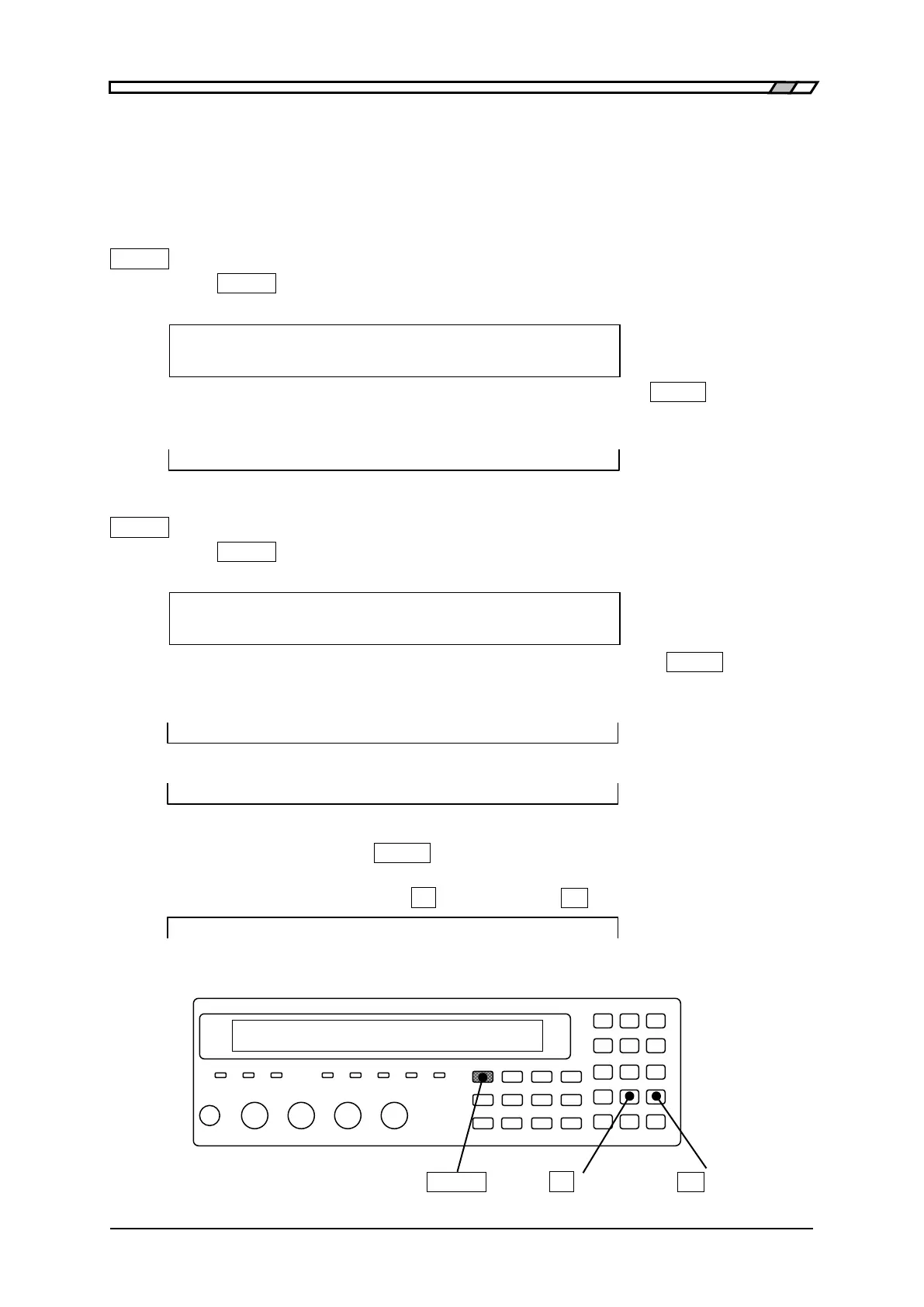
Saving the setting and correction value into the memory
_
SHIFT
_
+ [ SAVE ]
Press the
_
SHIFT
_
+ [SAVE] keys to display the setting/correction value memory saving
setting menu.
SAVE : Setting Current settable
0 to 31 .)Correction -)Both range to be saved
Enter the target to be saved and the memory number, and press the
_
ENTR
_
key, to carry
out saving (overwriting). After saving, the following confirmation message appears for a
short time and measurement screen comes back.
Save -> 9
Recalling the setting and correction value saved in memory
_
SHIFT
_
+ [ RECALL ]
Press the
_
SHIFT
_
+ [RECALL] keys to display the setting/correction value memory recall
setting menu.
RECALL : Setting Current settable
0 to 31 .)Correction -)Both range to be saved
Enter the target to be recalled and the memory number, and press the
_
ENTR
_
key, to
carry out recalling. After recalling, the following confirmation message appears for a short
time and measurement screen comes back.
Recall <- 9
It is disabled to recall the setting and correction value memory, which are not being saved.
Recall <- EMPTY
The target for Save/Recall is Setting (only Setting) at first. Therefore, if you enter the
memory number and press the
_
ENTR
_
key, only the setting can be saved or recalled. The
target can be temporarily changed into Correction (only correction value) or Both (both
ways) by entering the decimal point
_._
or negative sign
_
-
_
.
RECALL : Correction Only correction value
Perform EXIT operation without performing saving or calling, and the measurement
screen will come back.
_
SHIFT
_
_._
| [SAVE]
_
-
_
| [RECALL]



 To Next Page