4.12 Checking the Version
4-40 ZM2371/ZM2372
4.12 Checking the Version
The version of ZM2371 / ZM2372 appears when power on, besides you can also check it in the
system setting menu.
_
SHIFT
_
+ [ SYSTEM ]
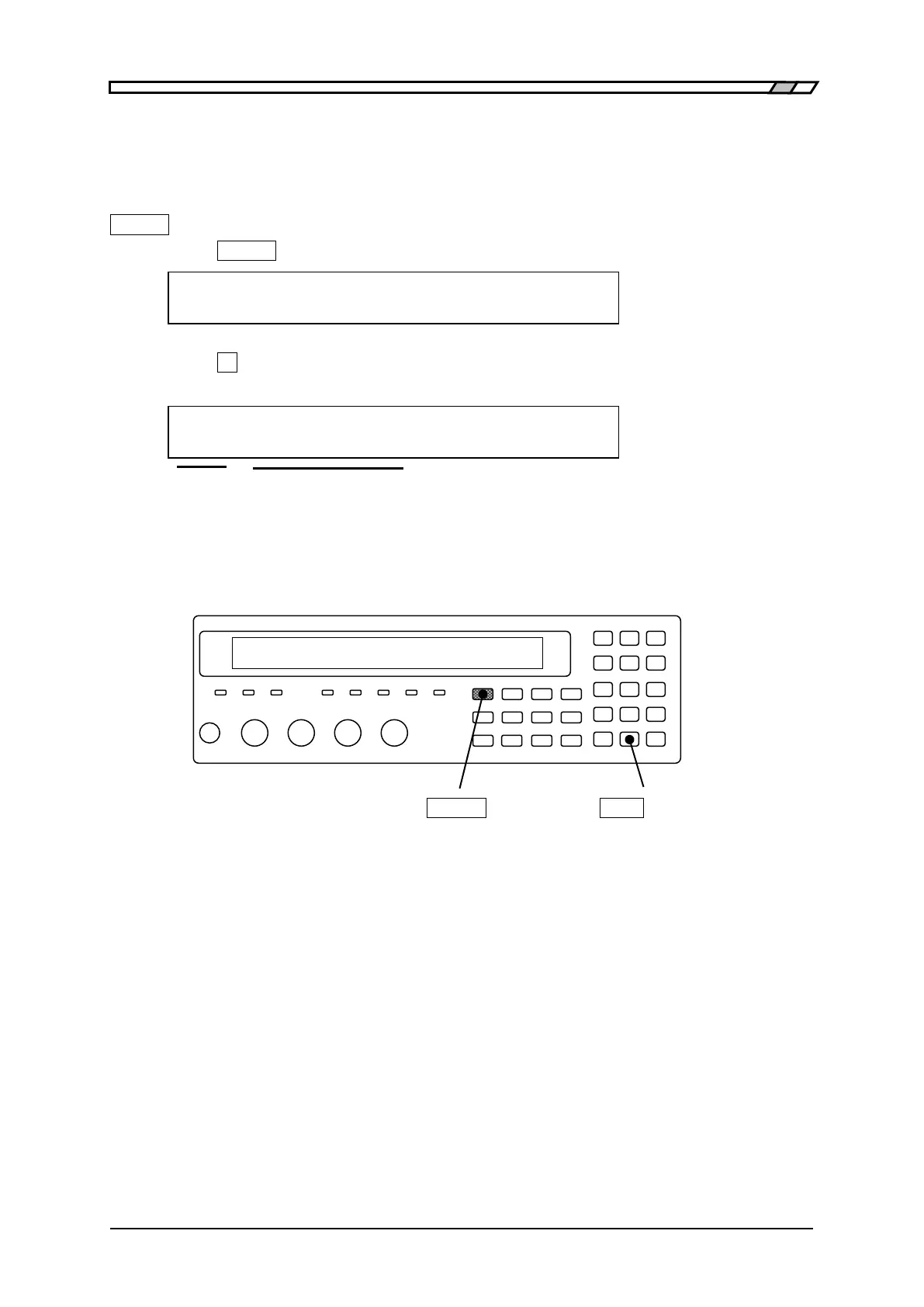
Press the
_
SHIFT
_
+ [SYSTEM] keys to display the system setting menu.
SYSTEM setting
4)VERSION <PREV Option (third page)
Press the
_
4
_
key to select the VERSION, and the version of ZM2371 / ZM2372 is
displayed.
VERSION
V1.00 2009/4/21 15:34
VERSION Date of final adjustment (Both only displays, but cannot be set.)
This is an example indicating the display format. The displayed content is different
from that of actual product.
Perform the EXIT operation to return to one-previous menu.
_
SHIFT
_
_
EXP
_
| [SYSTEM]



 To Next Page