6.1 Outline and Switching of Operation Mode
6-2 ZM2371/ZM2372
6.1 Outline and Switching of Operation Mode
The ZM2372 has basic structure that can change the remote control commands by switching
the operation mode. At present, however, only one standard operation mode is supported.
The ZM2371 can use the standard operation mode only.
1) Operation mode 0
This mode is the standard operation mode of ZM2371 / ZM2372. The factory default setting
is the operation mode 0.
The operating method and functions in the operation mode 0 are described in Chapters 3, 4,
and 5.
2) Operation mode 1
This mode can be set only when the ZM2372 is extended so that it has two operation modes.
The operation mode 1 is different in remote control commands from the operation mode 0.
Switching of operation mode
The operation mode is switched with the system settings menu.
_
SHIFT
_
+ [ SYSTEM ]
_
SHIFT
_
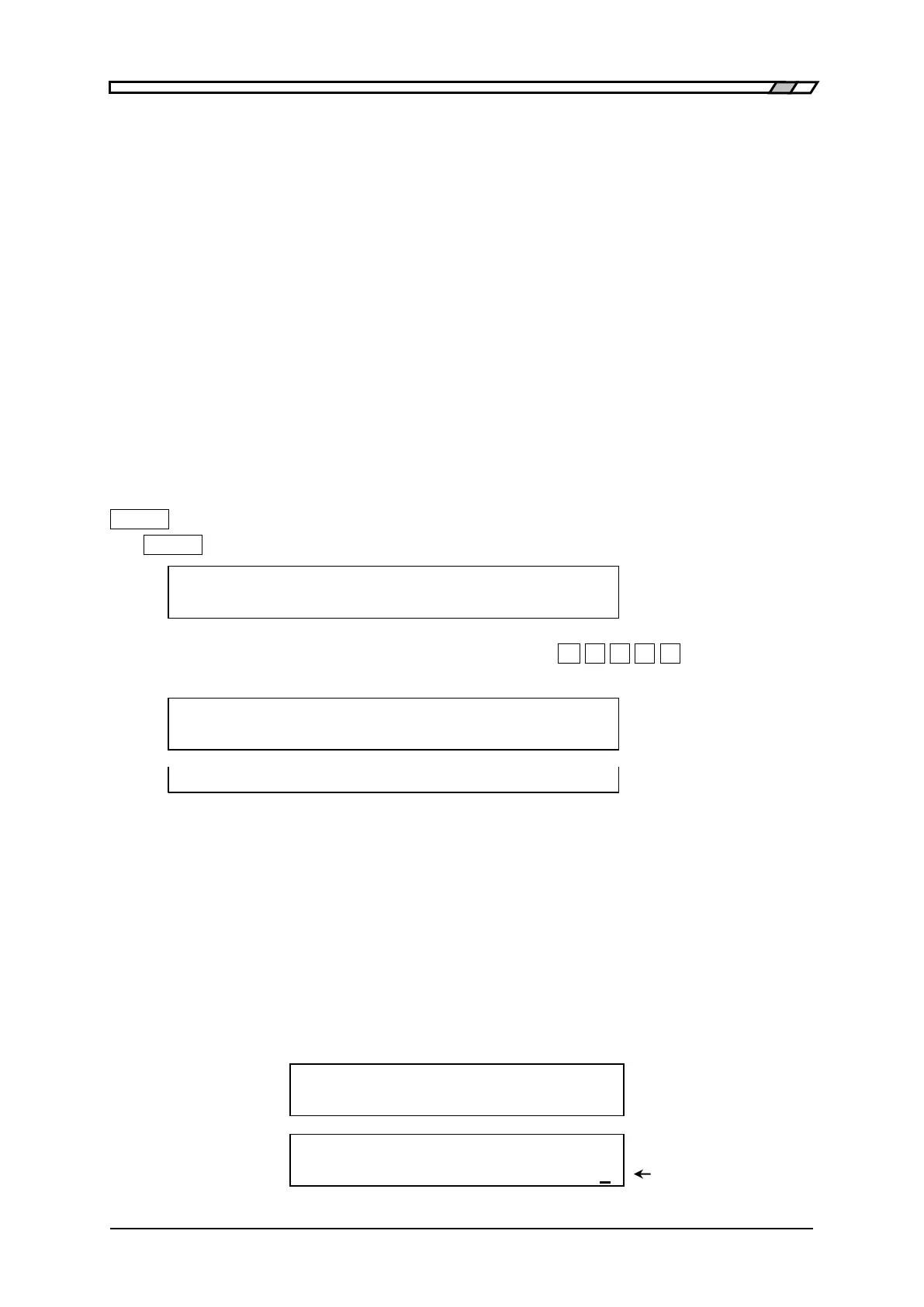
+ [SYSTEM] keys to display the system settings menu.
SYSTEM settings
0)INTERFACE 1)BEEPER >NEXT Options (first page)
Though no options are displayed in the system menu, if
_
-
_
_
2
_
_
3
_
_
0
_
_
0
_
keys are pressed
in this order, the operation mode setting menu is displayed as shown below.
Operation mode:0 Current setting
0)Mode 0 Option
0)Mode 0 1)Mode 1 Options (when
ZM2372 is extended)
If a mode is set or EXIT key is pressed, the measurement screen comes back.
When the operation mode is set, the initialization equivalent to “INITIALIZE ALL” in each
operation mode is executed. At present, for both ZM2371 and ZM2372, only the operation
mode 0 can be selected. If the operation mode 0 is selected, all settings are reset to the
factory default settings.
The operation mode cannot be initialized by any method other than the selection of
operation mode 0.
In the operation mode 1, the underline cursor is displayed at the end of second line of the
display.
Operation mode 0 ・ ・ ・ ・ ・ ・ ・ 1.0000k
・ ・ ・ ・ ・ ・ ・ 1.00 Vc
Operation mode 1 ・ ・ ・ ・ ・ ・ ・ 1.0000k
・ ・ ・ ・ ・ ・ ・ 1.00 Vc Underline



 To Next Page