3.5 Basic Operations
3-26 ZM2371/ZM2372
3.5.5 Setting of Measurement Parameters
The ZM2371 / ZM2372 can display two parameters (primary parameter and secondary
parameter) at the same time.
In general, L, C, R values are different between series equivalent circuit and parallel
equivalent circuit, and therefore select appropriate equivalent circuit according to the
nature and circuits used of the DUT.
3.5.5.1 Selection of Primary Parameters
_
Pri
_
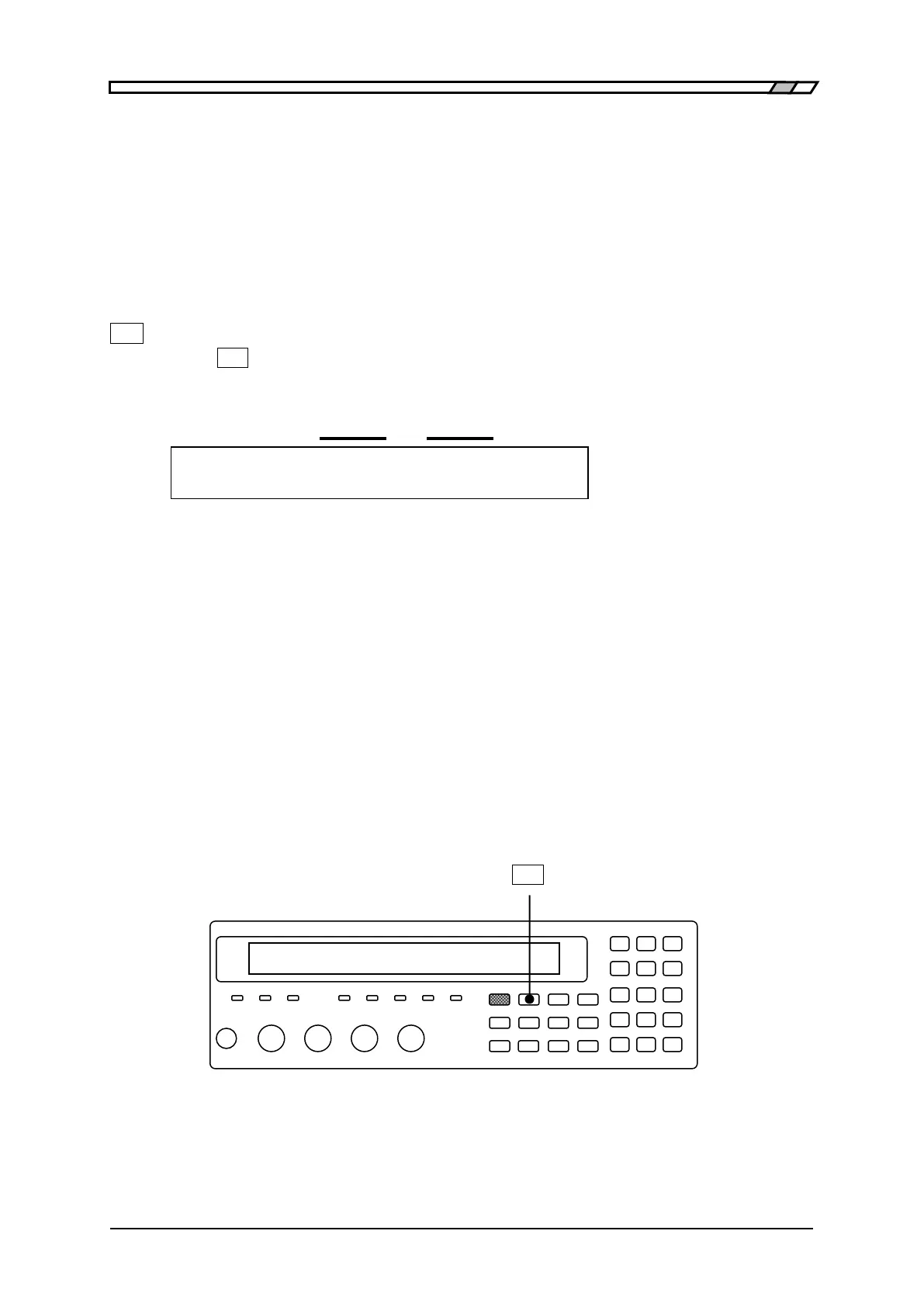
Press the
_
Pri
_
key to display the primary parameter selection menu (see below), and select
a primary parameter with a numeric key.
Primary Auto selection
Parameter function
Primary parameter : C Auto:OFF Current setting
0)Auto OFF 1)ON 2)L 3)C 4)R 5)Z 6)Y 7)G Options
Auto OFF Disables automatic selection of measurement parameters.
ON Enables automatic selection of measurement parameters.
L Inductance Lp or Ls (unit: Henry “H”)
C Capacitance Cp or Cs (unit: Farad “F”)
R Resistance Rp or Rs (unit: Ohm “”)
Z Magnitude of impedance |Z| (unit: )
Y Magnitude of admittance |Y| (unit: Siemens “S”)
G Conductance indicated with parallel equivalent circuit Gp (unit: S)
If either L, C, or R is selected, the equivalent circuit selection menu is displayed.
If a parameter other than L, C, and R is selected or EXIT operation is performed, the
measurement screen comes back.
If primary parameter is set to G, automatic selection of equivalent circuit is disabled and
the parallel equivalent circuit is set.
_
Pri
_



 To Next Page