4.5 Changing the Contents Displayed on the Second Line of Measurement Screen (Auxiliary Display)
4-22 ZM2371/ZM2372
4.5 Changing the Contents Displayed on the Second Line of
Measurement Screen (Auxiliary Display)
Normally the specified setting information is displayed on the second line (Auxiliary
display) of measurement screen. It is possible to change those contents into other setting
information or voltage/current monitor values.
_
AUX DISP
_
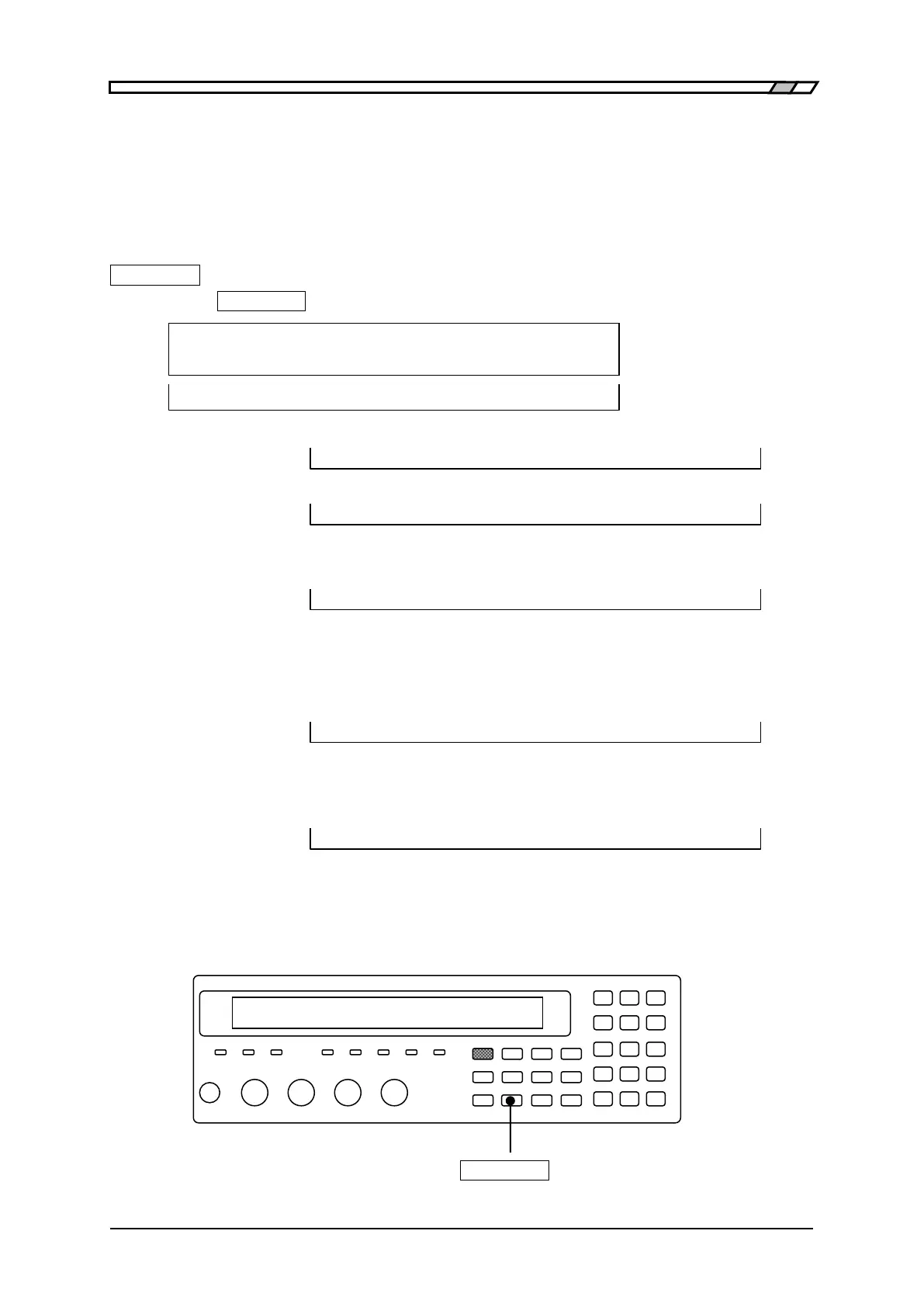
Press the
_
AUX DISP
_
key to display the auxiliary display selection setting menu.
Aux Display:Status Current setting
0)Status 1)Pri-Limit 2)Sec-Limit >NEXT Options (first page)
3)Pri-Sec REF 4)I-V monitor <PREV Options (second page)
Status Measurement condition (initial value)
A100k FAST100 Int OpShLd1m ・ ・ ・ ex.
Pri- Limit Lower and upper limit values of primary parameter (specified Bin)
10:+970.000nF to +1.03000µF ・ ・ ・ ex.
Specify the Bin number in the Bin number input menu.
Sec-Limit Lower and upper limit values of secondary parameter
Sec+0.00000 to +12.0000m ・ ・ ・ ex.
When comparator and limit comparison are disabled that Pri-Limit
and Sec-Limit are being selected, the status appears.
Pri-Sec REF Reference values for deviation display of both primary and secondary
parameter
REF:P+1.00000µF S+100.000m ・ ・ ・ ex.
When the deviation display and deviation comparison are disabled
that Pri-Sec REF is being selected, the status appears.
I-V monitor Current monitor value and voltage monitor value
Im:+123.456mA Vm:+1002.34mV ・ ・ ・ ex.
If a setting is made or the EXIT operation is performed, the measurement screen
comes back.
Select the parameter you need to display by the numeric key.
_
AUX DISP
_



 To Next Page