3.5 Basic Operations
3-53 ZM2371/ZM2372
3.5.6.9 LOAD Correction
Based on exact standard, the LOAD correction gives a correction value to the ZM2371 /
ZM2372 so that more correct measured value can be obtained under specific measurement
conditions. The LOAD correction value can be given with a numeric value, besides
acquisition by measuring exact standard.
Connect exact standard having almost same value as DUT, and press the
_
SHIFT
_
+ [LOAD]
keys to display the LOAD correction menu, and select Measure, and thus the correction can
be made so that the measured value is equal to the calibrated value of the standard.
Measure the LOAD correction value at one point of current measurement frequency. When
the measurement frequency was changed, measure the LOAD correction value again. The
LOAD correction of DC resistance is not supported.
To set directly the LOAD correction value, first select FRMT to specify the format, and then
select Entry to set a correction value, and finally select ON.
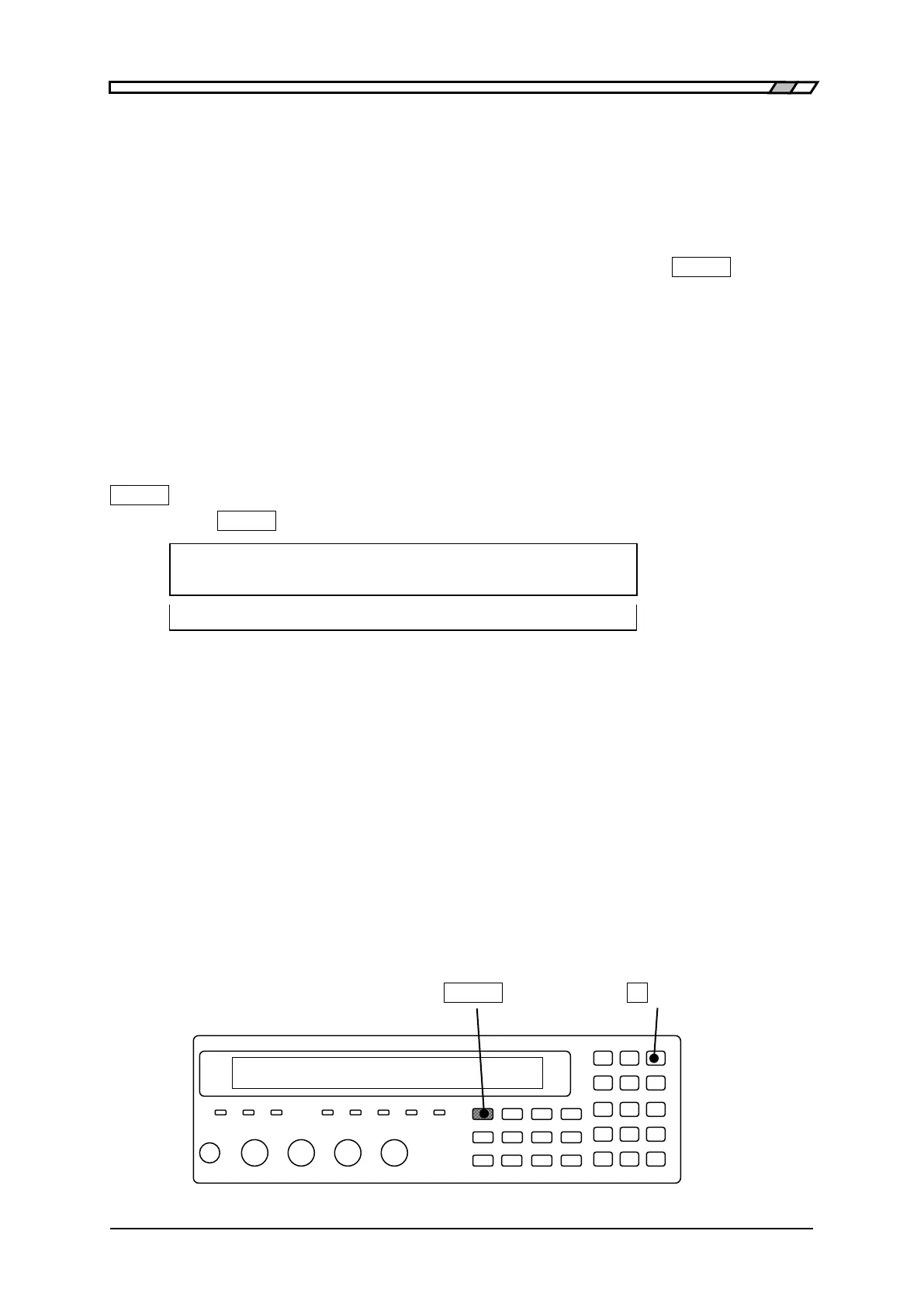
The operation of LOAD correction is executed with the LOAD correction menu.
_
SHIFT
_
+ [ LOAD ]
Press the
_
SHIFT
_
+ [LOAD] keys to display the LOAD correction menu.
LOAD Correction:OFF FRMT: Cs-D Current setting
0)OFF 1)ON 2)Measure >NEXT Options (first page)
3)FRMT 4)STD 5)Entry <PREV Options (second page)
OFF Disables the LOAD correction and returns to the measurement screen.
LOAD correction value is held internally.
ON Enables the LOAD correction and returns to the measurement screen.
The OPEN correction and SHORT correction are also enabled.
Measure Measures the standard for LOAD correction.
Correction value under specific measurement frequency, measurement
signal level, measurement range, cable length, or zero correction (OPEN,
SHORT) can be obtained.
FRMT Displays the format setting menu for LOAD correction.
STD Displays the standard value input menu for LOAD correction.
Entry Displays the LOAD correction value input menu.
Perform the EXIT operation to return to the measurement screen.
_
SHIFT
_
_
9
_
| [LOAD]



 To Next Page