8.7 Performance Testing
8-6 ZM2371/ZM2372
8.7.4 DC Bias Voltage Accuracy
Connection: H
CUR
and H
POT
terminals together → AC voltmeter input (– terminal)
L
CUR
and L
POT
terminals together → AC voltmeter input (+ terminal)
For the connection, use kelvin test lead or coaxial cable.
To use the coaxial cable, connect 4 shields all together.
The cable length should be approx 1m or less in total length.
Kelvin clip H terminal + terminal AC voltmeter
test lead, etc. L terminal – terminal
Setting: After initializing the setting, set the measurement frequency to 1kHz and
the measurement signal level to 0.1Vrms.
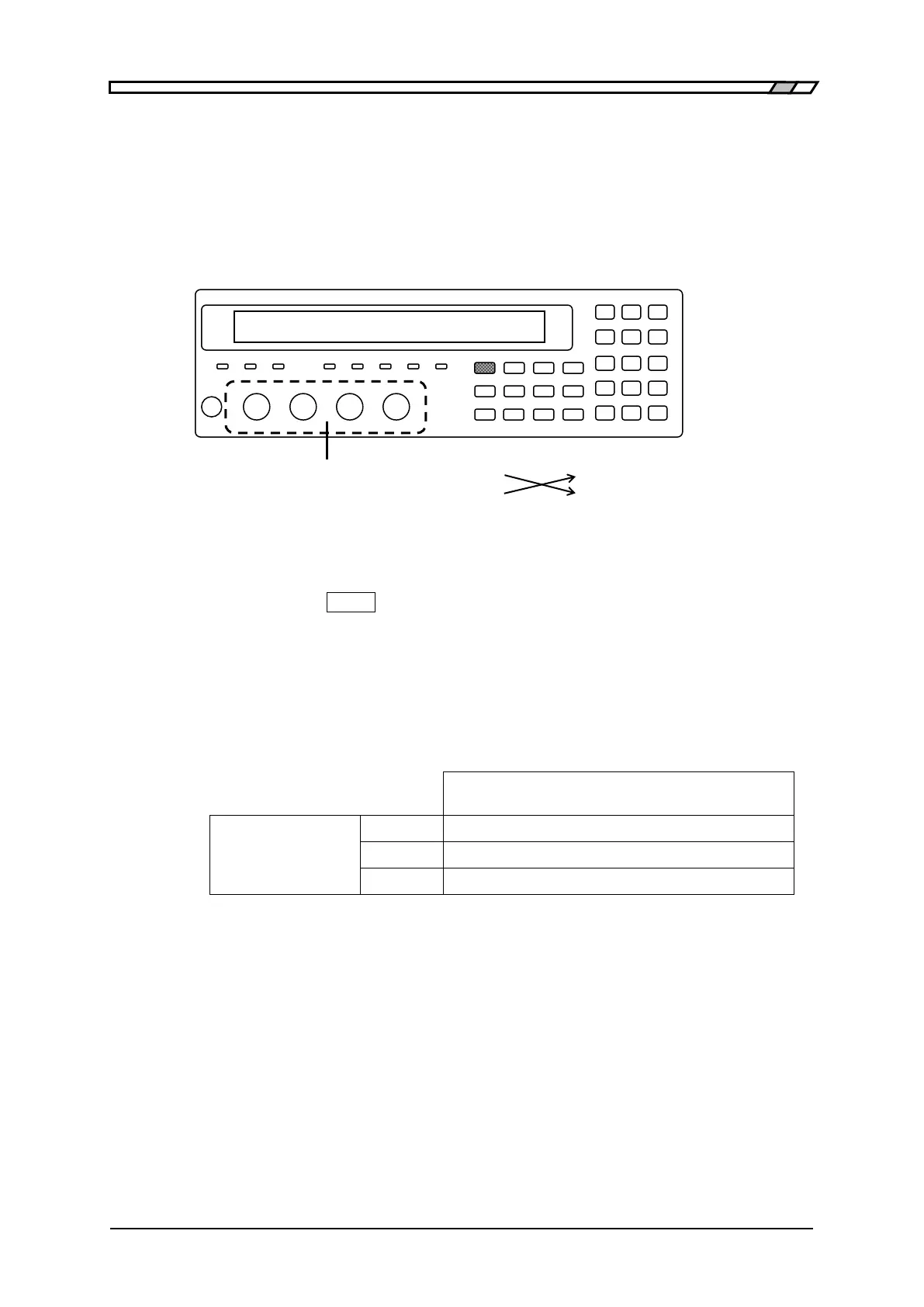
Press the
_
BIAS
_
key to display the DC Bias setting menu, and turn on the
DC Bias. Set the DC Bias voltage according to the contents in table stated
below in order of precedence.
Measurement: Measure the DC Bias voltage with the DC voltmeter which is fixed at 10V
range.
Evaluation: If the values on DC voltmeter are within the specification range of table, it
is normal.
Values indicated on DC voltmeter
Spec. : ± (5% + 3mV)
Note: The polarity is inversed due to the connection.



 To Next Page