3.5 Basic Operations
3-49 ZM2371/ZM2372
Spot OPEN correction value is given with a numeric value or read
The spot OPEN correction value at current measurement frequency can be given with a
numeric value or it can be read.
After specifying the format of spot OPEN correction value, input or display the spot OPEN
correction value. First, press the
_
SHIFT
_
+ [OPEN] keys to display the OPEN correction
menu, and select FRMT with a numeric key.
FRMT: The format setting menu for the spot OPEN correction value is as shown below.
Format:Cp-G Current setting
0)G-B 1)Cp-G Options
G Stray conductance (unit: G)
B Stray susceptance (unit: S)
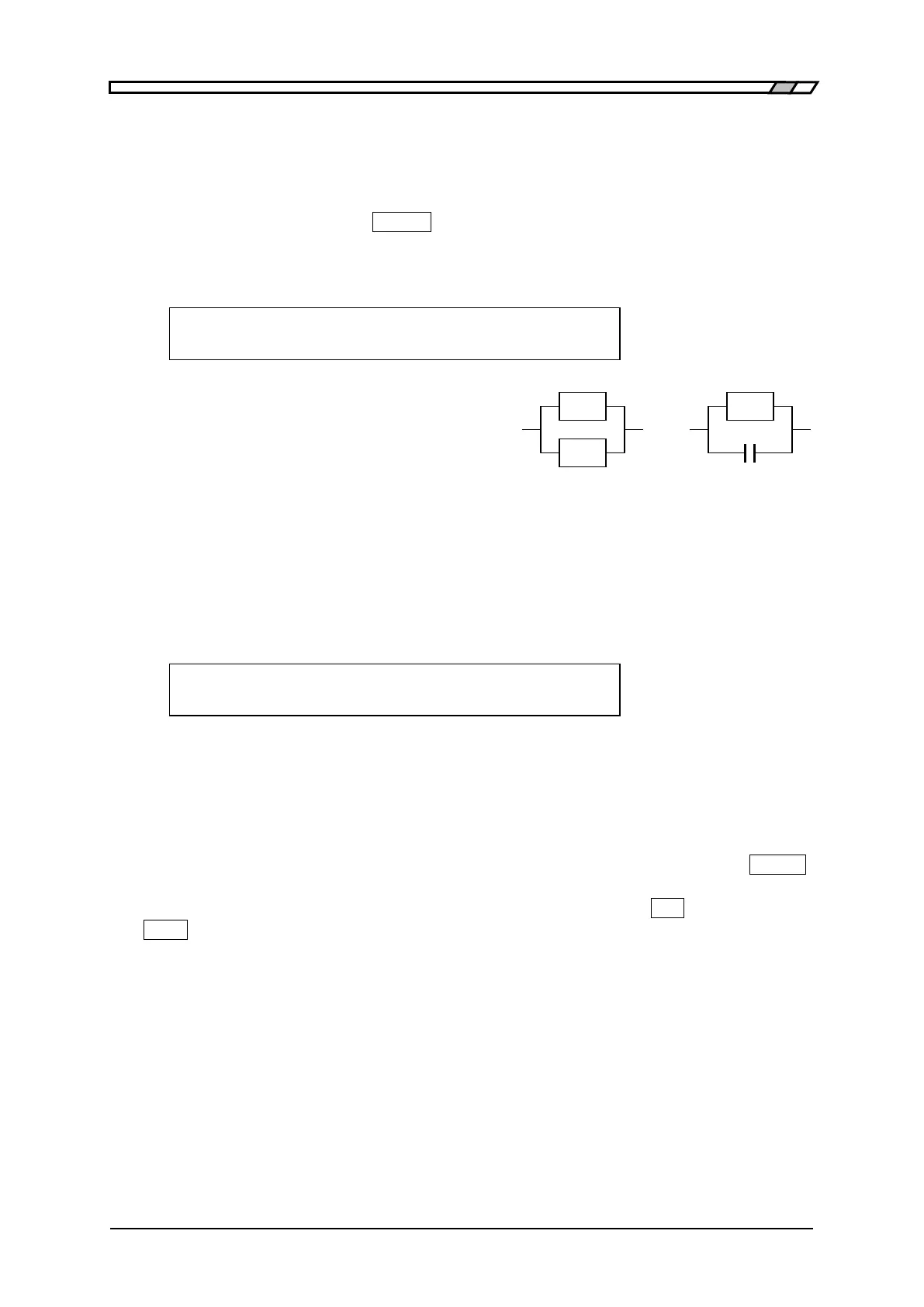
Cp Stray capacitance
(parallel equivalent circuit, unit: F)
Select the format with a numeric key.
If a setting is made or the EXIT operation is performed, one-previous menu comes back.
Next, select Entry with the OPEN correction menu.
Entry: The spot OPEN correction input menu is as shown below.
Co-OPEN=Cp: +123.456pF G:+1.23456µS Current value
±(0.0000p to 999999M) Z>1k 1.0000kHz Range of settable values
Spot OPEN correction frequency
Following the set format of spot OPEN correction value, the spot OPEN correction value is
displayed. The above screen shows an example of FRMT Cp-G. The frequency displayed at
the lower right of screen is the one at the time when the spot OPEN correction value was
measured or set, and it is not current measurement frequency. Initially, the cursor exists
on the previous value, and when the previous value is input and entered with the
_
ENTR
_
key, the cursor moves to the next value, indicating that the next value can be input.
The cursor can be moved between previous and next by pressing the
_
BS
_
| [PREV] or
_
EXP
_
| [NEXT] key.
In either previous or next, if a value is set, the measurement frequency at that time is
recorded as the spot correction frequency.
Perform the EXIT operation to return to one-previous menu.
If the spot OPEN correction value is set, the OPEN correction is disabled. Set the OPEN
correction to ON (enabled) when the set spot OPEN correction value is used.
Though the warning message will be displayed for the input of correction value of
impedance ≦1k, it is set as it is as the spot OPEN correction value.
If both previous and next values are zero, it is equivalent to the setting that the spot
OPEN correction is disabled.



 To Next Page