4.2 Displaying the Deviation from the Reference Value
4-4 ZM2371/ZM2372
Displaying the deviation of secondary parameter
_
SHIFT
_
+ [ Sec ]
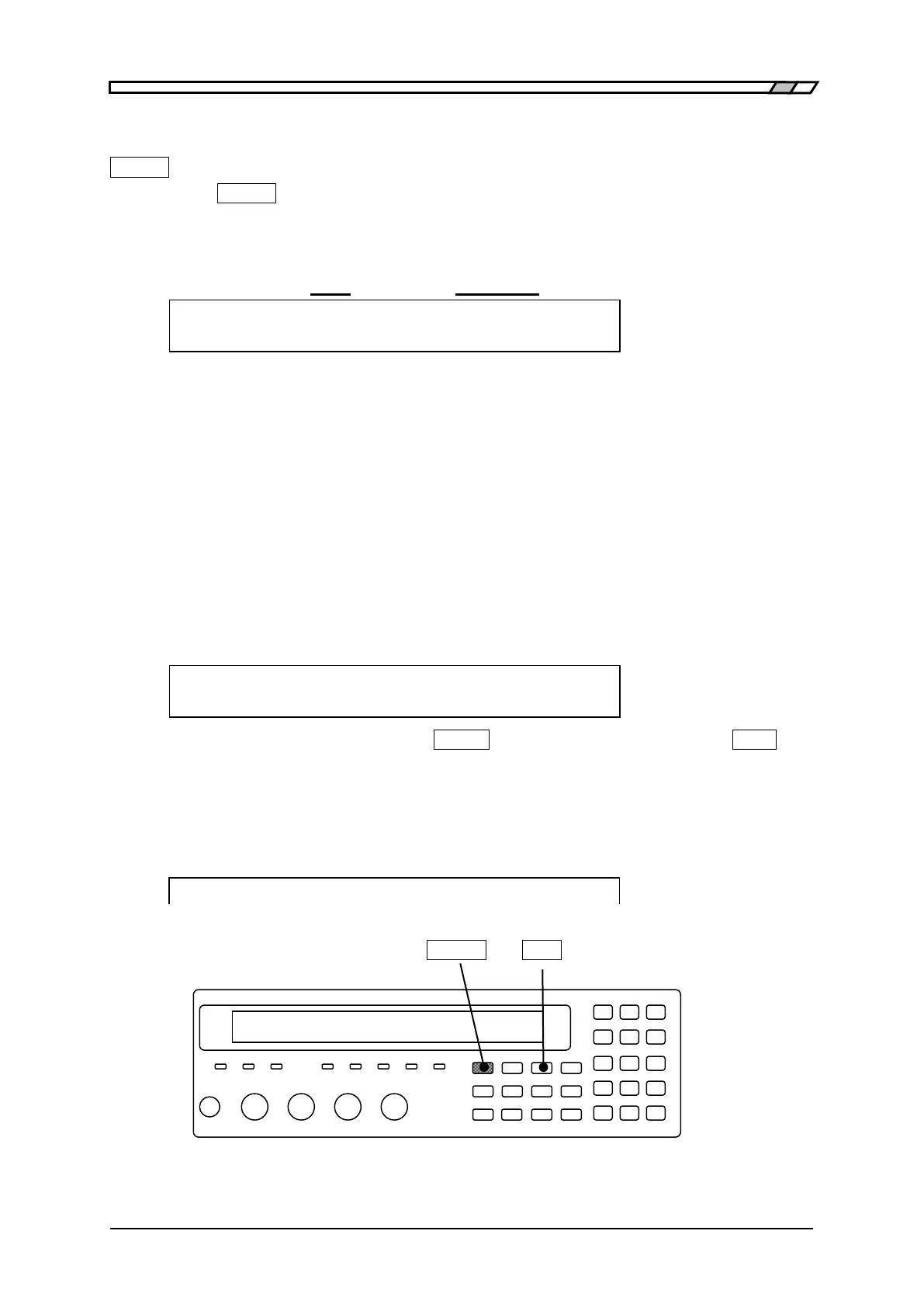
Press the
_
SHIFT
_
+ [Sec] keys to display the deviation display menu of secondary
parameter.
Reference value for
Display format deviation display
Deviation Sec:ABS REF:+1.23456 Current setting
0)ABS 1)DEV 2)DEV% 3)REF Options
ABS Displays the measured value as is. (Initial value)
DEV Displays the deviation from reference value.
Deviation = Measured value – Reference value
DEV% Displays the deviation % from the reference value.
Deviation % = ((Measured value – Reference value) / Reference value) × 100
REF Display the reference value setting menu of secondary parameter.
Select one of ABS, DEV or DEV% as the display format with the numeric key.
To display the deviation or deviation%, previously set the reference value.
If a setting is made or the EXIT operation is performed, the measurement screen comes
back.
REF: The reference value setting menu of secondary parameter is as follows.
Sec Reference:+1.23456 Current setting
±(0.0000p to 999999M) Range of settable values
Enter the numeric value and press the
_
ENTR
_
key or input of exponential part
_
EXP
_
+
[µ]
keys for instance.
If a setting is made or the EXIT operation is performed, one-previous menu comes back.
When the deviation or deviation% is selected, the “Δ” displayed in front of measured value
of secondary parameter.
Cp:+12.3456µF D :+ 0.12345 1.0000k
_
SHIFT
_
_
Sec
_
| [Sec]



 To Next Page