NMC-WOLLARD 2021Truax Blvd., Eau Claire, WI 54703, Phone (715) 835-3151, Fax (715) 835-6625
M100 Tow Tractor Manual No. 46052
PAGE 18
CHAPTER 5 MANUFACTURER’S INFORMATION
11
NexSysLink
®
2" Stand-Alone CAN Display Operation Manual SAE J1939
© 2011 Beede Electrical Instrument Co., Inc.
• Alarms
Alarms are user congured limits for CAN parameters used to alert operators when the parameter or
parameters exceeds those limits� Alarms help users protect a vehicle, vessel or equipment from damage
by providing an option to set operating notication limits for CAN parameters critical to the application�
A maximum of 15 parameters may be congured for alarm notication�
Note: Alarms are only a notication feature and do not disable or diminish the operation of a vehicle or
equipment�
Alarm settings are written to non-volatile memory and retained when power is removed from the
instrument�
If alarms are congured and enabled, a blinking "Bell" icons appears in the upper left corner of the
current CAN parameter display screen once a parameter exceeds the set alarm limits� If popups for
alarm conditions is enabled, an alarm notication screen appears� Refer to "Setting Popups" on page
25�
The built-in audible device will sound when an alarm occurs if the Mute setting, Main Menu-Mute Audio
Alarm, is not set to Permanent� See "Mute" on page 20 for enabling the internal audible device�
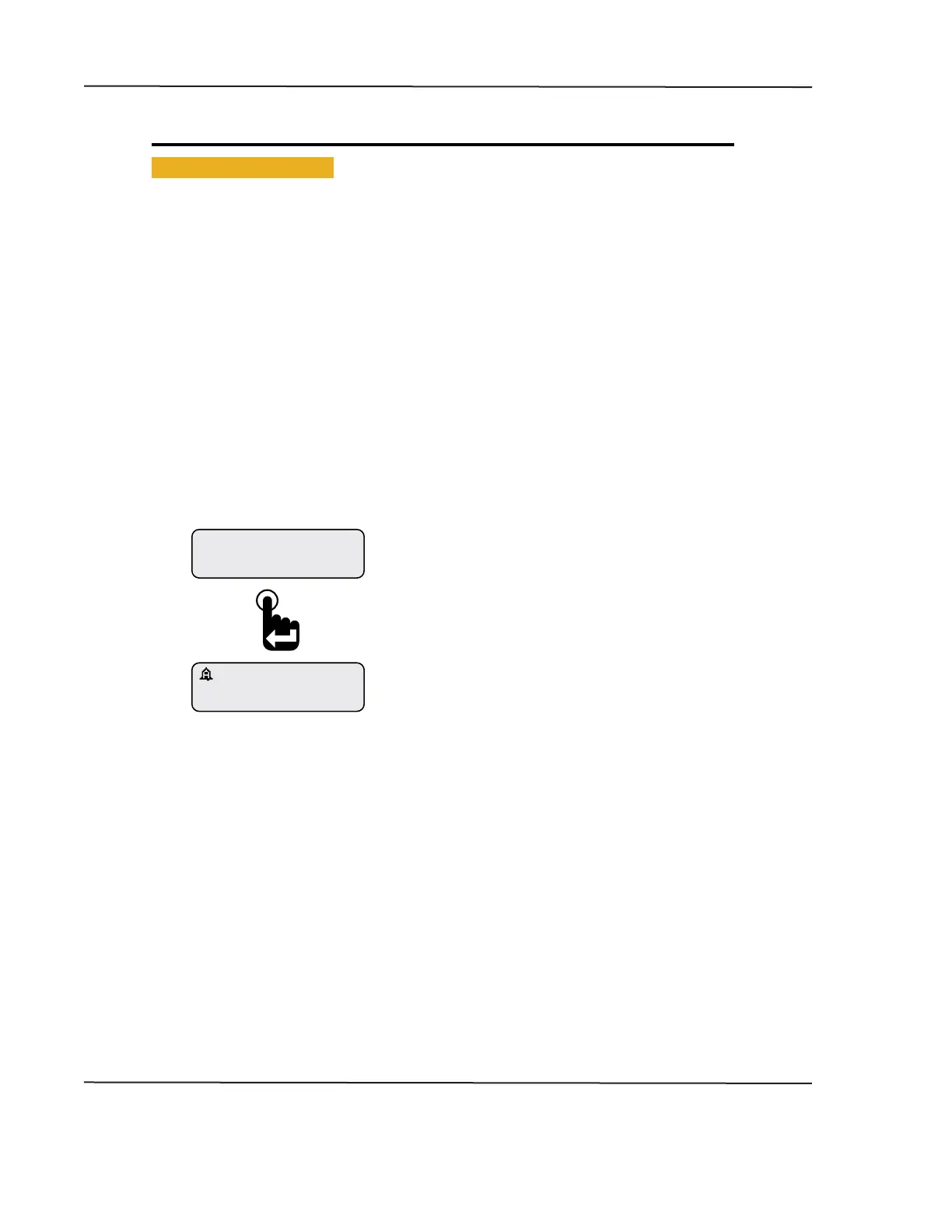
Parameter Display Screen with Alarm “Bell” Icon
Engine Hours
1049.3
ALARM
Pressing the Enter switch clears the alarm notication
screen and returns the last displayed CAN parameter�
A blinking bell icon appears in the upper left corner of
the screen to indicate the alarm condition is still active�
An alarm notication screen appears when popups
are enabled and an alarm condition occurs�
Refer to setting popups�
CAN DISPLAY MANUAL
NOVEMBER 02, 2015



 To Next Page