NMC-WOLLARD 2021Truax Blvd., Eau Claire, WI 54703, Phone (715) 835-3151, Fax (715) 835-6625
M100 Tow Tractor Manual No. 46052
PAGE 19
CHAPTER 5 MAUFACTURER’S INFORMATION
12
NexSysLink
®
2" Stand-Alone CAN Display Operation Manual SAE J1939
© 2011 Beede Electrical Instrument Co., Inc.
• Alarms Menu
The Main Menu-Alarms function allows users to enable alarm notication, view the parameter or
parameters causing the alarm, edit existing alarms and add new alarms�
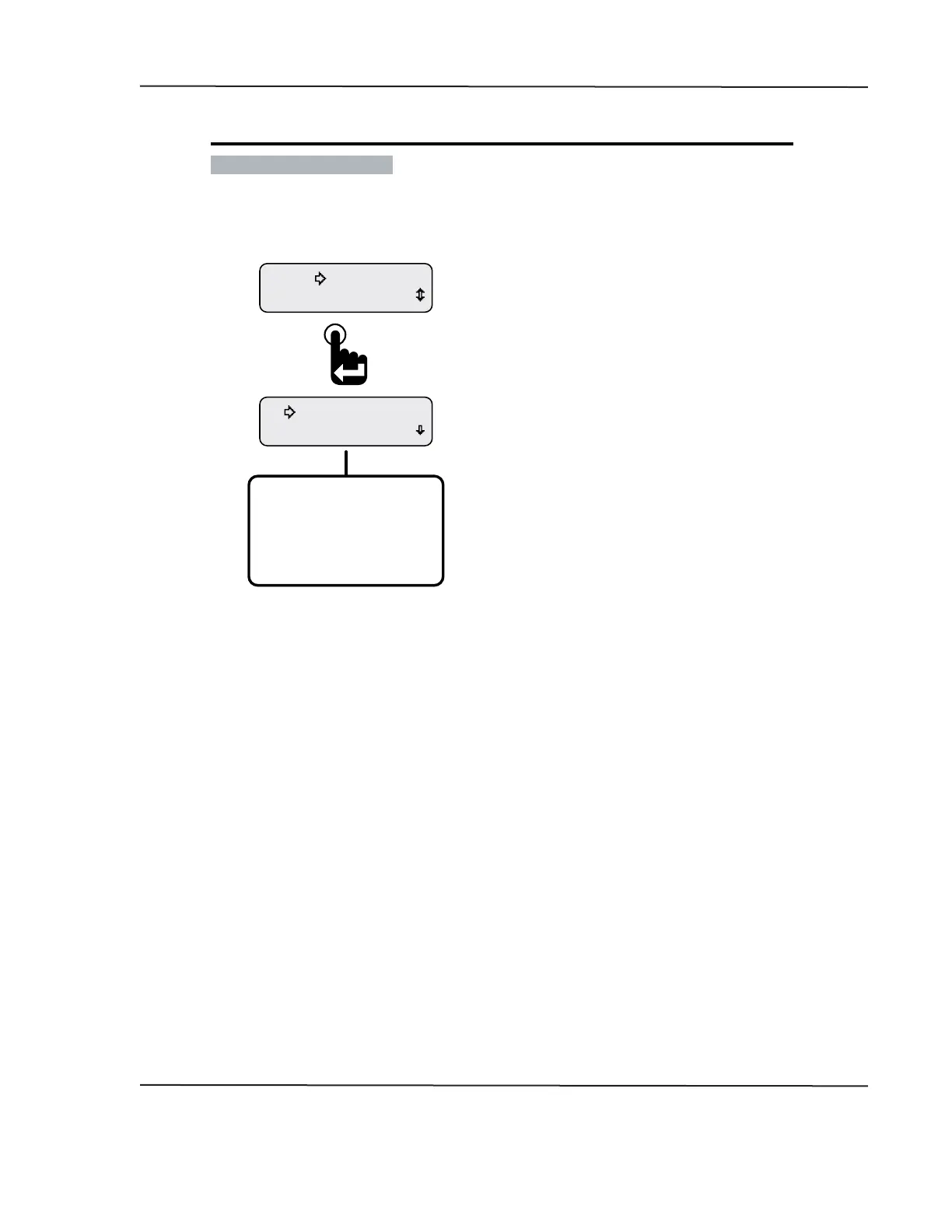
Figure 1-10: Alarms Menu Functions
View Alarms
Alarms-Enabled
Mute Audio Alarm
Alarms
Alarms-Enabled (Disabled)
View Alarms
Edit Alarms
Return
Exit
Alarms Menu Function List�
Note: Pressing the Enter switch toggles between
Alarms Enabled and Alarms-Disabled�
The Alarms menu appears with the selection arrow
cursor next to the Alarms-Enabled or Disabled option�
Scroll down to view all Alarms menu functions�
From the Main Menu, scroll to place the selection
arrow cursor next to the Alarms option�
Press the Enter switch to open Alarms menu�
Alarm Menu function Summary:
Alarms-Enabled - Turns on all set alarms�
Alarms-Disabled - Turns o all set alarms�
View Alarms - Allows users to view all set alarm congurations�
Edit Alarms - Allows users to edit existing alarms, add new alarms or delete existing alarms�
Return - Brings users back to the Alarms option of the Main Menu�
Exit - Brings users back to the last displayed CAN parameter screen
CAN DISPLAY MANUAL
NOVEMBER 02, 2015



 To Next Page