www.nordsonefd.com info@nordsonefd.com 800-556-3484 Sales and service of Nordson EFD dispensing systems are available worldwide.
EV Series Automated Dispensing Systems
31
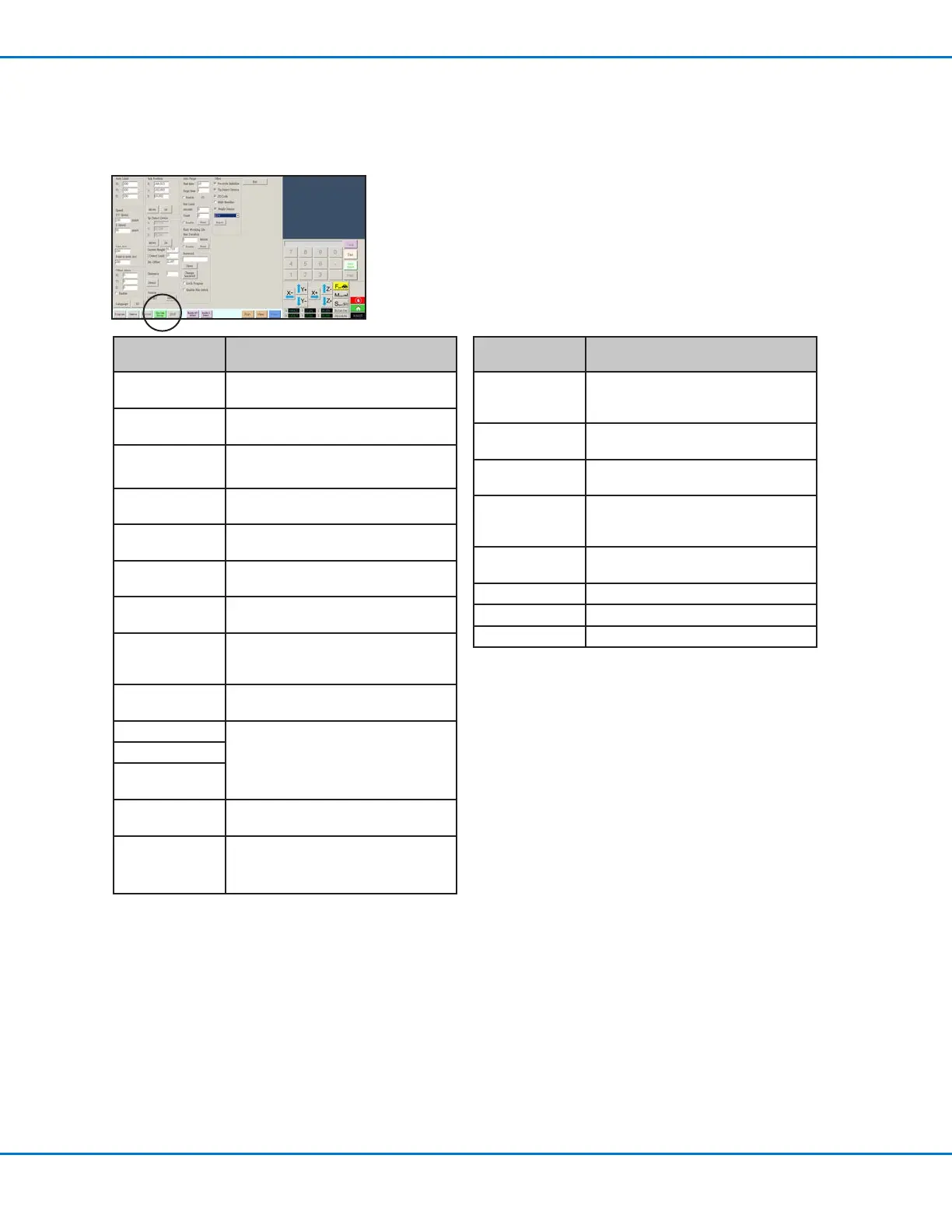
System Setup Screen
Click the System Setup tab to go to the System Setup screen. This screen includes elds for system settings and
tip detector (if present) setup. Refer to the sections of the manual referenced below for detailed information on these
elds.
System Setup
Screen Area
Function
Axis Limit Refer to “Setting System Parameters”
on page 34.
Speed Refer to “Setting System Parameters”
on page 34.
Line Acc
Point to point Acc
Refer to “Setting System Parameters”
on page 34.
Offset Alarm Refer to “Setting System Parameters”
on page 34.
Language Refer to “Setting System Parameters”
on page 34.
IO Refer to “Setting Up Inputs / Outputs”
on page 45.
Park Position Refer to “Setting System Parameters”
on page 34.
Tip Detect Device Used to set offsets. Refer to “(Only EV
Systems With a Tip Detector) Setting
Up the Tip Detector” on page 38.
Version Shows the current version of the
software
Auto Purge Refer to “How to Set Up Auto Purge,
Program Cycle Limits, or Fluid Working
Life Limits” on page 57.
Run Limit
Fluid Working
Life
Password Refer to “Setting Password Protection”
on page 36.
Lock Program
Enable File
Switch
Refer to “How to Lock or Unlock a
Program” on page 50.
System Setup
Screen Area
Function
Pre-cycle
Initialize
Causes the robot to move to the
home position (0,0,0) before starting a
dispense cycle.
Tip Detect Device Species whether a tip detector is
present.
2D Code Enables or disables QR code scanning
capability.
Multi Needles Enables or disables the multi-needles
capability (used if the system includes
more than one dispenser).
Height Sensor Species whether the optional height
sensor is installed.
Model Species the robot model.
Expert For Nordson EFD use only
Exit Closes the software



 To Next Page