www.nordsonefd.com info@nordsonefd.com 800-556-3484 Sales and service of Nordson EFD dispensing systems are available worldwide.
EV Series Automated Dispensing Systems
58
How to Use Point Offset to Adjust All Points in a Program
You can click the Point Offset icon to update all points in a program when the position of a workpiece has changed.
PREREQUISITES
The system is properly set up. Refer to “Setting Up and Calibrating the System (Required)” on page 37.
The program to be updated was correct and working properly before the workpiece position was changed.
# Click Step
1
>
• Click PROGRAM > OPEN to open the program to be updated.
2
• Click the POINT OFFSET icon.
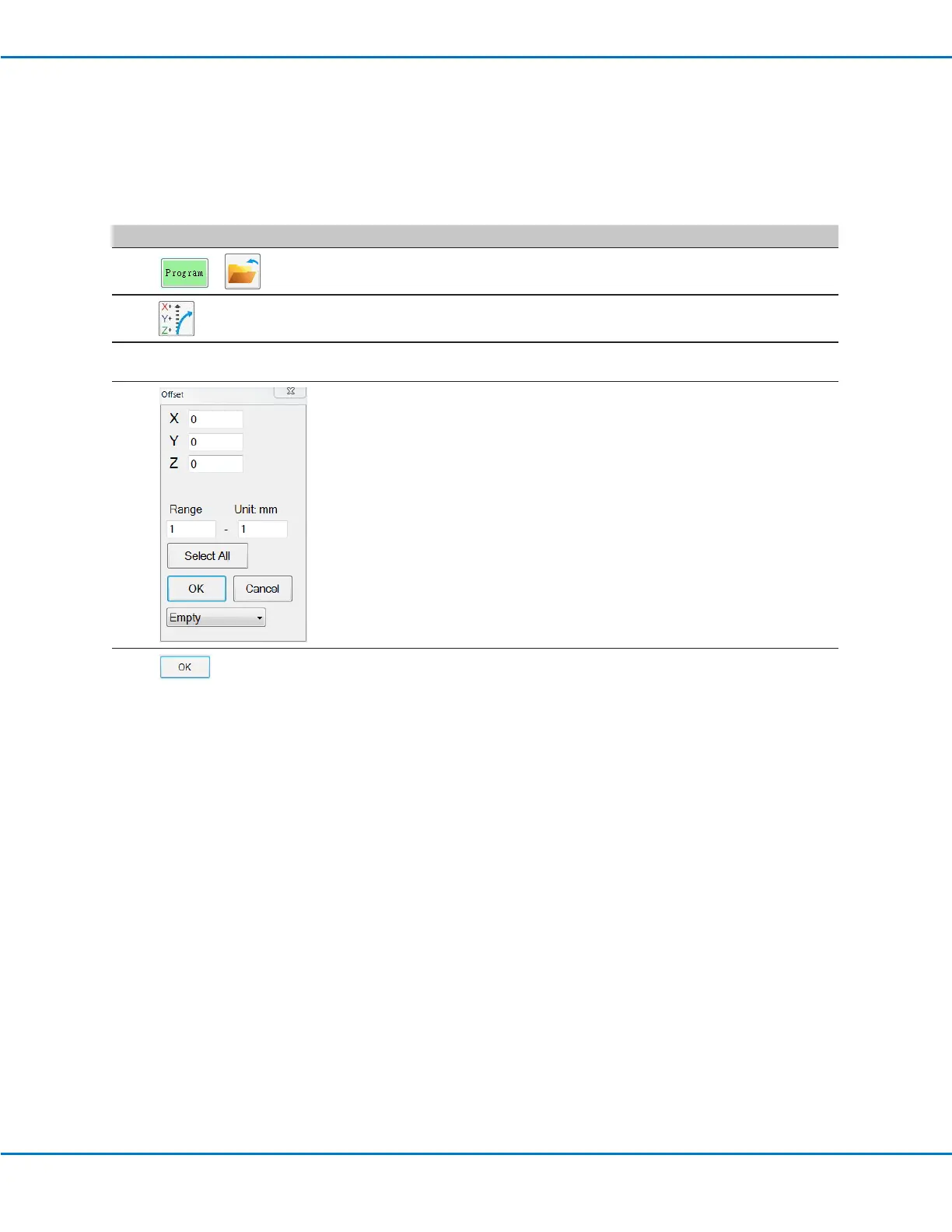
The Offset window appears.
3
• Compare the previous XYZ position of one point in the program to its new
XYZ position and determine the amount of offset for each XYZ value.
4
• Enter the offset values in the X, Y, and Z elds of the Offset window and
update the other elds in this window as follows:
- To limit the XYZ offset changes to a specic range of addresses in the
program, enter the address number range under RANGE.
- To select all the addresses in the program, click SELECT ALL.
- To select only a specic type of command, use the drop-down menu.
Otherwise, leave this selection as EMPTY.
EXAMPLE: The XYZ coordinates of a point were 1, 2, and 3. The new XYZ
coordinates of that same point are now 6, 7, and 8. The amount of offset for
each point equals 5, so you enter “5” in the X, Y, and Z elds in the Offset
window.
NOTE: “Unit: mm” indicates the unit of measure used in commands. This
item is not editable.
5
• Click OK.



 To Next Page