www.nordsonefd.com info@nordsonefd.com 800-556-3484 Sales and service of Nordson EFD dispensing systems are available worldwide.
EV Series Automated Dispensing Systems
84
Appendix B, DXF File Import
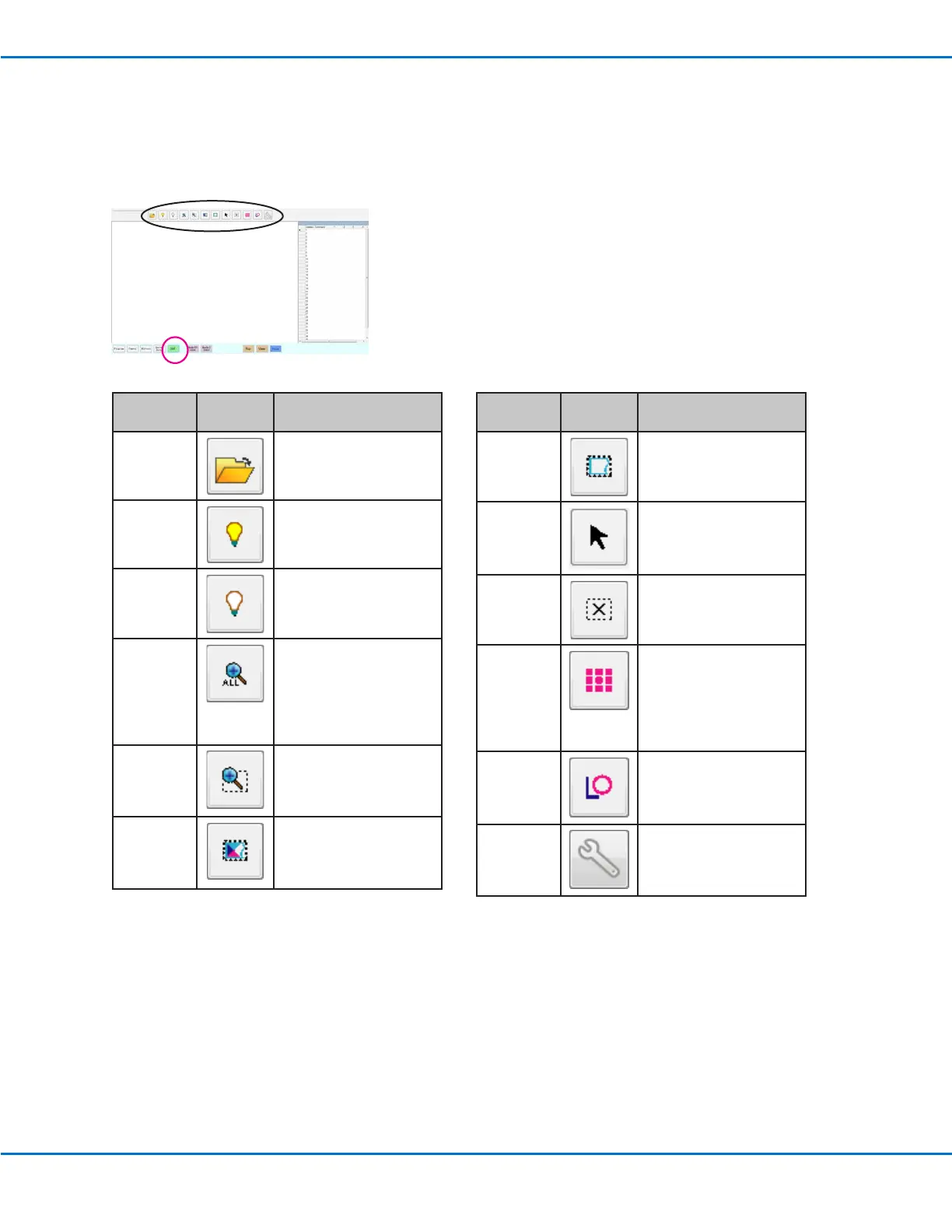
This appendix provides an overview of the DXF screen components and the procedure for importing DXF les.
Overview of the DXF Screen
Icon
Name
Icon Function
Open a File
Opens a le
Show All
Layers
Shows all layers of the
open DXF le
Hide All
Layers
Hides all layers of the
open DXF le
See All
Compresses or resizes
the display so that all
points of the open DXF
le are displayed in
the viewing area of the
screen
Zoom
Zooms to the selected
area
Select All
Selects all the points in
the DXF le
Icon
Name
Icon Function
Range of
Select
Selects only the points
within the area of the
rectangle
Select
Directly
Selects one element
Cancel
Select
Cancels any selections
Point
Dispense
Inserts Dispense Dot
commands for all the
selected points on an
imported DXF image
Line
Dispense
Inserts line dispense
commands for all the
selected shapes on an
imported DXF image
Option
Refer to “Setting DXF
Import Preferences” on
page 85.



 To Next Page