www.nordsonefd.com info@nordsonefd.com 800-556-3484 Sales and service of Nordson EFD dispensing systems are available worldwide.
EV Series Automated Dispensing Systems
36
Restoring the System to the Factory Default Settings
To restore all settings to their factory default values, open and then close the following le located on the C:\ drive:
C:\ever_sr\Initial Setup.
Setting Password Protection
Use the Password portion of the System Setup screen to set or reset a password. The purpose of a password is to
protect the system settings from unauthorized editing.
NOTES:
• The default is no password protection.
• If the password is forgotten, contact your Nordson EFD representative for assistance.
• A password is limited to 16 numbers or characters.
# Click Step
1
>
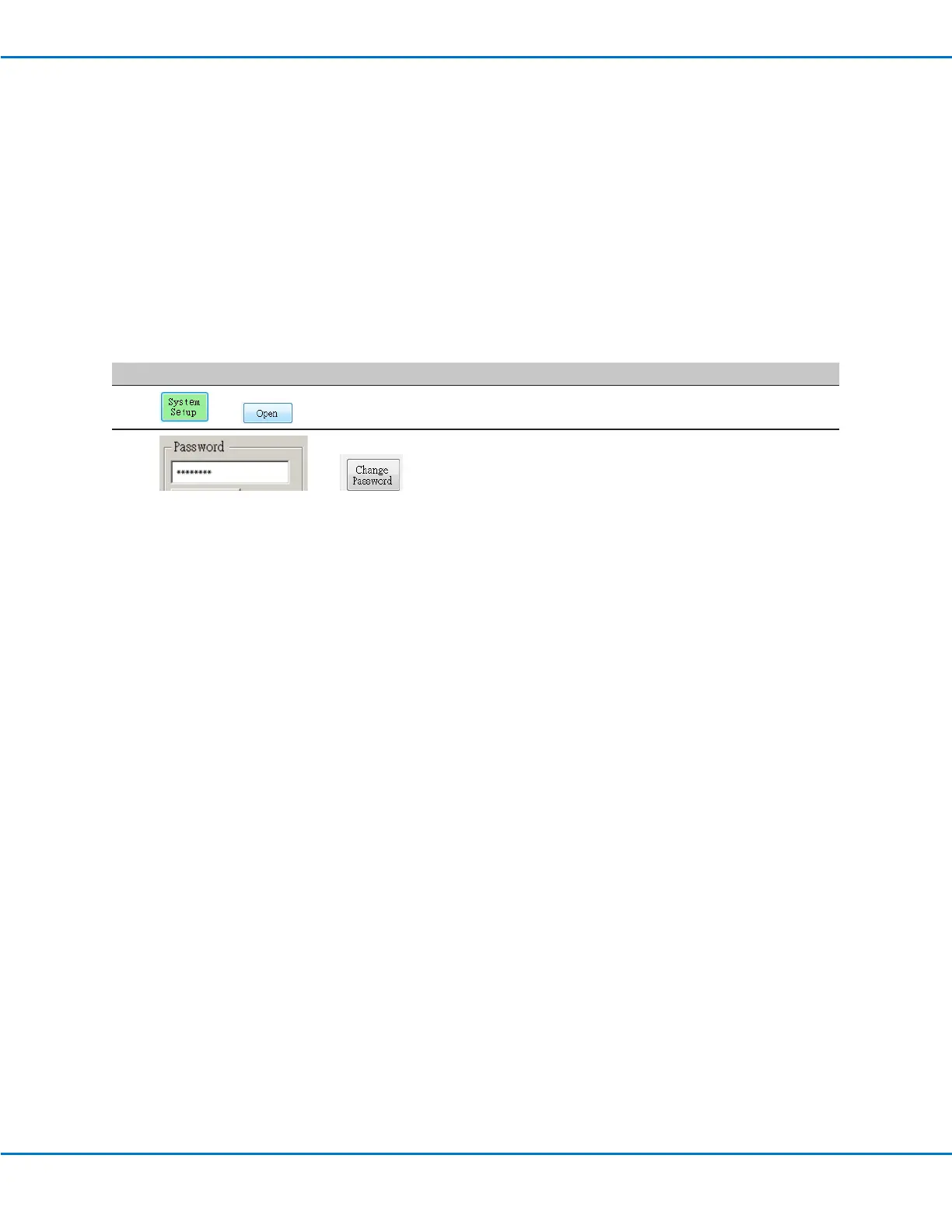
• Click SYSTEM SETUP > OPEN.
2
>
• Under Password, enter a password or make the eld blank to
remove a password, then click CHANGE PASSWORD.
The system conrms the password change, which takes effect
after the software is closed and then reopened:
- If a password was entered, the system will prompt for the
password before opening the System Setup screen.
- If the Password eld was blank, no password will be required
to open the System Setup screen.



 To Next Page