www.nordsonefd.com info@nordsonefd.com 800-556-3484 Sales and service of Nordson EFD dispensing systems are available worldwide.
EV Series Automated Dispensing Systems
49
How to Create and Run a Program
The procedure provides the basic steps for creating and running a program. Every program is different. Use these
basic steps and refer to “How to Create Patterns” on page 51 and “Appendix A, Command Function Reference”
on page 67 to create the desired application pattern for the workpiece or group of workpieces.
PREREQUISITES
The system is properly set up. Refer to “Setting Up and Calibrating the System (Required)” on page 37.
If the tip was changed, run Needle Z Detect (systems with a tip detector) or Needle XY Adjust (no tip detector).
The system is in the correct mode (Tip or CCD).
A workpiece is properly positioned on the xture plate.
# Click Step
1
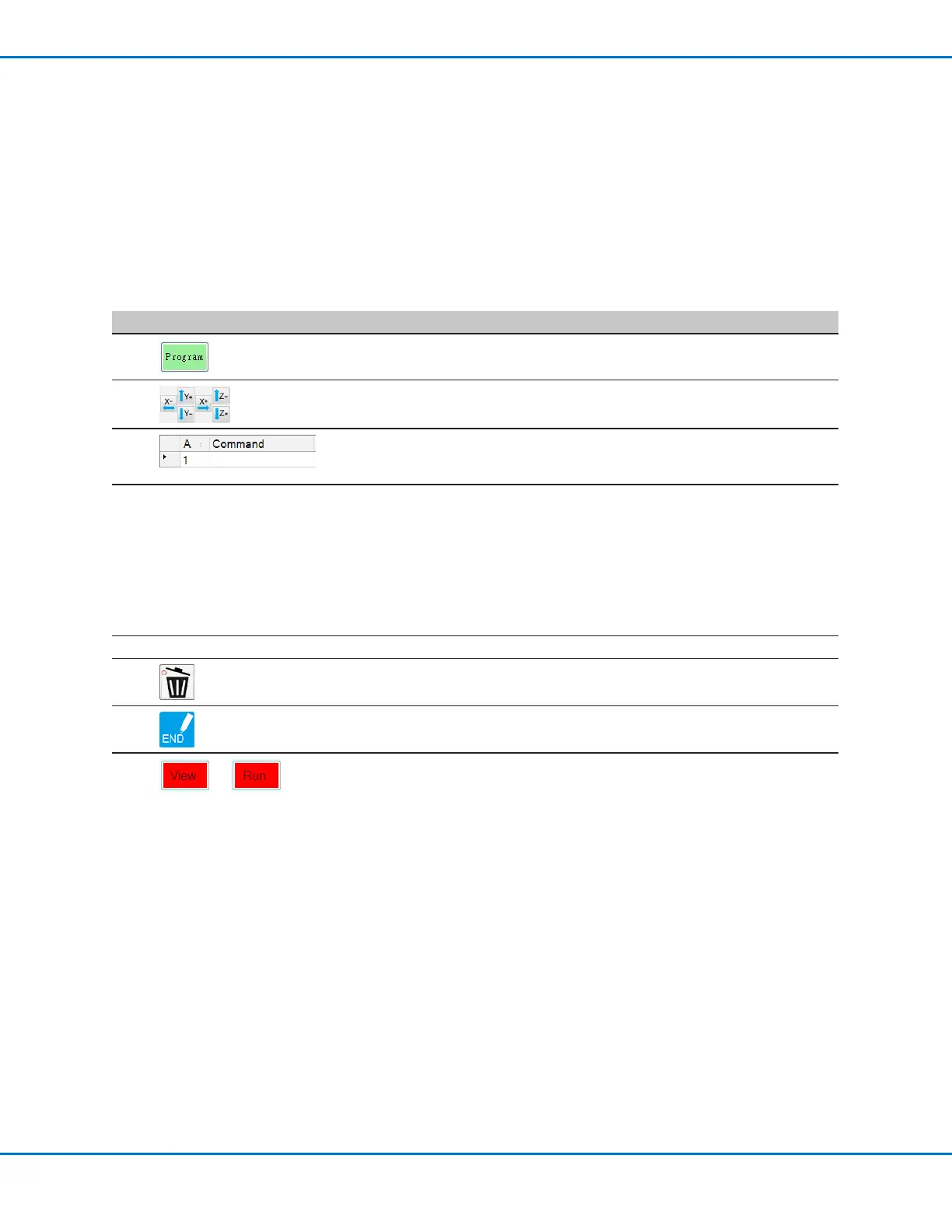
• Click the PROGRAM tab.
Address 1 is available to insert a command.
2
• Jog the dispensing tip to a desired XYZ location by clicking the navigation
icons.
3
• Insert a setup or dispense command that tells the robot what to do. Click
a command icon, or double-click anywhere in the address line to select a
command from the drop-down menu.
4
• Edit the command parameter settings. Refer to the following sections of this
manual for information to help you create programs:
- “About Programs and Commands” on page 22 (includes best practices)
- “How to Create Patterns” on page 51
- “How to Create a Mark” on page 53
- “Appendix A, Command Function Reference” on page 67 (provides
detailed information on all commands)
5
• Repeat steps 2 through 4 until the program is complete.
6
• To delete a command, click the command and then click the Delete icon.
7
• Click END PROGRAM to end the program.
8
or
• Click VIEW or RUN to test the program and make adjustments until the
program runs correctly.
NOTE: VIEW runs a program without dispensing uid. RUN runs the actual
program, including dispensing.



 To Next Page