www.nordsonefd.com info@nordsonefd.com 800-556-3484 Sales and service of Nordson EFD dispensing systems are available worldwide.
EV Series Automated Dispensing Systems
50
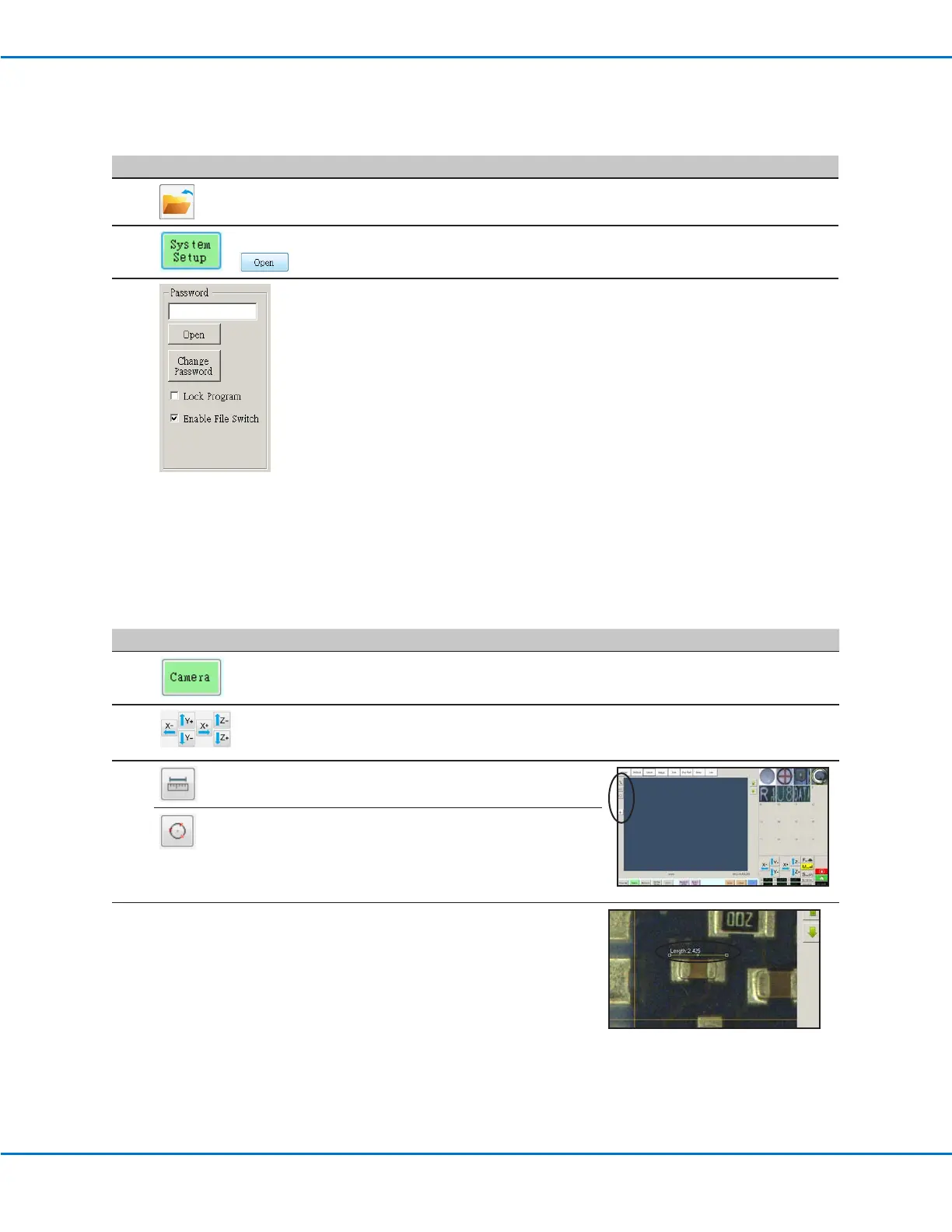
How to Measure a Path or Circle on a Workpiece
The system can measure the distance between two points or the diameter of a circle on a workpiece.
# Click Step Reference Image
1
• Click CAMERA to go to the camera screen.
2
• Jog the camera until the area on the workpiece
to be measured is in the camera view and then
focus the camera if needed.
3
• To measure a line, click the MEASURE
LENGTH icon.
• To measure the diameter of a circle, click the
MEASURE CIRCLE DIAMETER icon.
4
• To remove the measuring tool, right click the
center of Measure Length or Measure Circle
and then click DELETE.
How to Lock or Unlock a Program
Use the Lock Program checkbox on the System Setup screen to protect a program from unauthorized editing. When
Lock Program is checked, operators can only RUN, VIEW, or PAUSE the currently open program.
# Click Step
1
• Open the program you want to lock. It should be visible when the Program
tab is selected.
2
>
• Click SYSTEM SETUP > OPEN. If requested, enter the password.
3
• Under Password, check LOCK PROGRAM to lock or unlock a program:
- If LOCK PROGRAM is checked, the currently open program will be locked
from editing and cannot be changed.
- If LOCK PROGRAM is NOT checked, the currently open program will be
unlocked and can be changed.
- If ENABLE FILE SWITCH is checked, the operator can switch programs
when LOCK PROGRAM is checked.



 To Next Page