www.nordsonefd.com info@nordsonefd.com 800-556-3484 Sales and service of Nordson EFD dispensing systems are available worldwide.
EV Series Automated Dispensing Systems
47
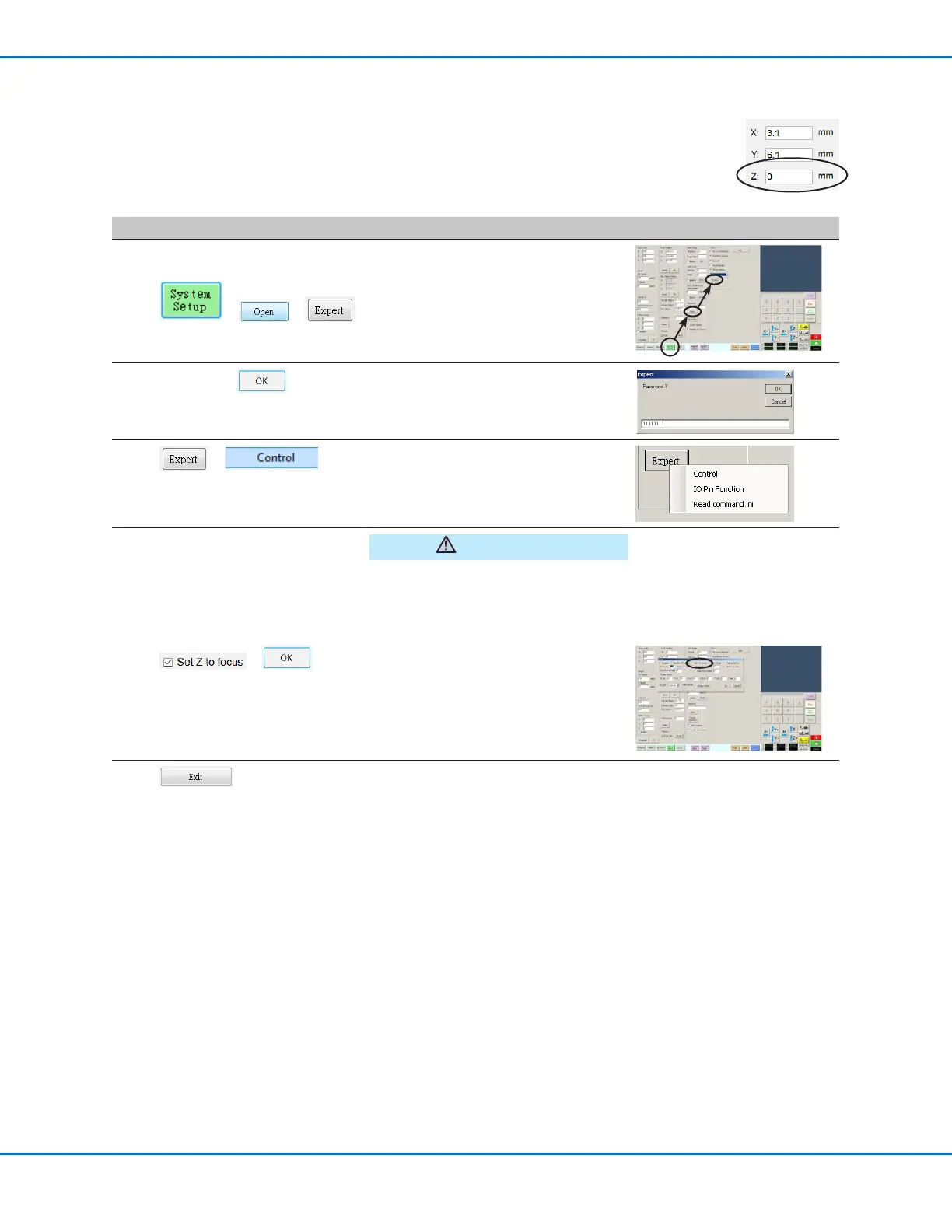
Setting How the System Captures Z Height Values (Optional)
By default, the system does not capture the Z-height value as you move the camera over the work
surface. This is a safeguard to prevent the dispensing tip from being damaged when a workpiece
surface is uneven.
Use the Set Z to Focus checkbox in the Expert window to set the system to automatically capture
Z-height values.
# Click Step
1
> >
• Click SYSTEM SETUP > OPEN >
EXPERT.
2
11111111 >
• Enter 11111111, then click OK.
3
>
• Click EXPERT, then click CONTROL.
CAUTION
When SET Z TO FOCUS is NOT
checked, the tip can collide with
obstacles on uneven workpieces,
causing damage.
4
> (2x)
• In the Expert window, check SET Z
TO FOCUS.
When SET Z TO FOCUS is checked,
the system captures Z-height values.
• Click OK to save the setting, then
click OK again to conrm.
5
• Click EXIT to close, then reopen the
DispenseMotion software for the
change to take effect.



 To Next Page