www.nordsonefd.com info@nordsonefd.com 800-556-3484 Sales and service of Nordson EFD dispensing systems are available worldwide.
EV Series Automated Dispensing Systems
101
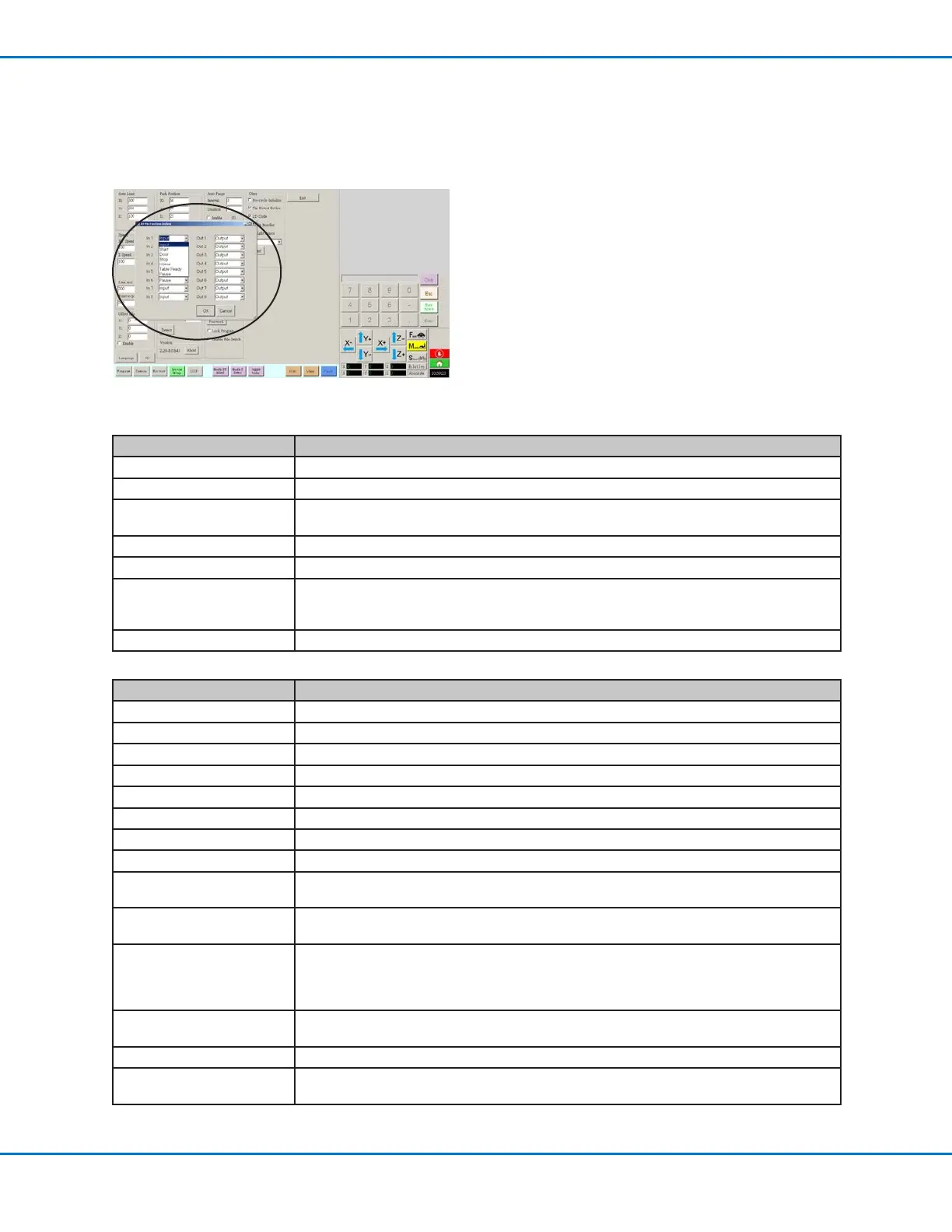
Appendix F, I/O Pin Function Setup
The I/O Pin Function capability, accessed through the Expert menu on the System Setup screen, provides a set
of user-congurable conditions that can be assigned to the available inputs and outputs on the I/O Port. These
conditions affect the operation of the robot.
IO Pin Function Configurations
Input Configuration Description
Input Default setting.
Start A signal to start the execution of the dispense program.
Door A signal to stop the execution of the dispense program. This conguration is to be used in
tandem with the DOOR OPEN output conguration.
Stop A signal to stop the execution of the dispense program.
Home A signal to home/reinitialize the robot after a stop of the dispense program.
Table Ready A signal to indicate that the system is ready to execute the dispense program. The dispense
program will not execute if the input signal is off. This conguration is to be used in tandme with
the TABLE READY output conguration.
Pause A signal to pause the execution of the dispense program.
Output Configuration Description
Output Default setting.
Emergency A signal indicating that the robot has stopped.
EMG-B A signal indicating that the Emergency Stop button on the robot is pressed.
Running A signal indicating that the dispense program is currently executing.
Homing A signal indicating that the robot is reinitializing/moving to home position.
Standby A signal indicating that the robot is in a standby (idle) position.
Pause A signal indicating that the dispense program is paused.
System Start A signal indicating that the DispenseMotion software is open and running.
Table Ready A signal indicating that the system is ready to execute the dispense program. This conguration
is to be used in tandem with the TABLE READY input conguration.
Door Open A signal indicating that the door is open. This conguration is to be used in tandem with the
DOOR input setting.
No Start Trigger A signal indicating that the program cannot run until the TABLE READY input signal is ON.
When the TABLE READY input is ON, the NO START TRIGGER indication switches OFF.
This conguration must be used with the TABLE READY input and the TABLE READY ouput
congurations.
Teach Mode A signal indicating that the robot is in the Teach mode. This signal can be used when the
external start / stop box is present.
Calibration Execution A signal indicating that the robot is performing a Needle Z Detect or a Needle XY Adjust.
Positional Error A signal indicating an over-limit warning after a general over-limit warning from program
execution occurs.



 To Next Page