www.nordsonefd.com info@nordsonefd.com 800-556-3484 Sales and service of Nordson EFD dispensing systems are available worldwide.
EV Series Automated Dispensing Systems
77
Height Sensor
Click Function
Double-click
address and
select from
drop-down
menu
Measures the height of an object on a workpiece where a dispense dot is to be placed; the measured data is
then used to adjust dispensing accordingly for any height changes between workpieces.
NOTE: For this functionality, the optional height sensor must be installed and set up. Refer to”Appendix E, Height
Sensor Setup and Use” on page 97 for all information related to the height sensor.
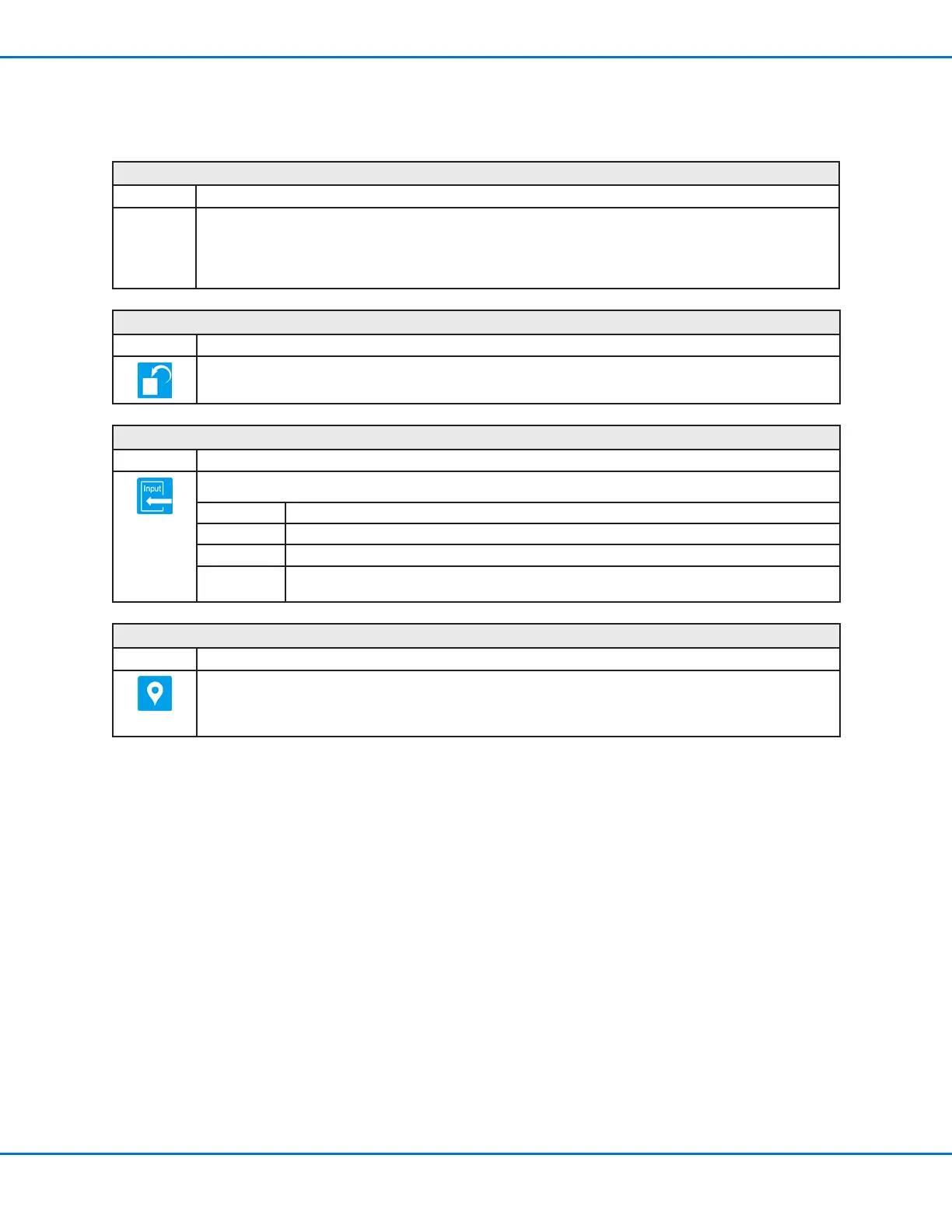
Initialize
Click Function
Causes the robot to perform an initialization. The dispensing tip moves to the home position (0,0,0) and the robot
relocates the home position using the home position sensors.
Input
Click Function
Causes the program to check for an input signal at the specied port and to turn the input ON or OFF.
Parameter Description
Port(1~8) Sets the input port number.
0 Off, 1 On Turns the input OFF or ON.
Address or
Label
Causes the program to check the input at the specied address or label. Click Change to toggle
between Address and Label.
Label
Click Function
Registers a numeric label that can be used as a reference in the Goto Address, Goto Label, Loop Address, Step
& RepeatX, Step & Repeat Y, and Call Subroutine commands. Using a Label is a good alternative to using an
address number because a Label does not change when commands are inserted or removed. A maximum of 64
labels is allowed per program; each label can have up to 8 characters.
Appendix A, Command Function Reference
(continued)



 To Next Page