Using Objet Studio
5–2
DOC-00500 Rev. F
Opening Objet Studio
AfteryouinstallObjetStudio,alaunchiconappearsonthe
Windowsdesktop.Opentheapplicationbydouble‐clickingthisicon,orby
selectingObjetStudiofromthe
Start>Programsmenu.
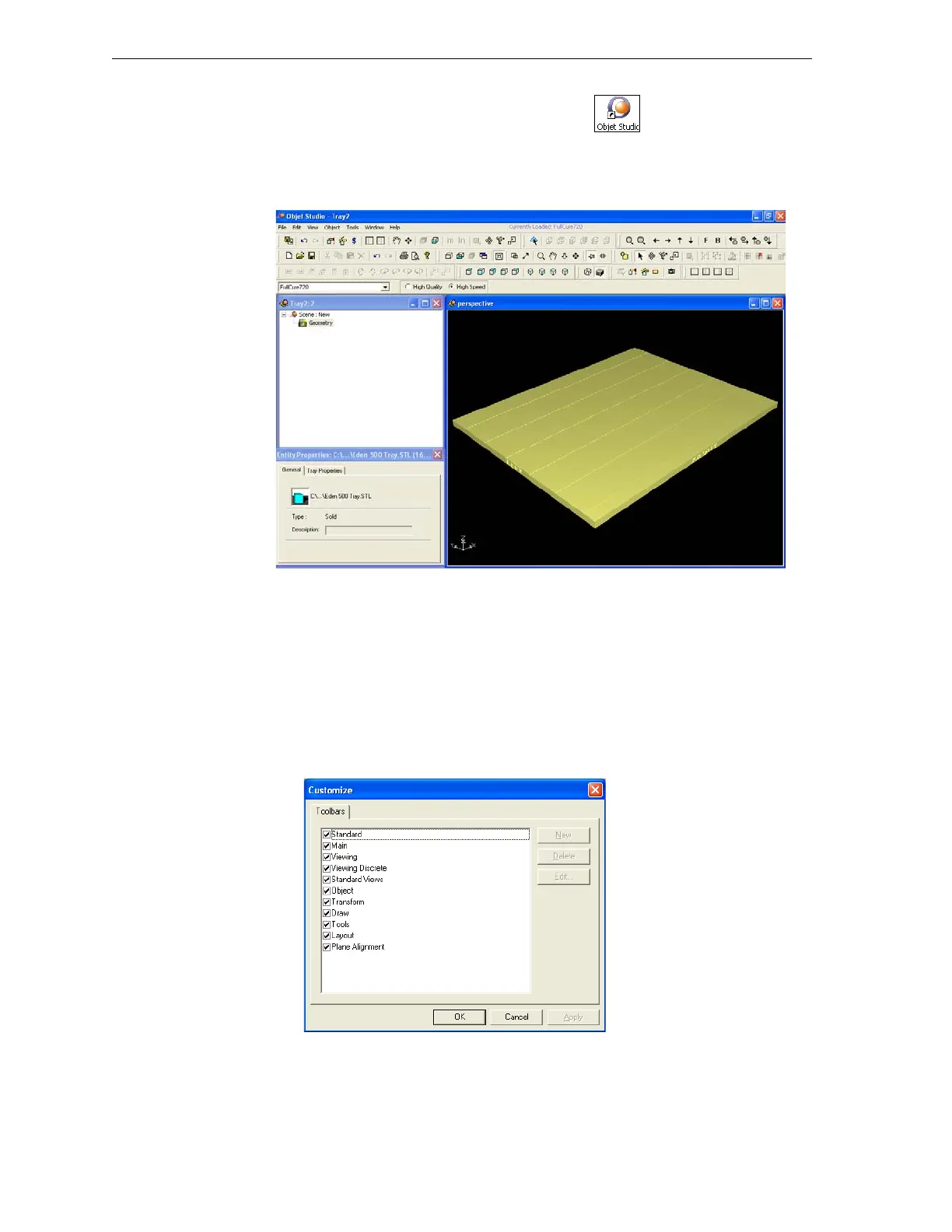
ObjetStudioopens,displayinganemptybuildtray.
Figure 5-1: Objet Studio opening screen
Toolbars
Theiconsshowninthischapterareavailableonlywhenrelevanttoolbars
aredisplayed.Youcancontrolthetoolbarsdisplayedatanytime,andyou
canre‐arrangethemonthescreen.
To customize the toolbars displayed in Objet Studio:
1. FromtheViewmenu,selectToolbars.
2. IntheCustomizedialogbox,selectthetoolbarsyouwishtodisplay,and
click
OK.
Figure 5-2: Toolbar selection dialog box
3. ClickanddragthetoolbarstopositionthemasyouwishontheObjet
Studioscreen.



 To Next Page