Using Objet Studio
5–6
DOC-00500 Rev. F
Arranging the Objet Studio Screen
Thedefaultscreenlayoutdisplaystheperspectiveviewofthebuildtrayand
thetrayhierarchypane,whichliststheelementsplacedonthetray(see
figure 5‐5onpage 4).Youcanviewmodelsfromdifferentanglesby
changingthescreenlayout.
To change the Objet Studio screen layout:
¾
FromtheViewmenu,selectLayout,thenthedesirednumberofbuild‐
trayviews.
2 Viewsisthedefaultscreenlayout,alreadydisplayed(seefigure 5‐5
onpage 4).
Bydefault,theEntityPropertiesdialogboxisalsodisplayed.
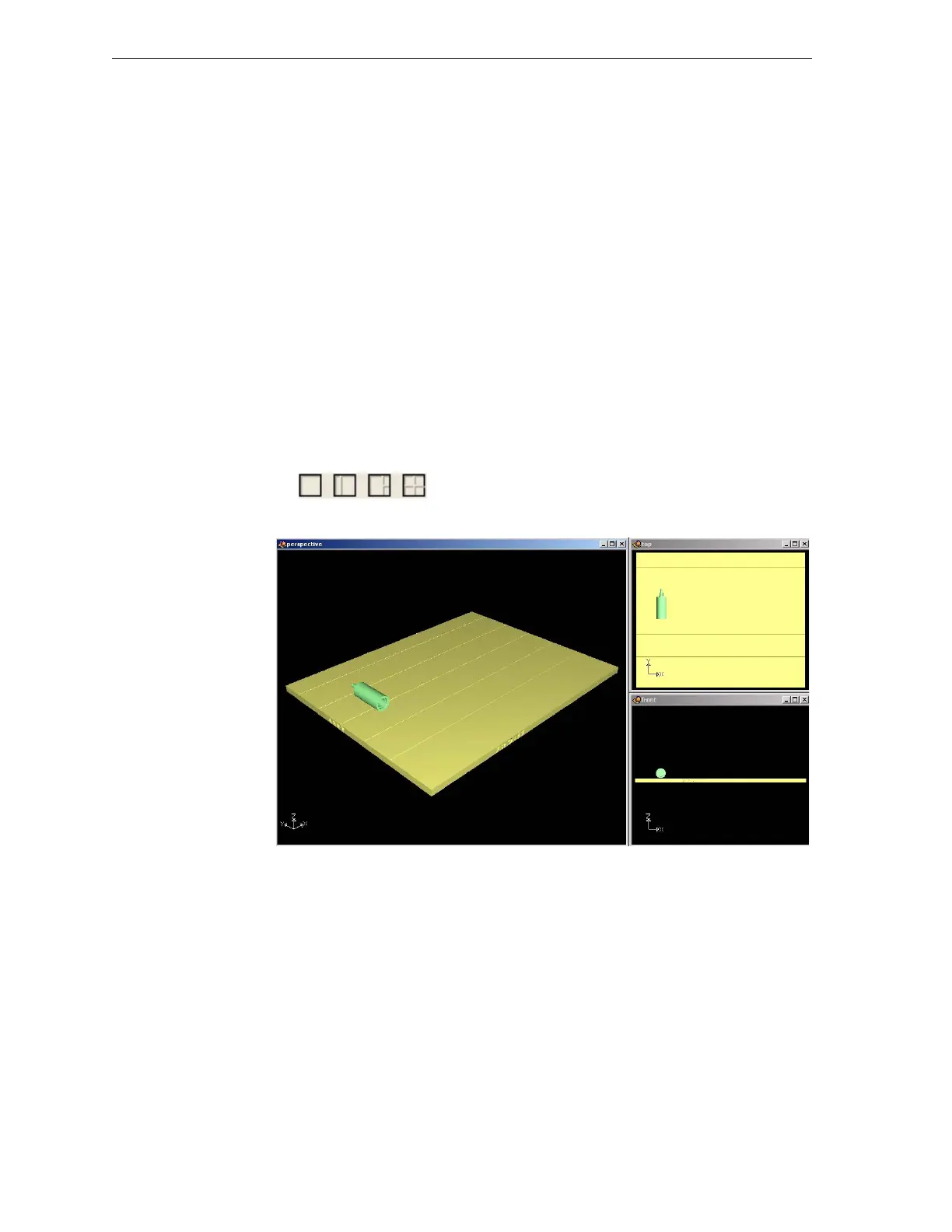
3 Viewsaddstop andfrontviewstothedefaultscreenlayout(see
figure 5‐8,below).
4 Viewsdisplaystop,frontandrightviews(seefigure 5‐9).
1 Viewexpandstheperspectiveviewtofillthescreen(seefigure 5‐10).
¾ Youcanalsochangethescreenlayoutwithtoolbaricons.
Figure 5-7: Screen layout icons
Figure 5-8: 3-view screen layout



 To Next Page