Using Job Manager
6–2
DOC-00500 Rev. F
TheJobManagerapplicationisdifferentforclientworkstationsandforthe
computerconnecteddirectlytotheEden3‐Dprinter.
• JobManagerinstalledonclientcomputersdisplaysthequeueand
statusonlyforjobssenttothe3‐Dprinterserverfromthatcomputer,
andallowstheusertoeditonlythesejobs.
• JobManagerinstalledonthecomputerdirectlyconnectedtoaspecific
3‐Dprinterdisplaysthequeueandstatusforalljobssenttothat3‐D
printerbyclientcomputersonthenetwork.Italsoallowseditingand
manipulationofalljobs,andenablesre‐sendingpreviously‐printed
jobsto
theprinter.
Client Job Manager
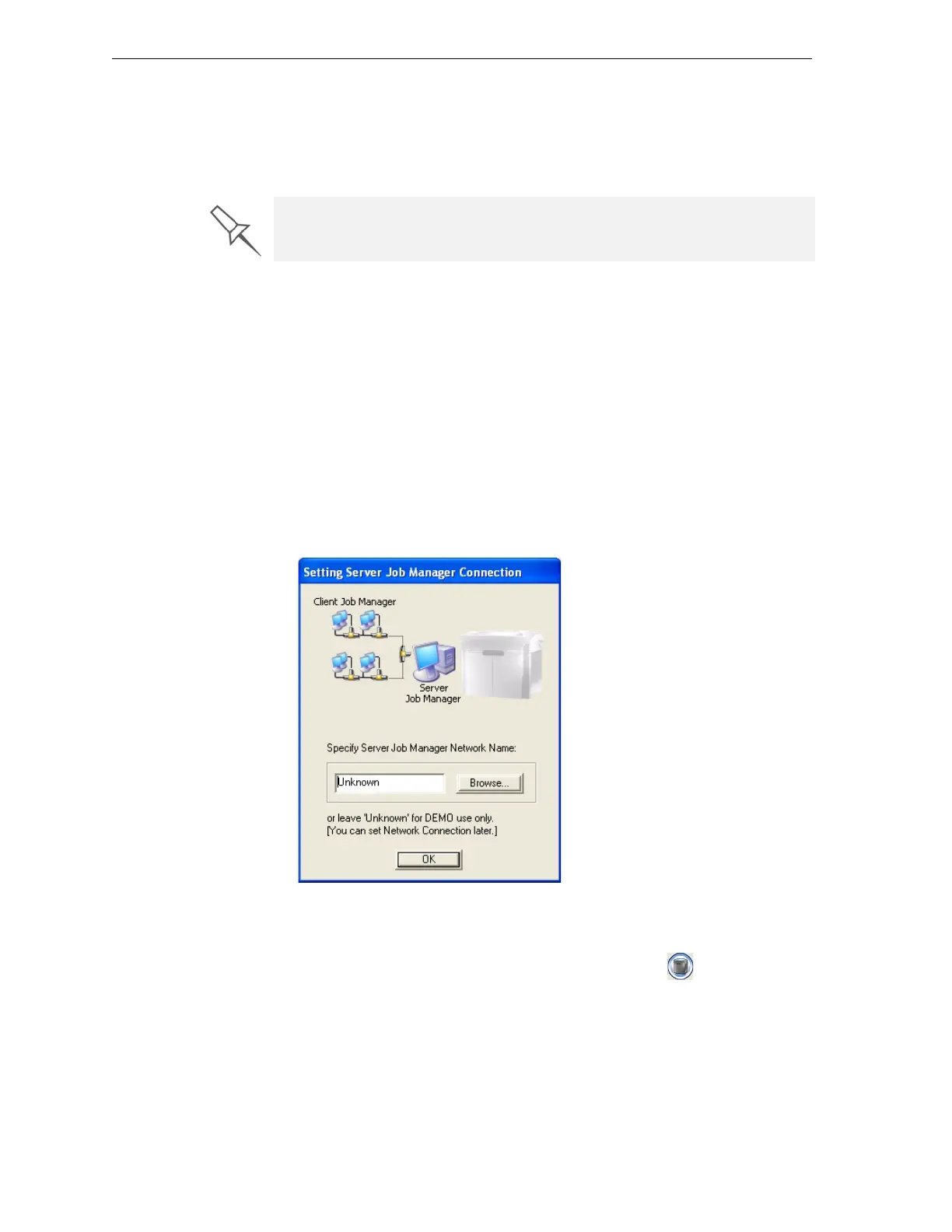
WhenyouopentheclientObjetStudio/JobManagersoftwareforthefirst
time,adialogboxopenspromptingyoutoconnecttoanObjetserver
computer.Todothis,theservercomputermustbeoperatingandconnected
tothelocalnetwork.
¾ ClickBrowsetofindandselectthenameoftherequiredserver
computerandthenclick
OKtoclosethedialogbox.
Figure 6-1: Server connection dialog box
To change the server-computer connection (to connect to another
printer):
¾
FromtheJobManagerscreen,clicktheConnecticononthetoolbar,
oropenthe3‐DPrintermenuandselect
Set Printer.
If there are several printers on the local network, client computers can
connect to any of them, but only one at a time.



 To Next Page