DOC-00500 Rev. F 5–17
Eden500V/350V/350 User Guide
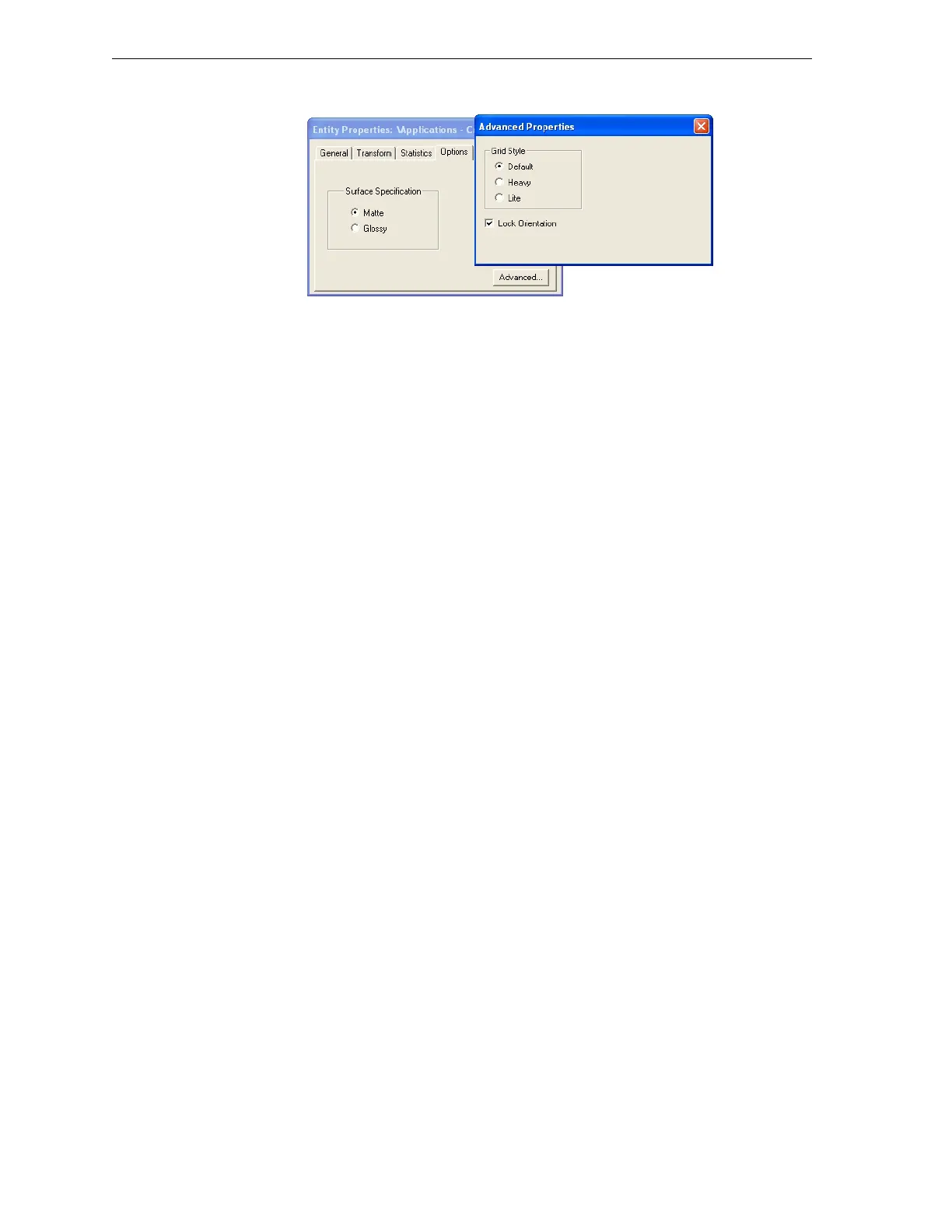
TheAdvancedPropertiesdialogboxopens.
Figure 5-21:Advanced Properties dialog box
3. SelecttheLockOrientationcheckbox.
4. ClosetheAdvancedPropertiesdialogbox.
Surface Finish
Modelscanbeproducedwithamatteorglossyfinish.Tocreateamatte
finish,theprintersurroundsmodelswithathinlayerofsupportmaterial.
Modelsproducedwithaglossyfinishareprintedwitharesolutionof300
dpi(dotsperinch)alongtheY‐axis,insteadofthestandard
600dpi
resolution.
Note: You can print a tray that contains models having both glossy and
matte finishes. However, they will all be printed with a Y-axis
resolution of 300 dpi.
To choose the finish type for a model:
1. Selectthemodel.
2. IntheOptionstaboftheEntityPropertiesdialogbox,select
Matteor
Glossy.
or—
1. Right‐clickthemodelonthebuildtray.
Atthebottomofthecontextmenu,thecurrentfinishtypeisnotenabled
(thatis,youcannotselectit).
2. Tochangethefinishtype,selecttheother(enabled)option.
Youcandistinguishbetweenthefinishofobjectsonthebuildtraybytheir
color.Whentheyarenotselected,objectsaredisplayed,bydefault,ina
differentshadeofgreenforeachfinish.Tochangethese‐colorsettings,see
“ObjectColorCodes”onpage5‐49.
Display Options
FromtheViewmenu,youcanchangethewayobjectsaredisplayedonthe
screen.Thedefaultmethodfordisplayingmodelsonthebuildtrayisas
solid(“shaded”)objects.



 To Next Page