DOC-00500 Rev. F 7–37
Eden500V/350V/350 User Guide
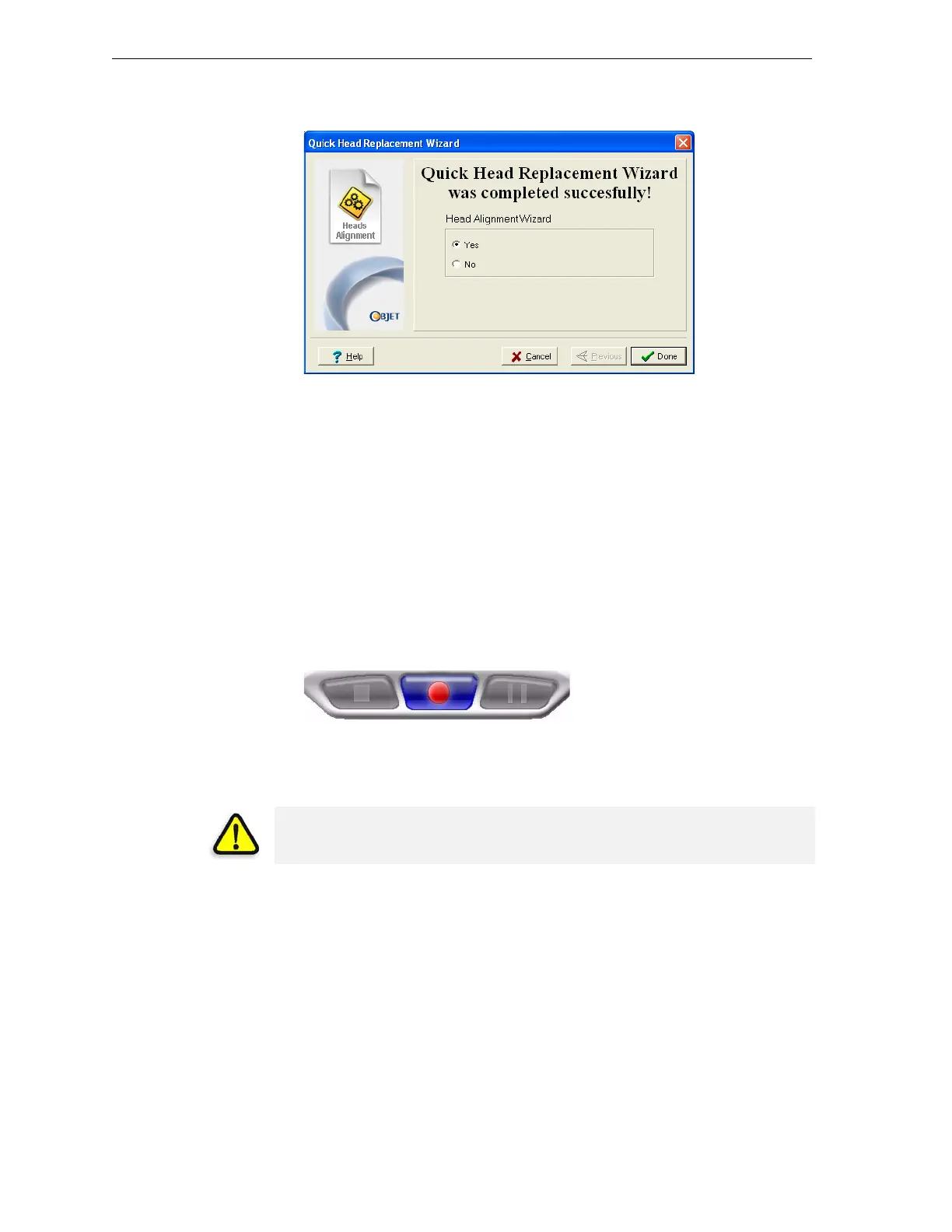
AftertheEdenprintercalibratesitselfforthismode,thefinalwizard
screenappears.
Figure 7-57: Final Head Replacement screen
29. Afterreplacingprintheads,youshouldchecktheheadalignment
beforeusingtheEdenprintertoproducemodels.
• SelectYesandclickDonetoopentheHeadAlignmentwizard(see
“AligningthePrintHeads”onpage 23).
• SelectNoandclickDonetoaligntheheadsatanothertime.
Replacing the
UV Lamps
TheUVlampsusedforcuringmodelshavealong,butlimited,working
life.TheObjetserviceengineerteststheireffectivenessduringregular
maintenancechecks,andreplacesthem,ifnecessary.If,foranyreason,you
needtoreplaceaUVlamp,followtheseinstructions.
1. MakesuretheEdenprinterisin
offlinemode.
Figure 7-58: Offline mode indicator (red)
Theonline/offlinebuttonatthebottomoftheprinterinterfaceshouldbe
red.Ifnot,clickittoswitchtheprintertoofflinemode.
2. OpenthecoveroftheEdenprinter.
3. StarttheUVLampReplacementwizard.
• FromtheOptionsmenuoftheprinterinterface(seefigure 7‐25on
page 21),select
Wizards > UV Lamp Replacement.
WARNING: Before continuing, make sure that the safety interlock in the
printer cover is not defeated, and that the lamp is not hot.



 To Next Page