DOC-00500 Rev. F 7–21
Eden500V/350V/350 User Guide
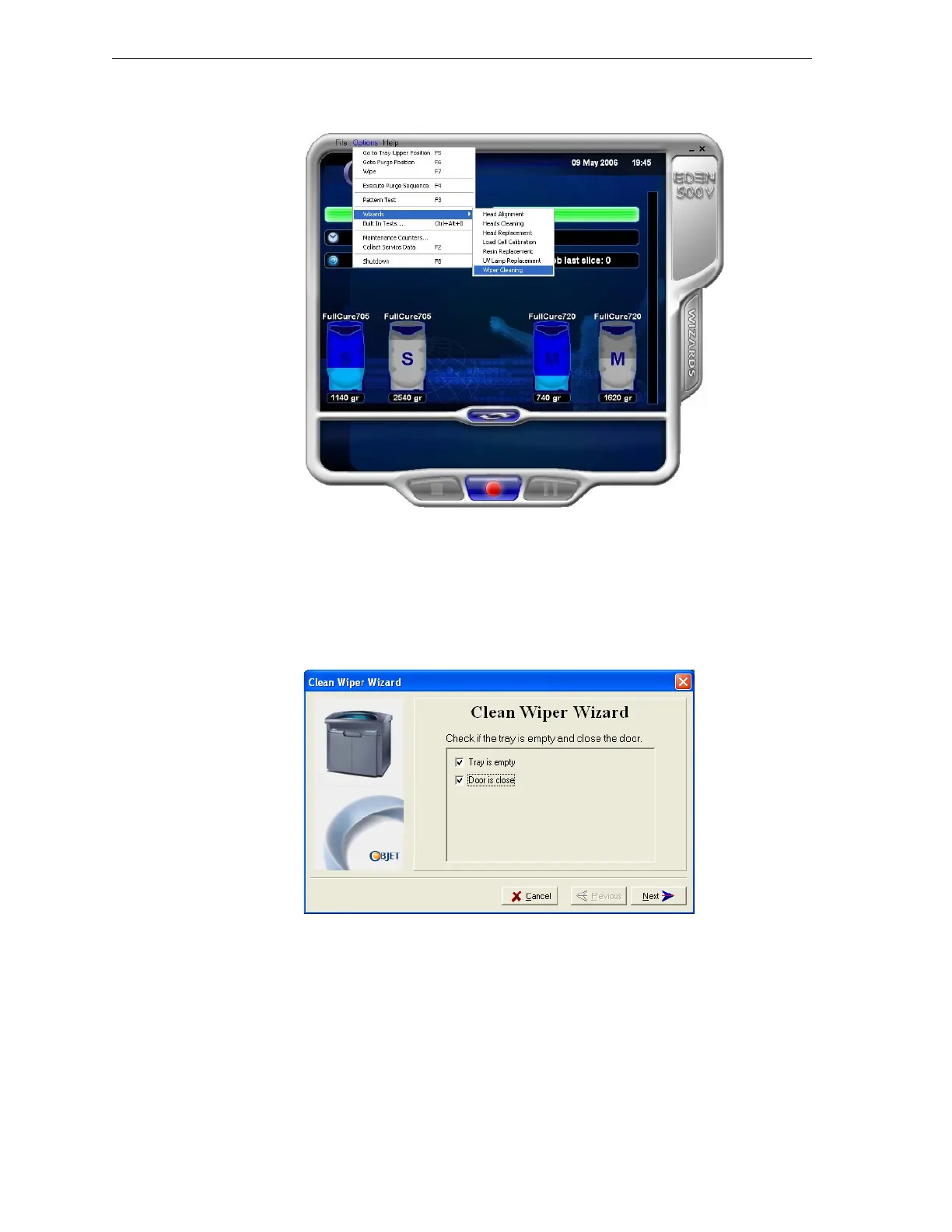
2. StarttheWiperCleaningwizard,eitherfromtheWizardstab(onthe
rightsideoftheprinterinterface)orfromtheOptionsmenu.
Figure 7-25: Starting the Wiper Cleaning wizard
3. ClosetheEdenprintercover,andclickNextinthewizardscreen.
4. Followtheinstructionsonthewizardscreens,andselectthecheck
boxestoconfirmthat:
• youhavecheckedthatthetrayisempty.
• youhaveclosedthecover.
Figure 7-26: Wiper Cleaning procedure—step 4
5. ClickNext.



 To Next Page