Operating & Maintaining the Eden 3-D Printer
7–2
DOC-00500 Rev. F
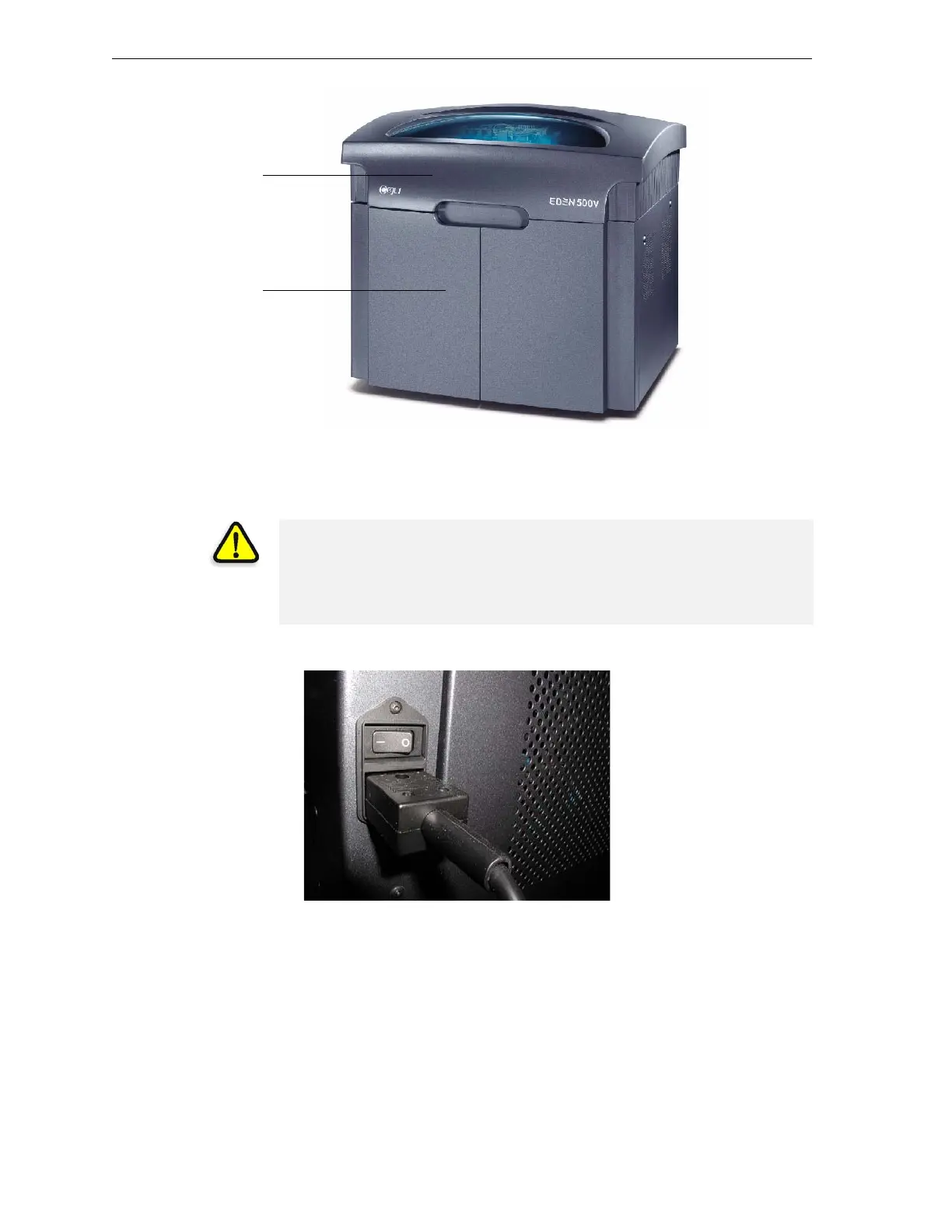
Figure 7-1: The Eden500 3-D Printer
Starting the Eden500V/350V/350 3-D Printer
1. Turnonthemainpowerswitch,locatedatthebackoftheEdenprinter.
Figure 7-2: Main power cable and switch
Themainpowerswitchturnsonthe Edenprinter,whichincludesthe
built‐inEdencomputer.
2. Afterthecomputerboots,loginto WindowsandlaunchtheEden
controlsoftware:
• Onthecomputerdesktop,double‐clicktheEdenprintericon.
Printer cover
Printing-materials &
storage compartment
CAUTION!
• Do not attempt to operate the Eden printer before being trained by an
Objet customer-support representative.
• Observe all safety warnings and follow the safety guidelines described
in chapter 2.



 To Next Page