Operating & Maintaining the Eden 3-D Printer
7–14
DOC-00500 Rev. F
Shutting Down the Eden 3-D Printer
YouonlyneedtoshutdowntheEden3‐Dprinterifitwillnotbeusedfora
weekormore.Toproperlyshutdown,theprinterneedsto performseveral
processes.ThesearecontrolledbytheShutdownwizard.Alwaysusethis
wizard,insteadofjustclosingtheEdenprinterin
terface.
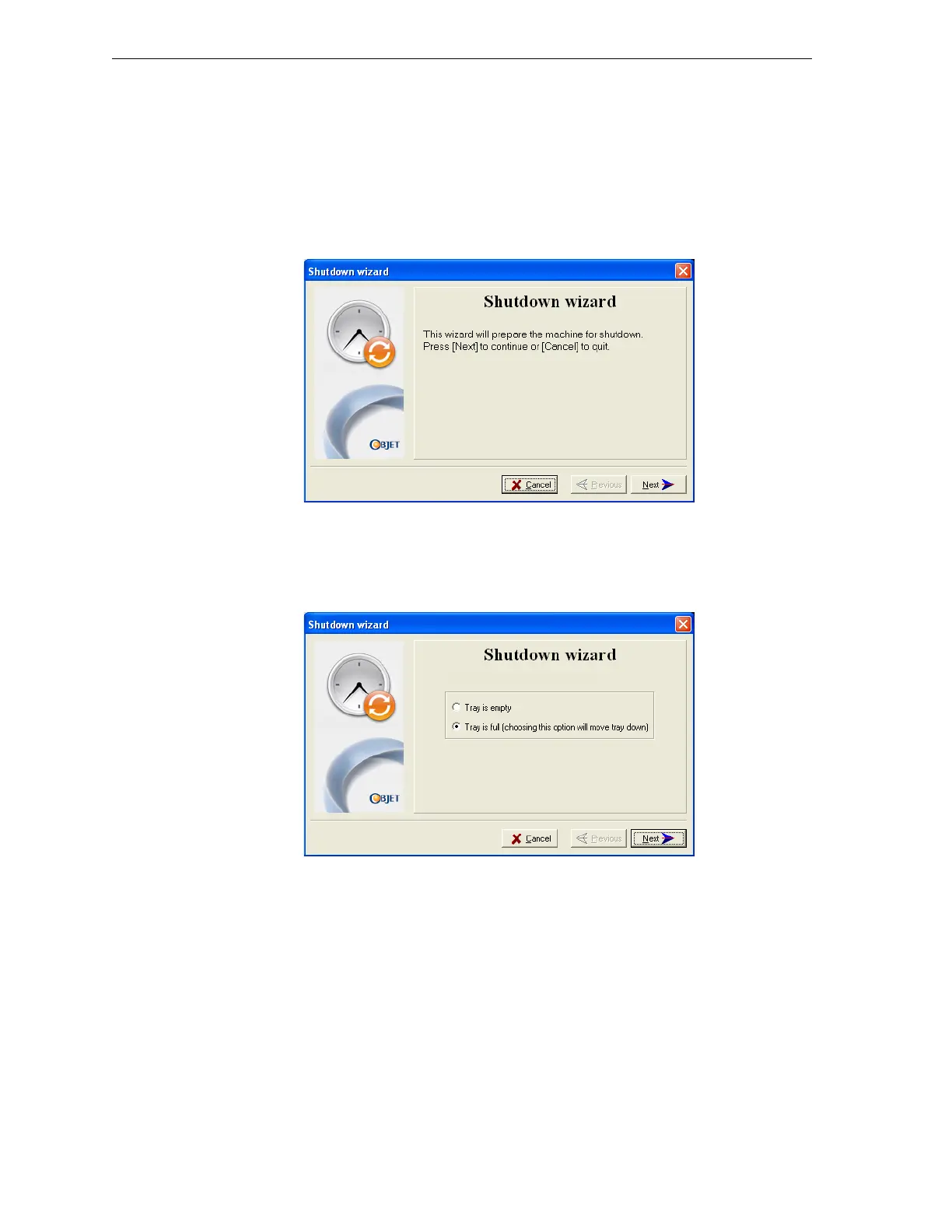
To run the Eden Shutdown wizard:
1. SelectShutdownfromtheOptionsmenu,orpressF8.
Figure 7-16: Shutdown wizard, opening dialog box
2. Intheopeningdialogbox,clickNext.
3. Inthenextwizardscreen,indicatewhetherornotthetrayisempty
andclickNext.
Figure 7-17: Tray status screen



 To Next Page