DOC-00500 Rev. F 7–19
Eden500V/350V/350 User Guide
Pattern Test
Thepatterntestisthebasicverificationoftheprinter’sabilitytoproduce
qualitymodels,sinceitdemonstratestheconditionofthenozzlesinthe
printheads.Makesure,therefore,thatyouperformthistest weekly,and
wheneveryoususpectaprintingproblem.
To perform the pattern test:
1. Makesurethatthebuildtrayisempty.
2. Prepareasheetofpinkpaper—A‐4orLettersize.
3. IntheEdenprinter,tapethepinkpapertothesurfaceleftofthebuild
tray.
4. IntheEdencomputerinterface,opentheOptionsmenuandselect
Pattern Test,orpressF3.
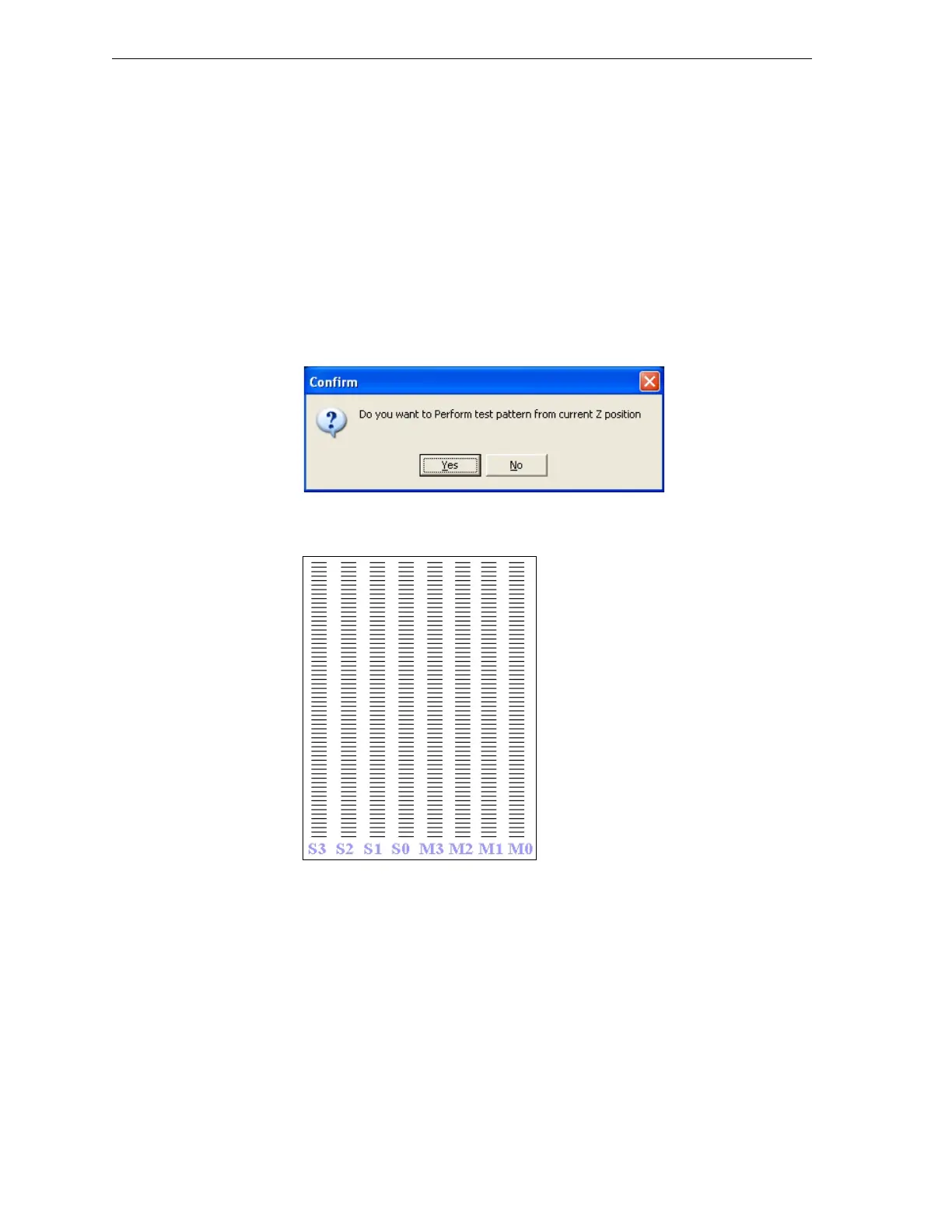
5. IntheConfirmdialogbox,click
Yes.
Figure 7-23: Pattern test confirmation
TheEdenprinterprintsaseriesoflinesonthetestpaper.
Figure 7-24: Sample Pattern Test
6. Carefullyinspectthetestpapertoseeiftherearemissinglines.
Toomanymissinglines,especiallyiftheyareinthesamearea,isan
indicationthatthequalityofprintingwhenproducingmodelswillbe
poor.Ifthisisthecase,see“ImprovingPrintQuality,”below.
Note: Acceptable model quality is subjective, and depends on the type
and scale (size) of the models produced. As a rule, however, more than 15
missing lines in one area of a column is considered unacceptable.



 To Next Page