DOC-00500 Rev. F 5–29
Eden500V/350V/350 User Guide
To display stl files without the build tray:
1. FromtheFilemenu,selectOpen Tray.
2. IntheOpendialogbox,opentheFilesoftypepull‐downmenu,and
selectSTL Files (*.stl).
3. Click
Open.
Athree‐dimensionalimageofthefileisdisplayed.Youcanusemanyof
theObjetStudiotoolstomanipulatetheimageonthescreen.
Configuring
the GL Driver
TheGLdriverdisplays3‐Dgraphicsonyourscreen.Thereisnormallyno
reasontoadjustitssettings.IfyoususpectaproblemwiththewayObjet
Studiodisplaysobjects,youcanusetheOpenGLDriverConfigurationtool
tocheckandconfigurethedriversettings.
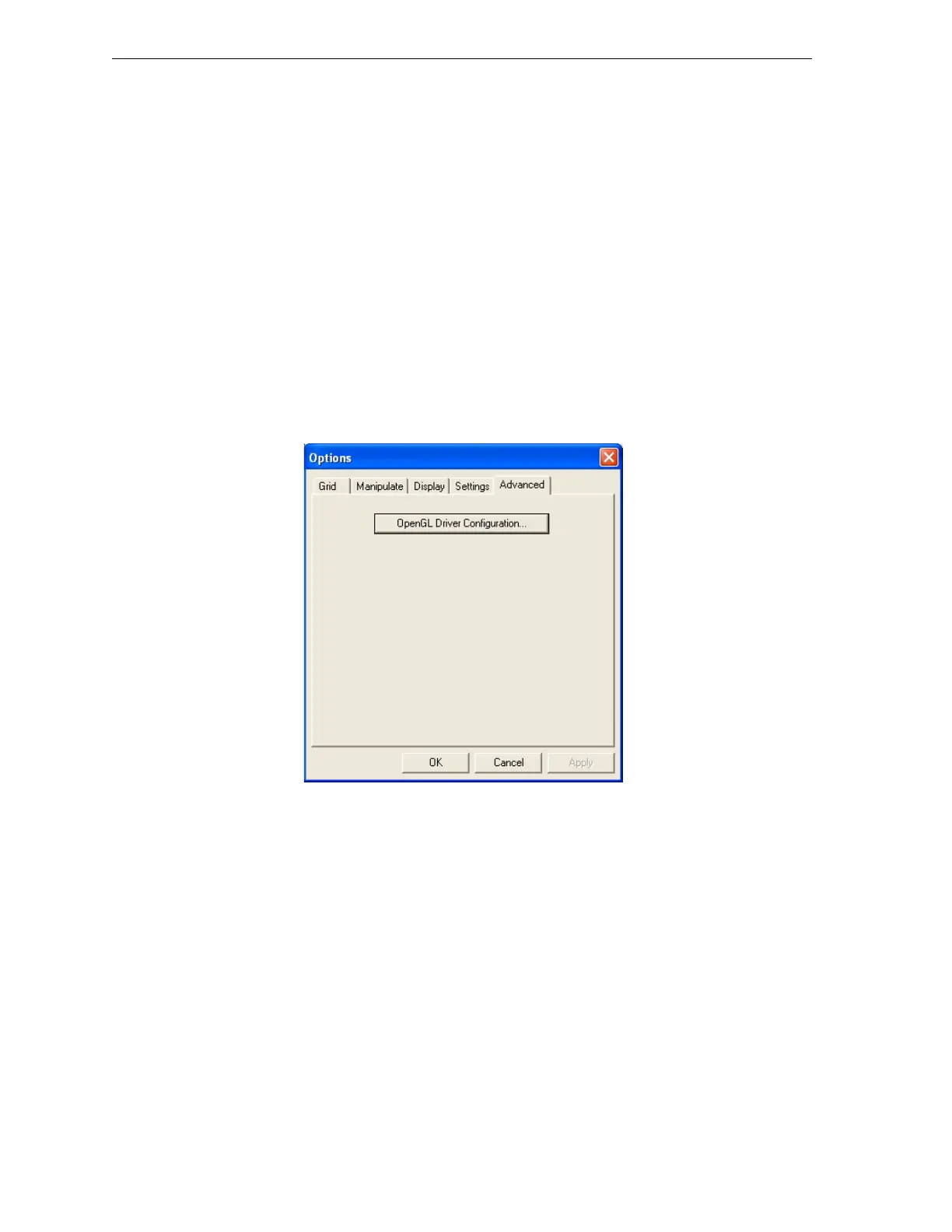
To access the OpenGL Driver Configuration dialog box:
1. FromtheToolsmenu,selectOptions.
2. IntheOptionsdialogbox,displaytheAdvancedtabandclick
OpenGL
Driver Configuration…
Figure 5-39:Accessing GL-driver configuration
Note: If the Advanced tab is not displayed, activate the Advanced option in
the Tools menu and re-open Objet Studio.



 To Next Page