Using Objet Studio
5–30
DOC-00500 Rev. F
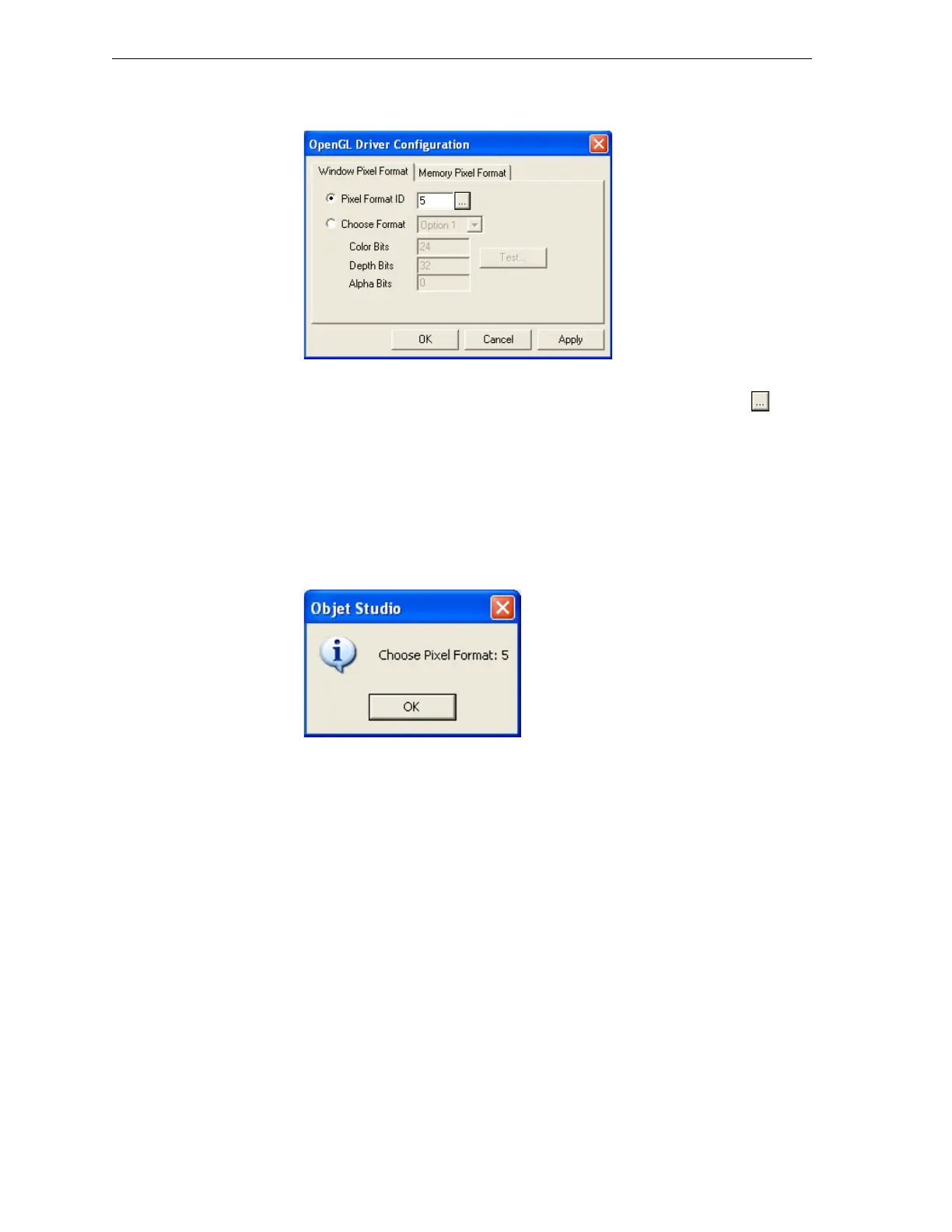
ThedialogboxthatopenscontainstabsthatdisplaythepixelformatID
(index)forthewindowandthememory.
Figure 5-40:OpenGL Driver Configuration dialog box
Youcandisplaythevaluesandmakechangestothembyclicking .
Alternately,youcanselect
Choose Formatandchangethevaluesinthis
dialogbox.
To perform a test of the driver configuration and enter the suggested
pixel format ID:
1. SelectChoose Format.
2. Click
Test.
ObjetStudioreturnstherecommendedpixelformatID.
Figure 5-41:Recommended pixel format ID
3. ClickOK.
4. IntheOpenGLDriverConfigurationdialogbox(figure 5‐40),select
Pixel Format IDandenterthisnumber.
5. Click
Apply.
6. Displaytheotherpixelformattab,andrepeatthisprocedure.



 To Next Page