Installing Objet Software
4–2
DOC-00500 Rev. F
How to Install Software for the Eden 3-D Printing System
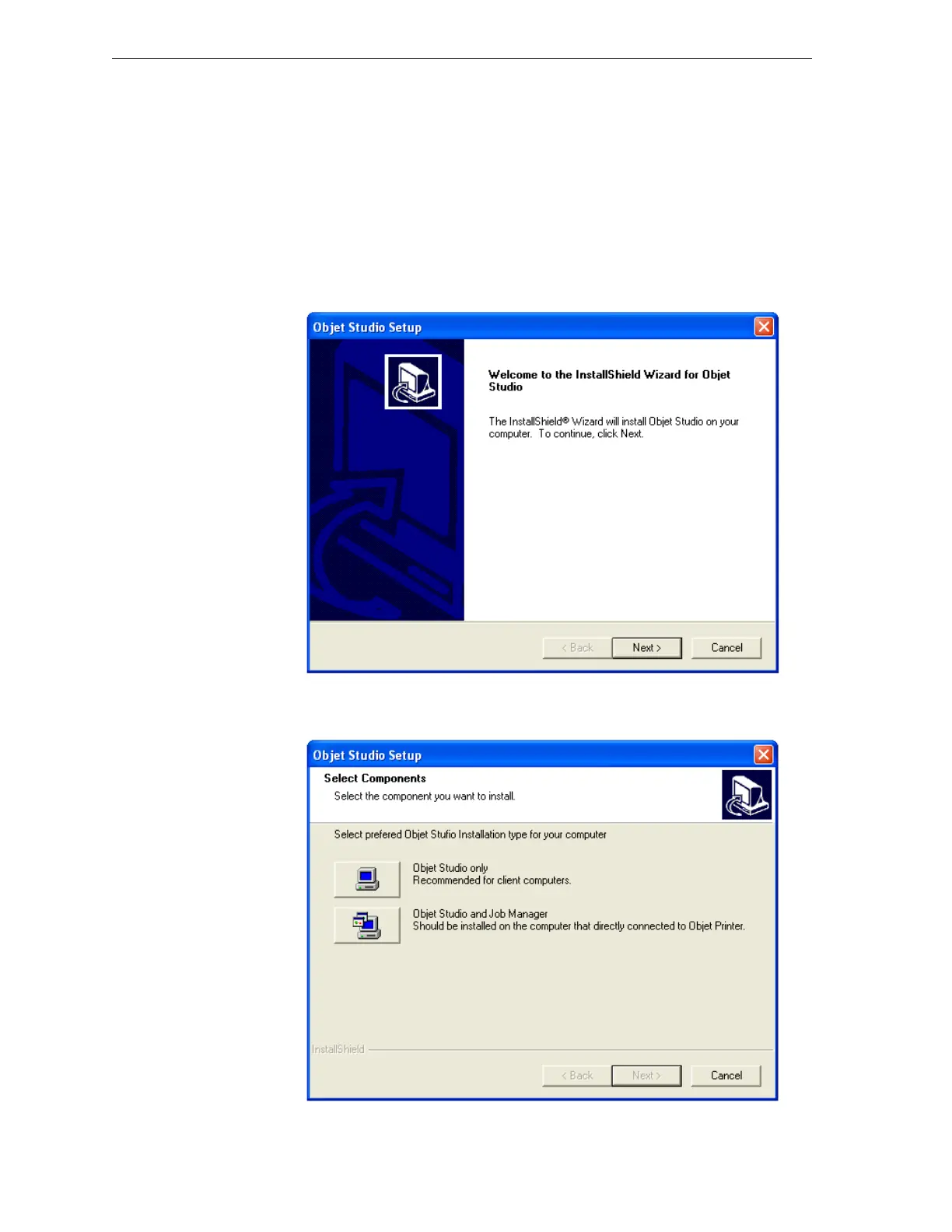
TheObjetStudiosetupwizardguidesyouwheninstallingtheObjet
software.Duringinstallation, youmustchoosetoinstalleithertheserver
(“host”)applicationortheclientapplication.
To install Objet software:
1. InserttheObjetStudioCDintothediskdrive.
2. Right‐clickthe
StartbuttonandselectExplore(oruseanyothermethod
fordisplayingfilesonthecomputer).
3. OpentheCD‐drivefolderandselectSetup.
Figure 4-1:Objet Setup—installation wizard Welcome screen
4. WhentheWelcomescreenappears,clickNext.
Figure 4-2: Objet Setup—Select Components screen



 To Next Page