DOC-00500 Rev. F 4–3
Eden500V/350V/350 User Guide
5. WhentheSelectComponentsscreenappears,selectoneofthe
installationoptions,thenclick
Next.
• SelectObjet Studio onlyforclientworkstations
• SelectObjet Studio and Job Managerfortheserver(host)stationand
forastandalonestation—thatis,thecomputerdirectlyconnectedto
theEdenprinter.
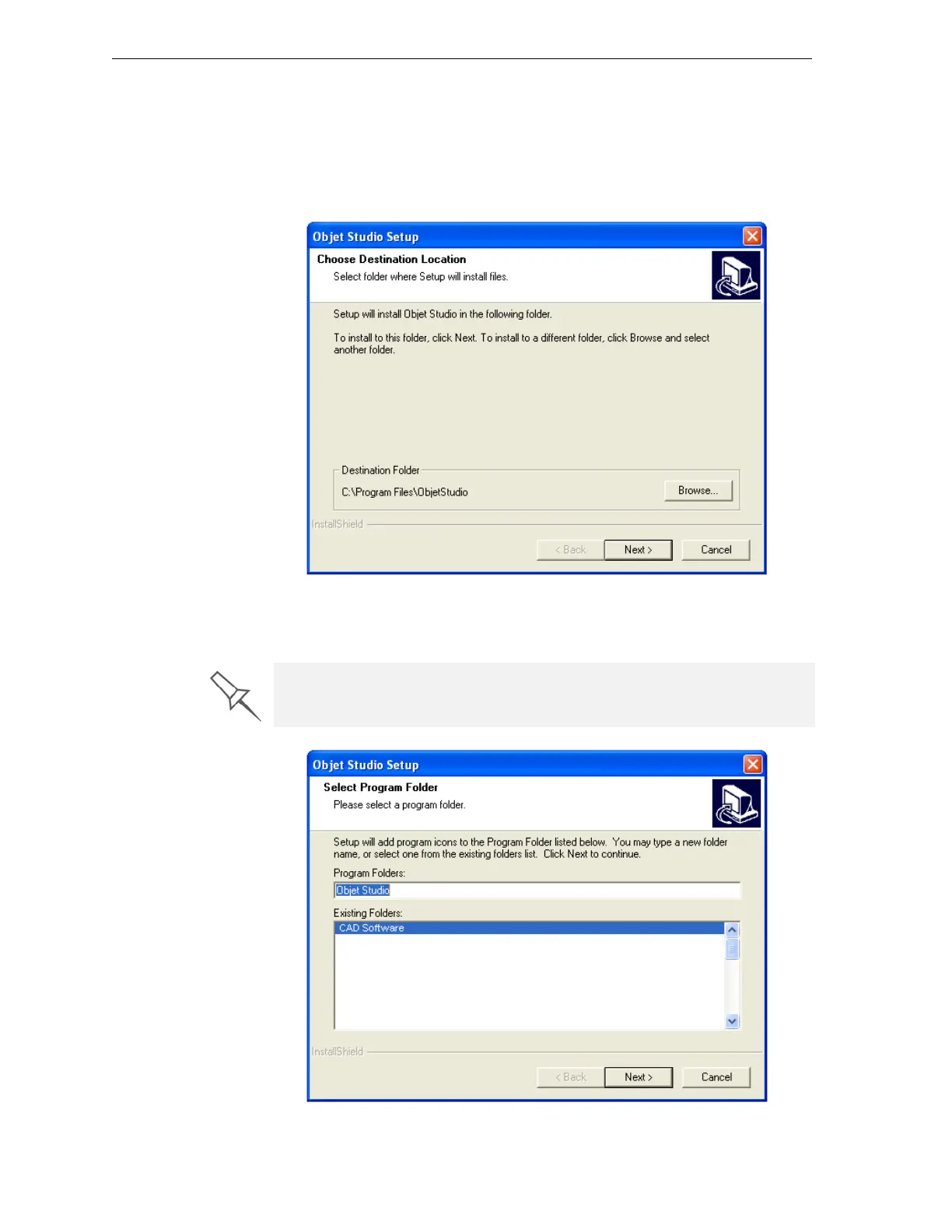
Figure 4-3: Objet Setup—Choose Destination Location screen
6. IntheChooseDestinationLocationscreen,verifythedestinationfolder
andclick
Next.
Figure 4-4: Objet Setup—Select Program Folder screen
It is recommended that you do not change the default destination folder.



 To Next Page