Installing Objet Software
4–4
DOC-00500 Rev. F
7. IntheSelectProgramFolderscreen,verifythepre‐selectedfolderin
whichtheObjetStudioiconswillbeinstalled.
• Toinstalltheiconsinanotherprogramfolder,selectit.
• Tocontinue,clickNext.
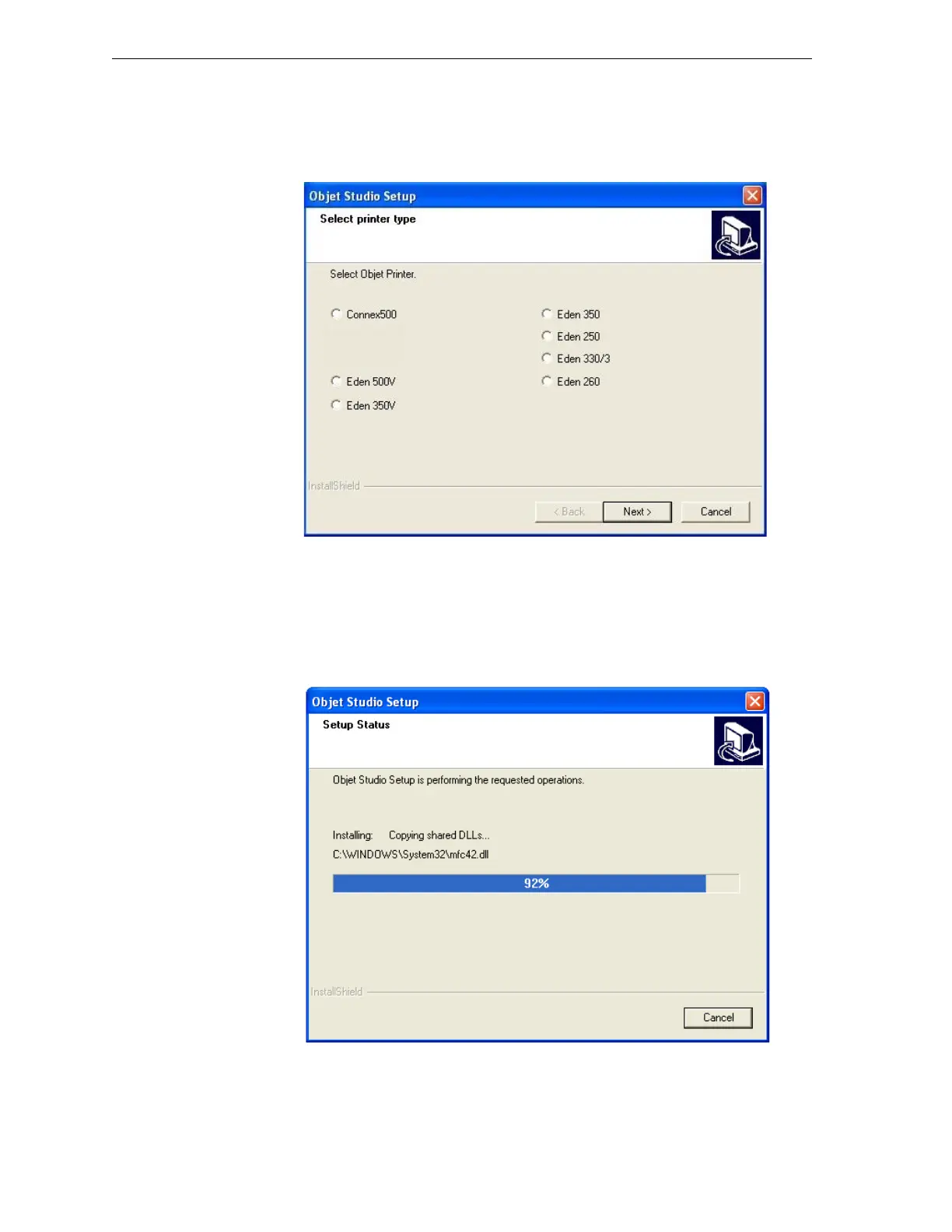
Figure 4-5: Objet Setup—Select Printer Type screen
8. IntheSelectPrinterTypescreen,selecttheObjet3‐Dprinterusedfor
producingmodels.
Tocontinue,click
Next.
InstallationbeginsandtheSetupStatusscreenappears,showingthe
progressoftheinstallationprocess.
Figure 4-6: Objet Setup—Setup Status screen



 To Next Page