DOC-00500 Rev. F 4–5
Eden500V/350V/350 User Guide
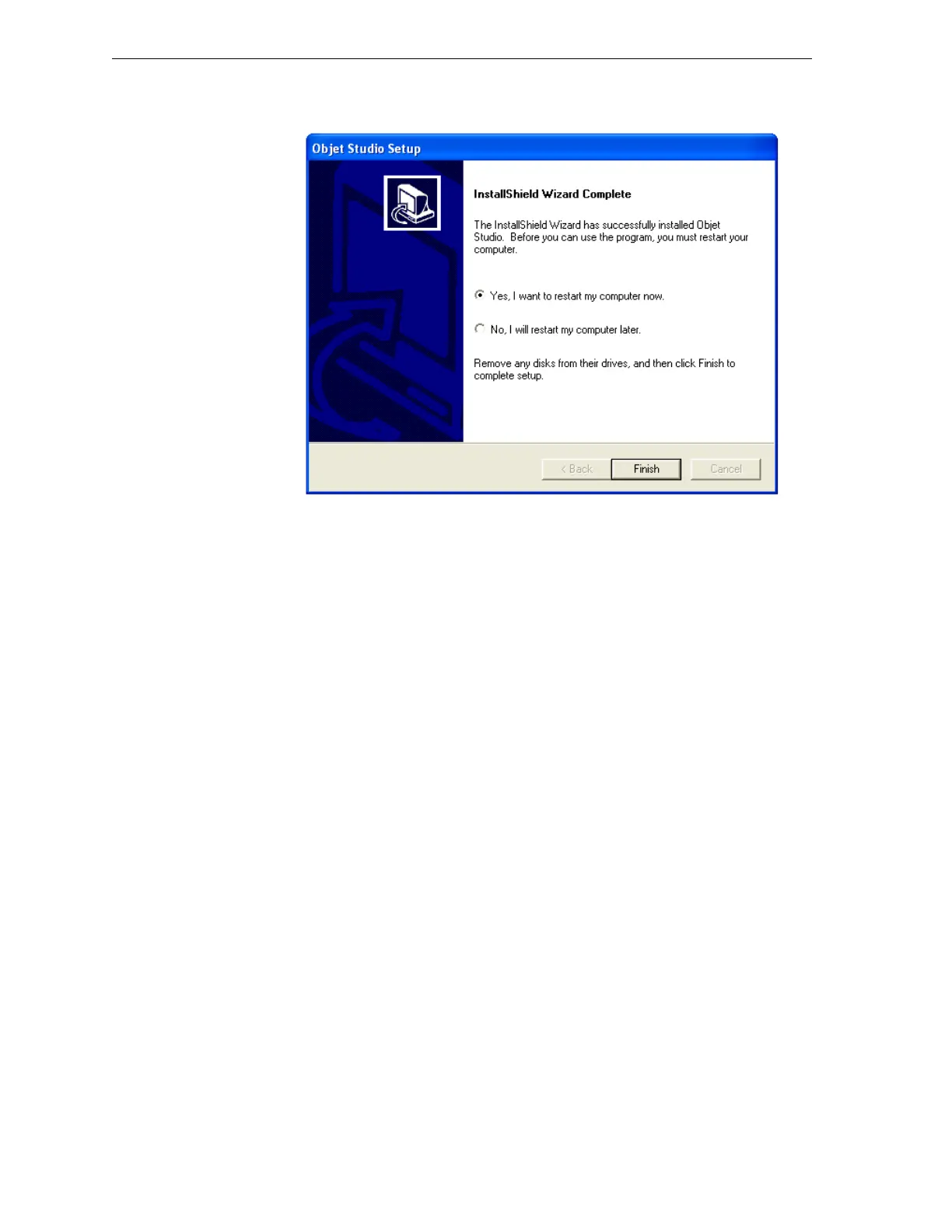
WhentheObjetprograminstallationiscomplete,thefinalInstallShield
Wizardscreenappears.
Figure 4-7: Objet Setup—final wizard screen
9. Tocompleteinstallation,youmustrestartthecomputer.Todoso,
removetheCDfromthediskdrive,select“Yes…”andclick
Finish.
Thecomputershutsdownandrestarts,andthesoftwareinstallsthe
appropriateicon(s)onthecomputerdesktop:
• ObjetStudio
• JobManager(forserversandstandalonestations)
• StopJobManager(forserversandstandalonestations)



 To Next Page