DOC-00500 Rev. F 5–23
Eden500V/350V/350 User Guide
Production
Estimates
ObjetStudioenablesyoutocalculatethetimeandmaterialresources
neededforproducingtraysbeforesendingthemtotheEdenprinter.The
timeittakesObjetStudiotomakethiscalculationdependsonthenumber
ofobjectsonthetrayandtheircomplexity.Calculatingtheproduction
estimateforafull
traycouldtakeupto15minutes,dependingonyour
computer’sspecifications.Theresultsdisplayedareaccuratewithin10
percentoftheactualresourcesneeded.
To calculate the time and materials needed for producing the current
tray:
¾
FromtheToolsmenu,selectEstimate Consumptions.
or—
¾ Click .
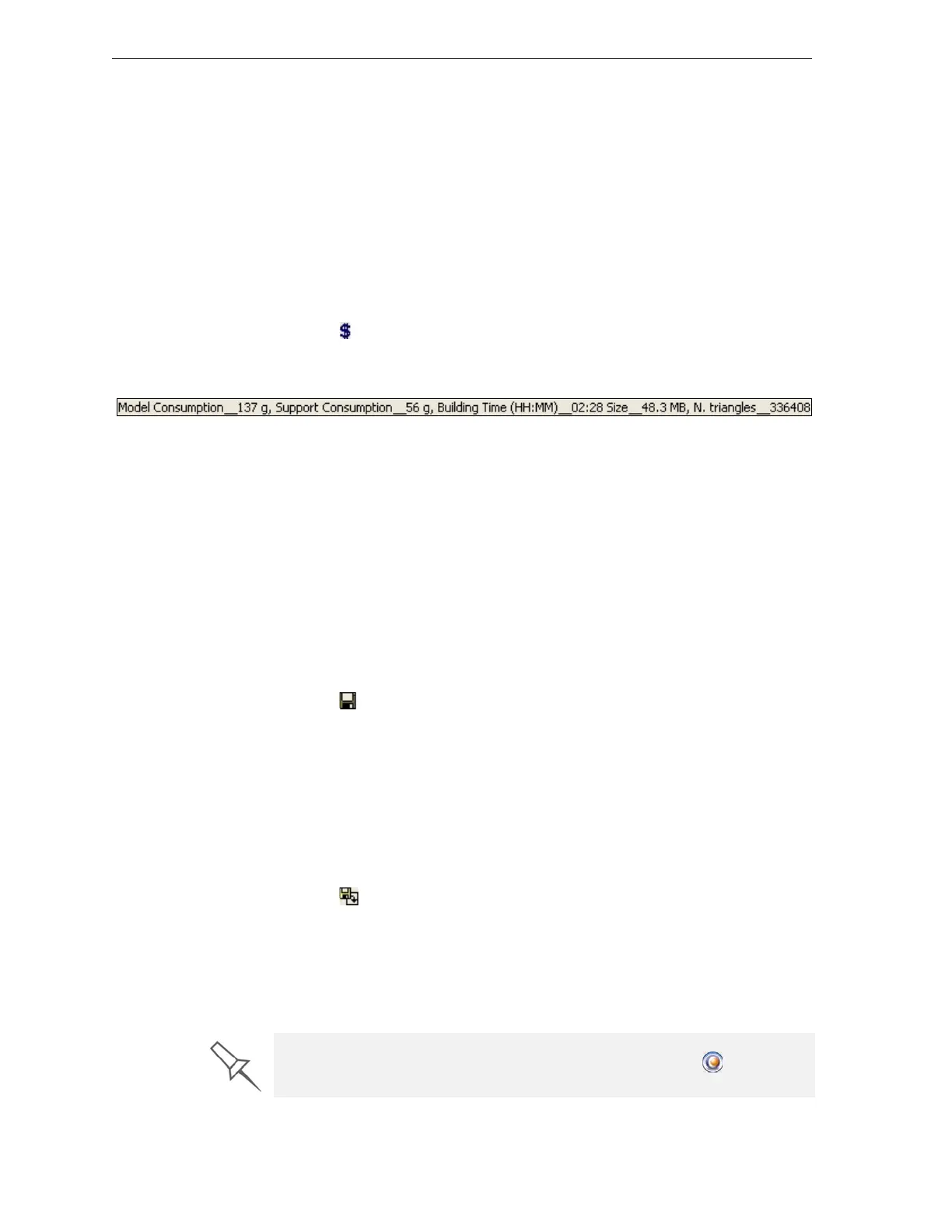
WhenObjetStudiofinishescalculatingtheproductionresources,the
resultsaredisplayedatthebottomofthescreen.
Figure 5-29: Production resource calculation
Note: Make sure to calculate production resources after selecting the
Quality/Speed setting (see page 22). You can compare the required
resources for each of the settings.
Saving the
Tray File
Traysaresavedasotffiles.Youcansaveatraybeforeitisreadyfor
production,andopenitatanothertimetocontinuepreparingit.Whenyou
sendthetraytotheEden3‐Dprinter,itisfirstsaved.Ifthetraywas
previouslysaved,itsotffile
isoverwrittenatthistime.
To save the tray file:
¾
FromtheFilemenu,selectSave TrayorSave Tray As.
or—
¾ Click .
Printing the
Tray File
Whenatrayisreadytobeprinted,itissenttoJobManager,whereitis
placedintheprintqueue.Whenthejobreachestheheadofthequeue,Job
Managerpre‐processesthetrayfiletocreateslices,andfeedsthemtothe
3‐Dprinter.
To send the tray to the print queue:
¾
FromtheFilemenu,selectBuild Tray.
or—
¾ Click .
Ifthebuild‐trayfilehasnotbeensaved,the
Save Asdialogboxopens
foryoutosaveitnow.
ThetrayfileissenttoJobManager,forprinting.ObjetStudioclosesand
JobManageropens,soyoucanmonitortheprogressofyourtrays—
before,during,andafterprinting.
To return to Objet Studio from Job Manager, click New Job .



 To Next Page