DOC-00500 Rev. F 5–21
Eden500V/350V/350 User Guide
Handling Completed Trays
Afteryouhaveproperlyplacedallobjectsonthebuildtray,yousavethe
trayasanotffile,whichissenttothe3‐Dprinterforproduction.Butbefore
savingthetray,youcancheckthattherewouldbenoproblemproducingit.
Youcanalsocalculatehowmuch
materialwouldbeconsumedduring
productionandhowmuchtimethiswouldtake.
Tray Validation
BeforesendingajobtotheEdenprinterforproduction,youshouldcheck
thatthetrayis“valid”andcanbeprinted.
Note: Because of the unique characteristics of each type of modeling
material, make sure that the correct material is selected before
performing Tray Validation.
To validate that the tray can be printed:
¾
FromtheToolsmenu,selectTray Validation.
or—
¾ Click .
Ifthetrayisnotvalid,the coloroftheproblematicmodelsonthetray
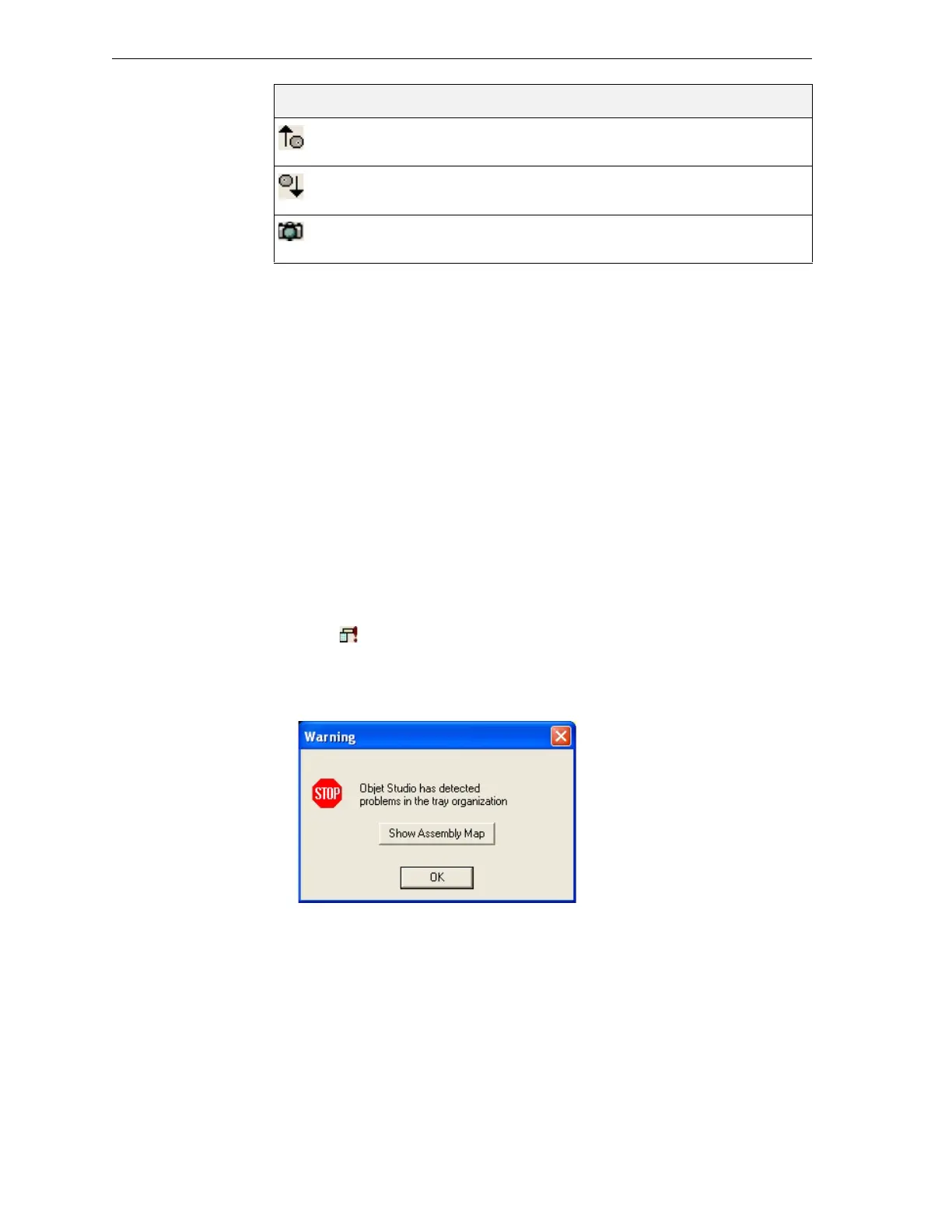
changesaccordingtoapre‐setcolorcode.Ifawarningmessageappears,
click
OKtocloseit.
Figure 5-26: Tray validation warning
RotateUp Eachmouseclickrotatesthebuildtrayupin
theactiveviewingpanebyonestep.
RotateDown Eachmouseclickrotatesthebuildtraydownin
theactiveviewingpanebyonestep.
Camera Displaysavirtualcameraanditsviewingangle
ofthetray.
Icon Tool Tip Name Purpose



 To Next Page