DOC-00500 Rev. F 7–15
Eden500V/350V/350 User Guide
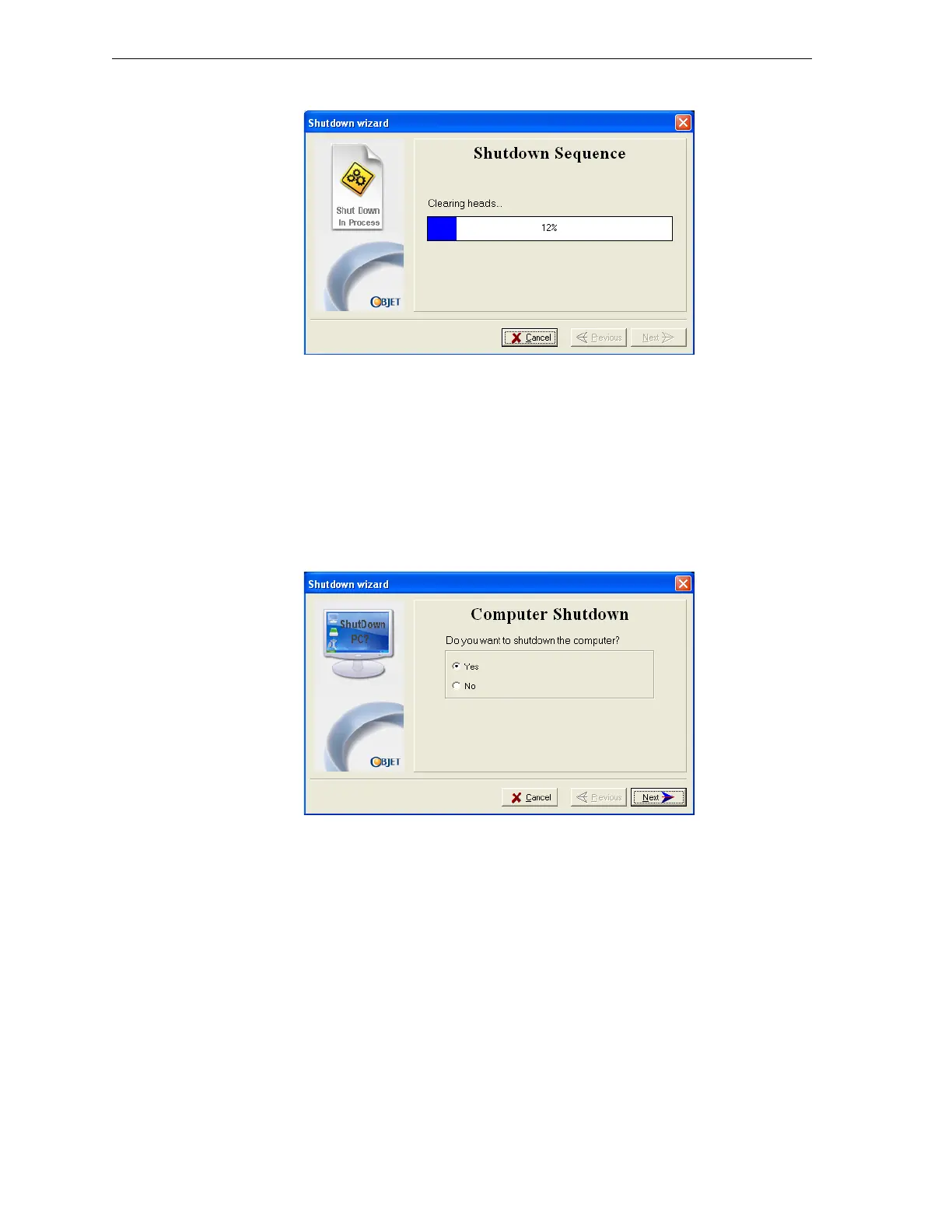
Theshutdownprocedurebegins.
Figure 7-17: Shutdown Sequence screen
TheShutdownproceduremaytakeupto10minuteswhilethe
followingtasksareperformed:
a. Theprintblockreturnstoitsstartingpointonallaxes.
b. Theprintheadsareheated.
c. Theprintheadsareclearedofanyremainingmaterial.
Afterthesetasksarecompleted,thefinalwizarddialogboxappears,in
which
youchoosewhetherornottoshutdownthecomputerinthe
Edenprinter.
Figure 7-18: Computer Shutdown confirmation dialog box
4. WhencompletelyshuttingdowntheEdenprinterandturningthe
poweroff,select
YesandclickNext.
5. Aftertheprintercomputershutsdown,turnoffthemainpowerswitch
(atthebackoftheprinter—seefigure 7‐2onpage 2).



 To Next Page