Operating & Maintaining the Eden 3-D Printer
7–36
DOC-00500 Rev. F
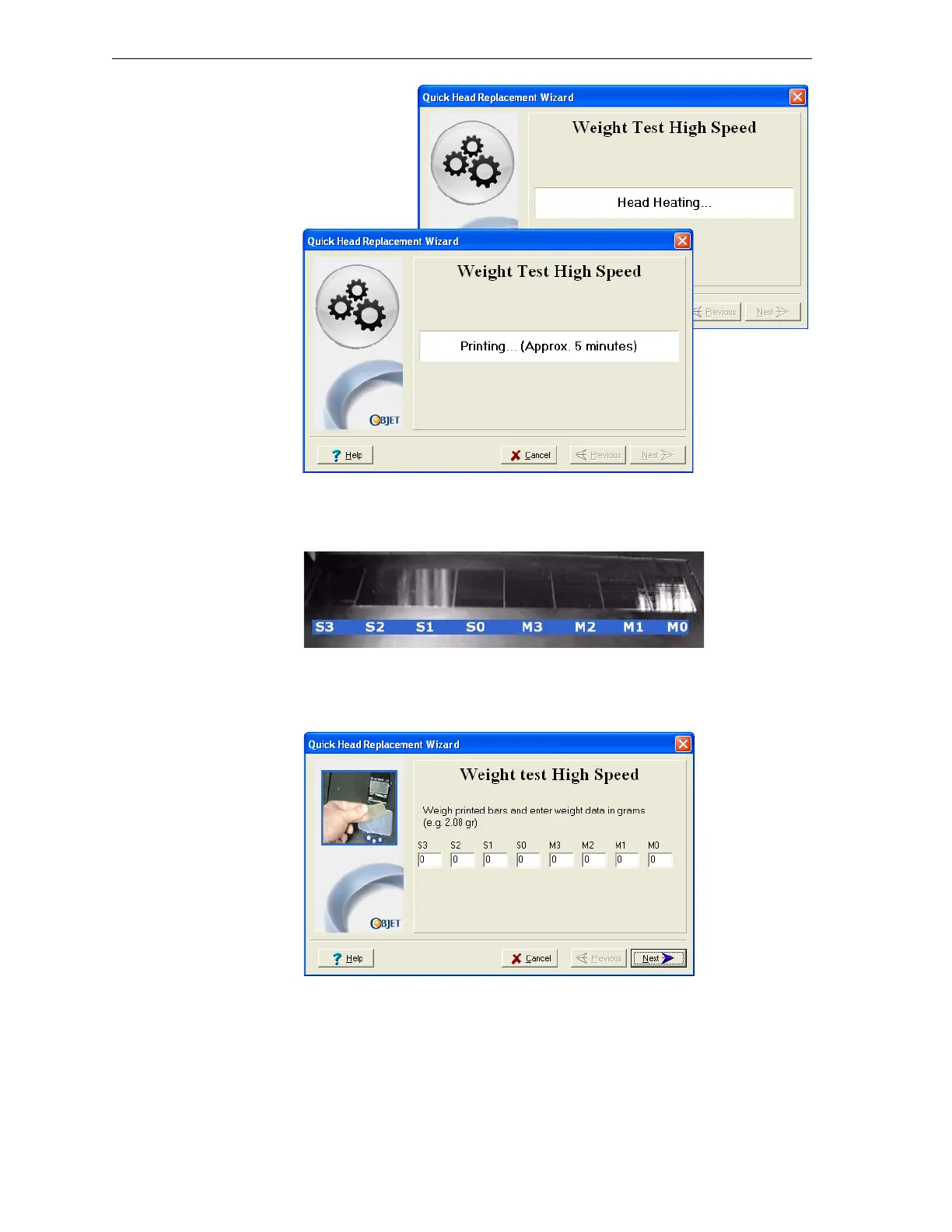
Figure 7-54: High-speed-printing weight test screens
26. Carefullyremovethesamplesforeachhead,keepingtrackofthehead
thatprintedthem.
Figure 7-55: Samples printed on the Eden printer build tray
27. Usingthescale,weigheachsampleandentertheweight(ingrams)for
thecorrespondingheadinthewizardscreen.Thenclick
Next.
Figure 7-56: Weight Test data entry screen
Afterthefirstweighttest,theprintercalibratestheheadsforthismode,
preparesforthenextweighttest,andprintsmoresamples(exceptfor
Eden350printers).
28. Removeandweighthesamplesandenterthedata,asbefore(seesteps
26and27).Thenclick
Next.



 To Next Page