DOC-00500 Rev. F 7–35
Eden500V/350V/350 User Guide
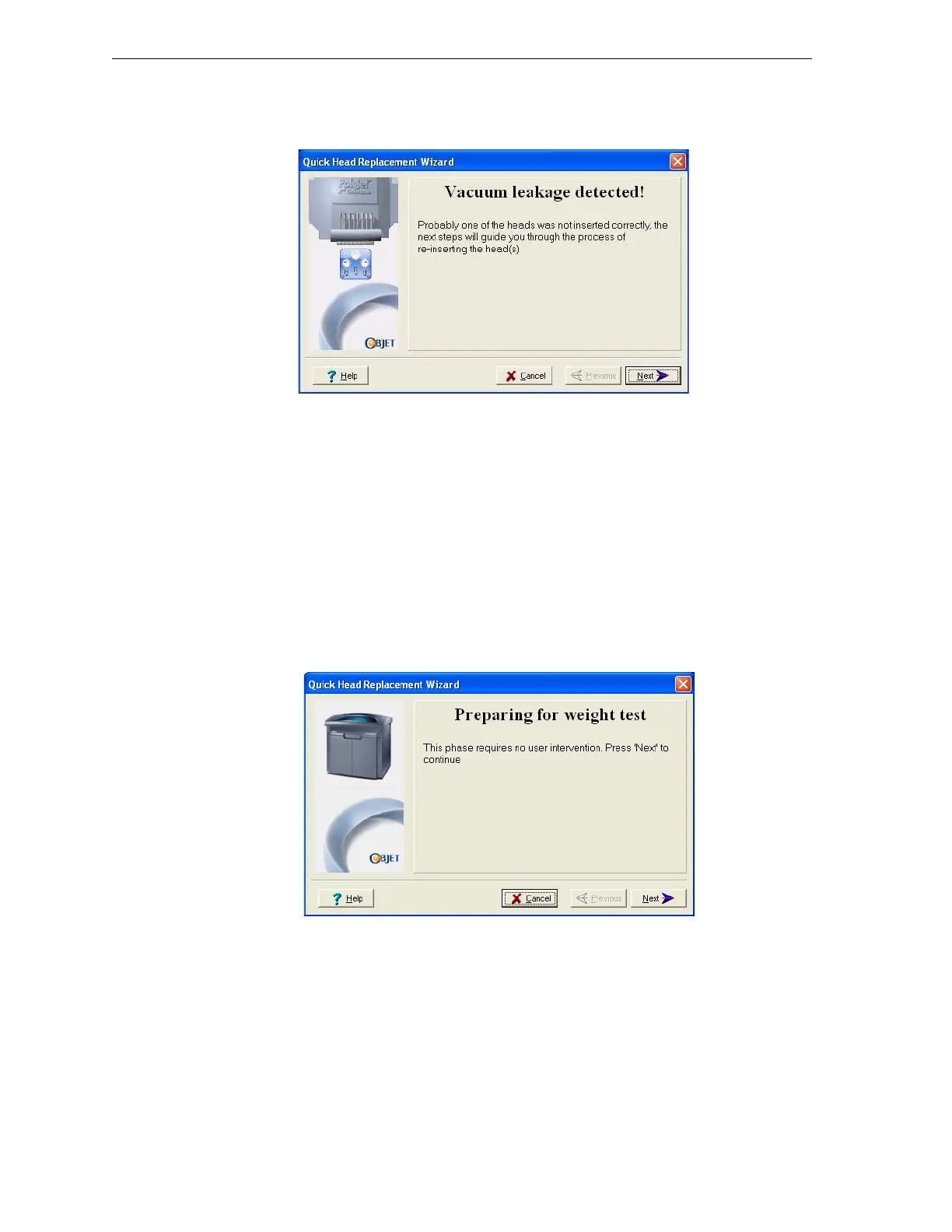
• Ifthevacuumtestisnotsuccessful,thereplacementheadwasnot
sealedproperlyduringinstallation,andthefollowingwarningscreen
appears.
Figure 7-52: Vacuum Leakage warning screen
Ifthishappens:
a. Click
Next.
b. Followtheinstructionsonthewizardscreenstore‐installthehead.
Weight Calibration Afterthesuccessfulinstallationofprintheads,thewizardbeginsthe
firstoftwoweighttests,inwhicheachheadprintsasample.Eachtest
takes15–25minutes.
Note: For Eden350 printers, only one weight test is performed (for High
Quality mode). For other Eden printers (including Eden350V models), two
weight tests are performed (for High Quality and High Speed modes).
25. Whenthefollowingscreenappears,clickNexttostarttheweighttest.
Figure 7-53: Starting the weight test



 To Next Page