DOC-00500 Rev. F 5–13
Eden500V/350V/350 User Guide
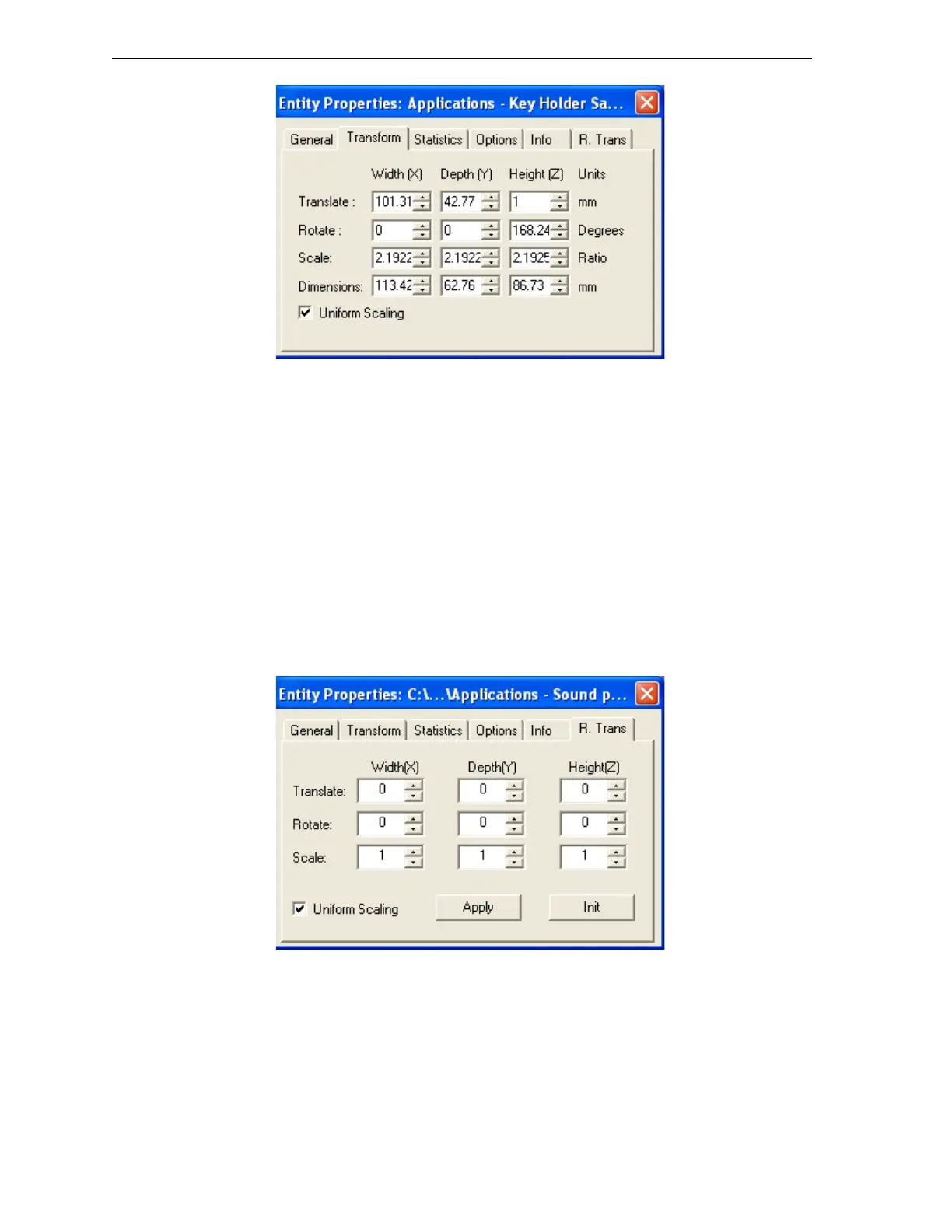
Figure 5-16: Entity Properties dialog box, Transform tab
Youcanmakeprecisechangestoanobjectonthebuildtraybyselectingthe
object(eitheronthetrayorinthetrayhierarchypane)andchangingits
valuesinthedialogbox.
Note: You can only change the height of the objects on the build tray if this
is allowed by the Objet Studio settings (see “Object Position on the
Z-Axis” on page 11.)
ThepropertiesdisplayedintheTransformtaboftheEntityPropertiesdialog
boxareabsolute
values,representingtheactualpositionoftheobjectonthe
buildtray.Anotherwayofrepositioningobjectsonthetrayusingprecise
valuesisbyapplyingchangestoobjectpropertiesrelativetothecurrent
position.TherearetwoRelativeTransformdialogboxesavailable:
• TheR.TranstaboftheEntityPropertiesdialogbox.
Figure 5-17: Entity Properties dialog box, R. Trans tab



 To Next Page