Special copy and scan jobs 95
2 Make all required settings.
3 Insert the original face down, right aligned with the original guide on the
original feed table.
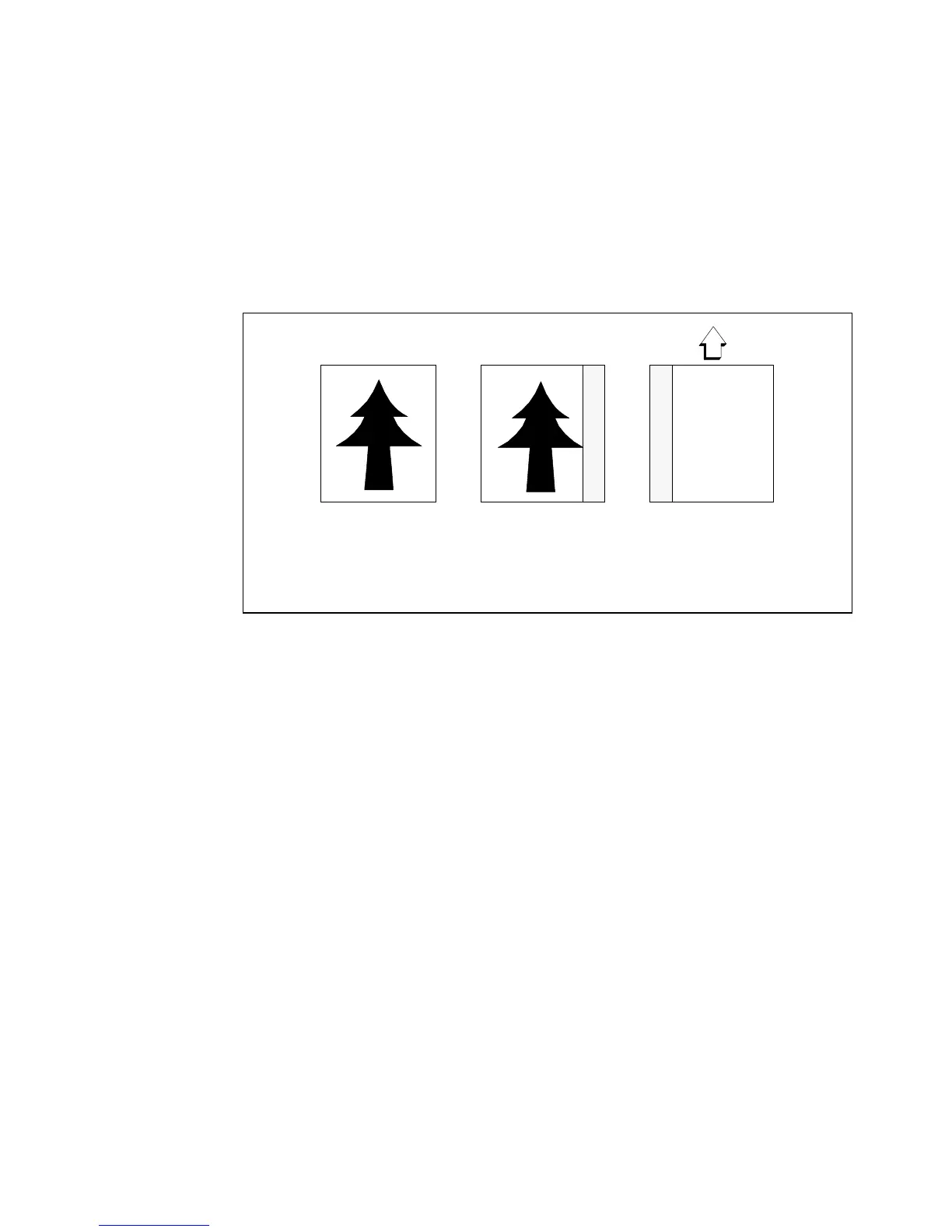
Right hand side You can also remove the filing strip along the right hand side
(left hand side in the feed direction, face-down) by selecting a specific roll or
sheet feeder. If the paper width of the original is larger than the paper width of
the selected roll or sheet feeder, the remaining paper part on the right hand side
will not be scanned (see figure 57).
[57] Example of removing the right hand side of an original
▼
▼▼
▼
Copying with removed filing strip along the right hand side
1
Select the required media in the ‘Custom’ section on the operating panel.
2 Select the 100% value for the ‘Zoom’ function.
3 Make other settings as required.
4 Feed the original.
Leading and trailing edge It is also possible to adjust the length of both the
leading and trailing edge to eliminate or add a filing strip. Leading and trailing
edges can be extended up to 400 millimetres (mm) or shortened up to 100 mm
(see figure 58).
Face up:
Right hand side
-40mm
Face down:
left hand side in feed
direction



 To Next Page