96 Océ TDS600 Multifunctional Digital System User Manual
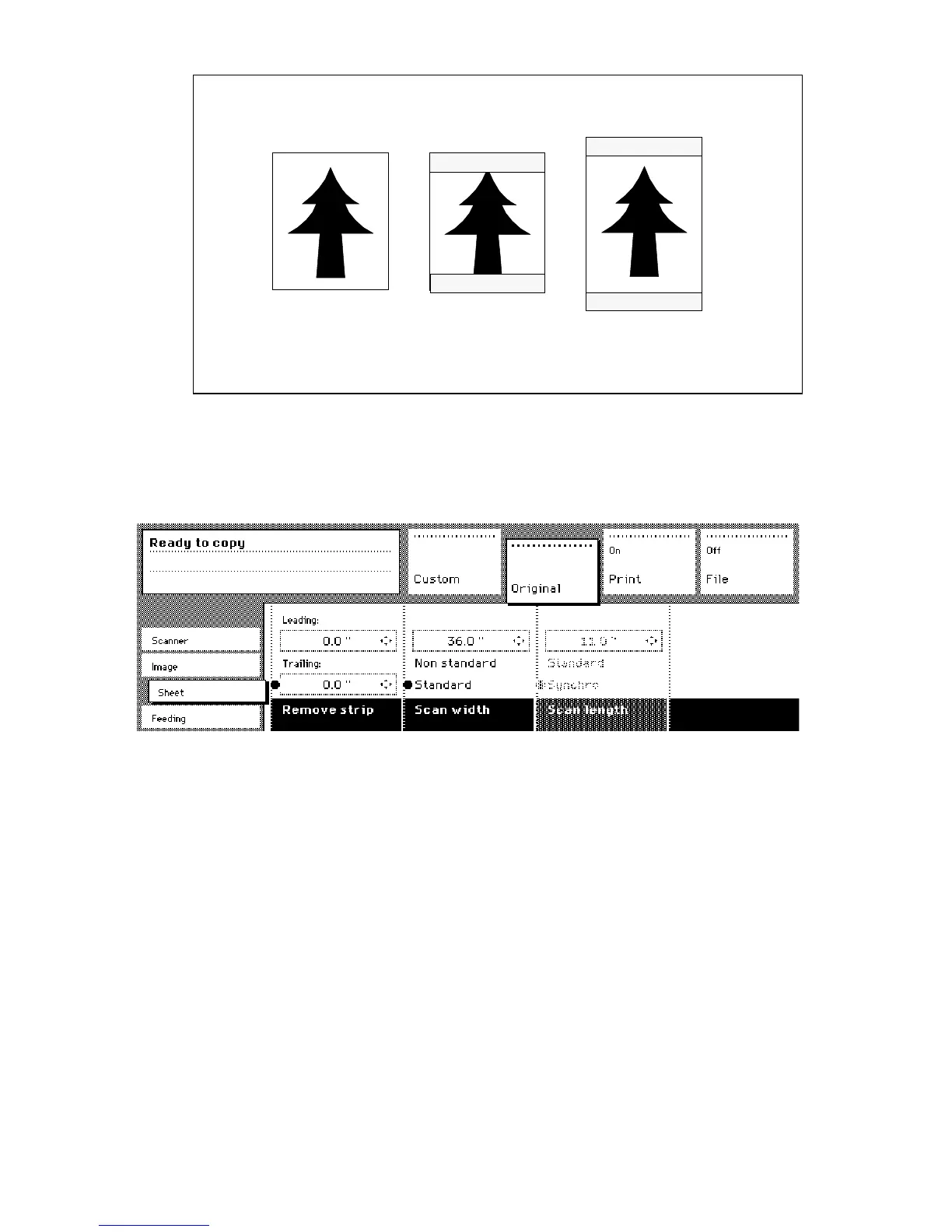
[58] Example of adjusting the leading/trailing edge of an original
▼
▼▼
▼
Copy with removed filing strips along the leading and trailing edge
1
Open the ‘Sheet’ card in the ‘Original’ section.
2 Press the ‘Remove strip’ function button.
[59] Removing strip
3 Adjust the values in mm for the trailing edge using the numeric or arrow
buttons.
4 Press the ‘Remove strip’ function button again.
5 Adjust the values in mm for the leading edge using the numeric or arrow
buttons.
6
Make other settings as required.
7 Feed the original.
Leading edge:
-40mm
Trailing edge:
+40mm
Trailing edge:
-40mm
Leading edge:
+40 mm



 To Next Page