7 Set up and Connection
24 / 106 Instruction Manual Keratograph 5M (G/77000/XXXX/EN – Rev05)
If you use a multiple socket extension cord to connect the
Keratograph 5M: Use an extension cord that complies with the re-
quirements of IEC 60601-1.
Do not place the multiple socket extension cord on the floor.
Do not use more than one multiple socket extension cord.
Plug only the Keratograph 5M and the computer that is being used
with the unit (if applicable) into the multiple socket extension cord.
Use a power socket that has a flawless earth conductor connection.
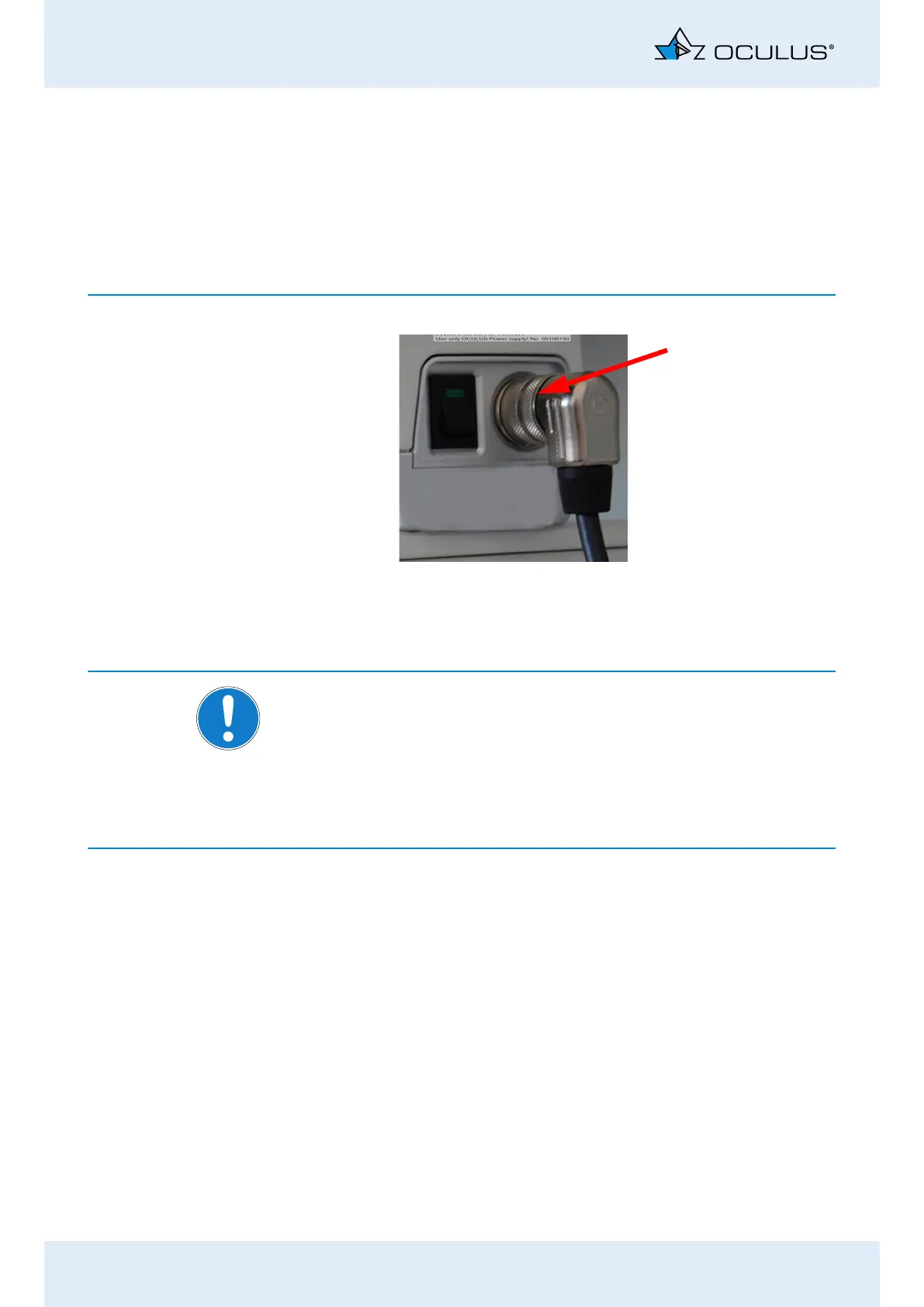
Plug the connector of the Med. Secure Isolator cable into the jack
and tighten the connection. Make sure that the plug is inserted in
the correct position.
Note
Risk of equipment damage due to incorrect connection
If you do not connect the Keratograph 5M properly, and the connection
is live, the unit can be damaged within a short period of time.
Do not force any plug connections.
Please pay attention to the specifications on the nameplate.
If the plug is faulty, contact OCULUS Service or an authorized dealer to
repair the damage.
Firmly tighten the connection.
Connect the Med. Secure Isolator cable to the computer/laptop
and the power adapter.
Fig. 7-1: Connecting



 To Next Page