15 Performing a “Meibo Scan” Examination
Instruction Manual Keratograph 5M (G/77000/XXXX/EN – Rev05) 51 / 106
15.2 Recording a Single Image
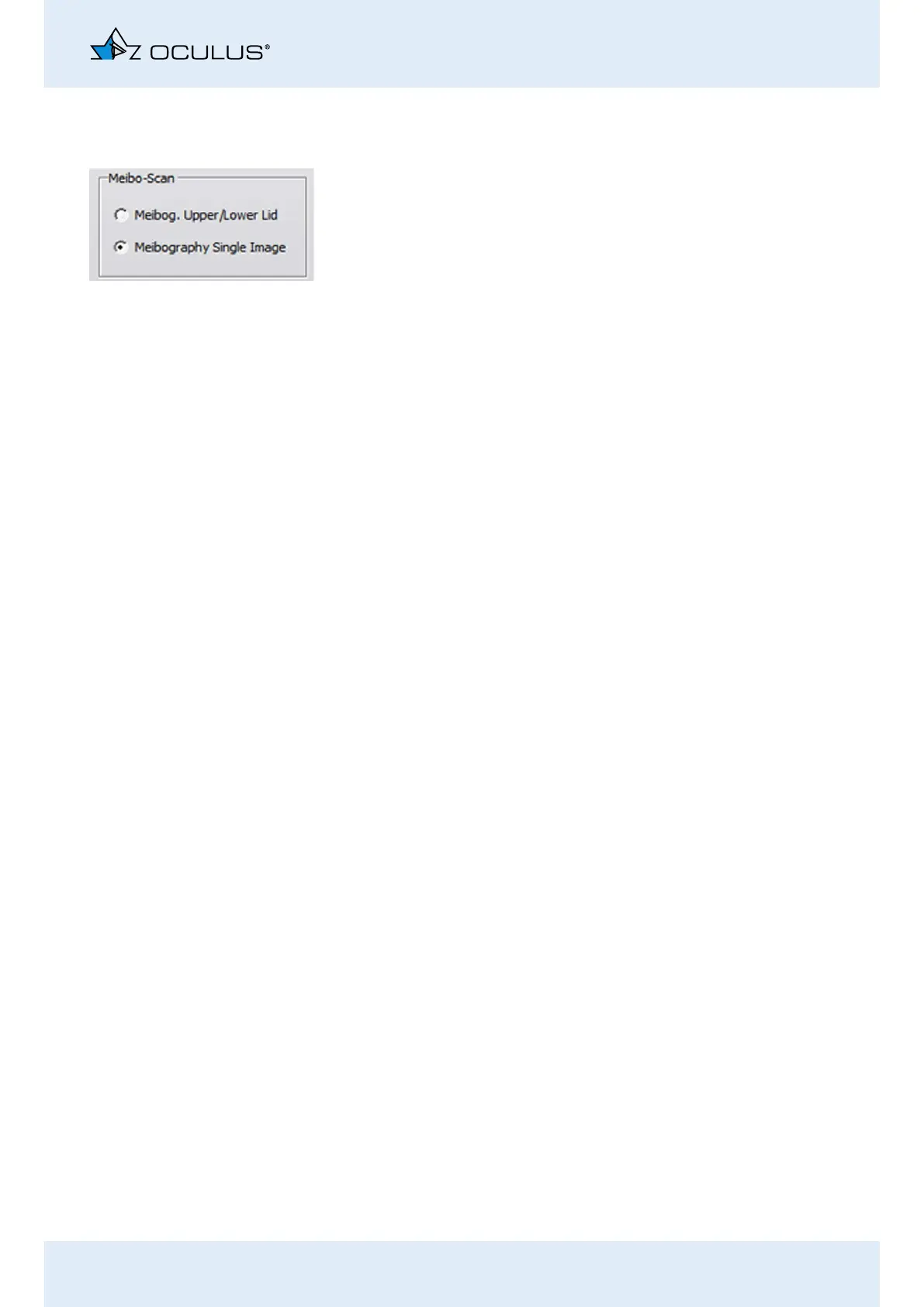
Activate the [Meibography Single Image] radio button.
Ectropionize the upper or lower eyelid.
Position the camera so that the upper or the lower eyelid fits in the
red-framed recording box.
Focus on the Meibom glands.
Start the recording. For this, press the [Image] button.
Use the foot switch alternatively, (Chap. 10.10, page 36).



 To Next Page