17 Imaging
Instruction Manual Keratograph 5M (G/77000/XXXX/EN – Rev05) 57 / 106
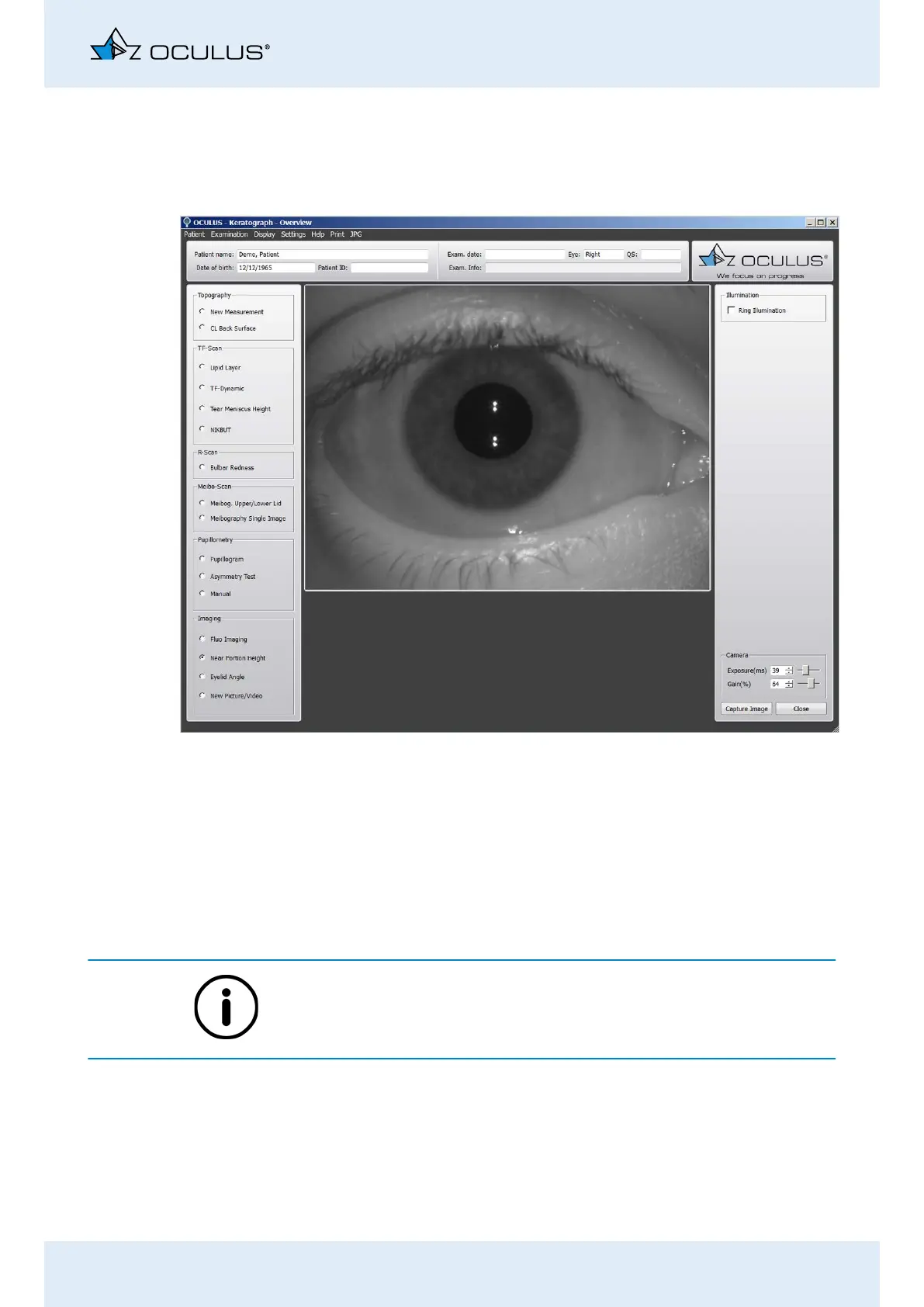
17.2 Near Portion Height Measurement
The near portion height measurement is used to determine separator
positions for bifocals and rigid contact lenses.
Activate the [Near Portion Height] radio button.
Adjust the camera if necessary, Chap. 17.5, page 59.
Center and focus on the eye in the camera image.
Enable the [ring illumination] radio button to make the illumination
brighter. This will dazzle the eye, making the pupil diameter as
small as possible.
Press the [Image] button to trigger the recording.
Use the foot switch alternatively, (Chap. 10.10, page 36).
The image is stored automatically.
Press the [Close] button and you will reach the next display.
Perform the near part height measurement and evaluation, see User
Guide.
Fig. 17-3: “Near portion height measurement” imaging function



 To Next Page