19 Performing extended examinations: JENVIS Pro Dry Eye Report (optional)
Instruction Manual Keratograph 5M (G/77000/XXXX/EN – Rev05) 75 / 106
19.5 Printing a JENVIS Pro Dry Eye Report
Depending which type of the JENVIS Pro Dry Eye Report is used two lay-
outs are available. You can print
JENVIS Pro Dry Eye Screening
The Screening printout contains the results and description of the
three screening tests.
JENVIS Pro Dry Eye Report
The Report print out shows all assessed categories.
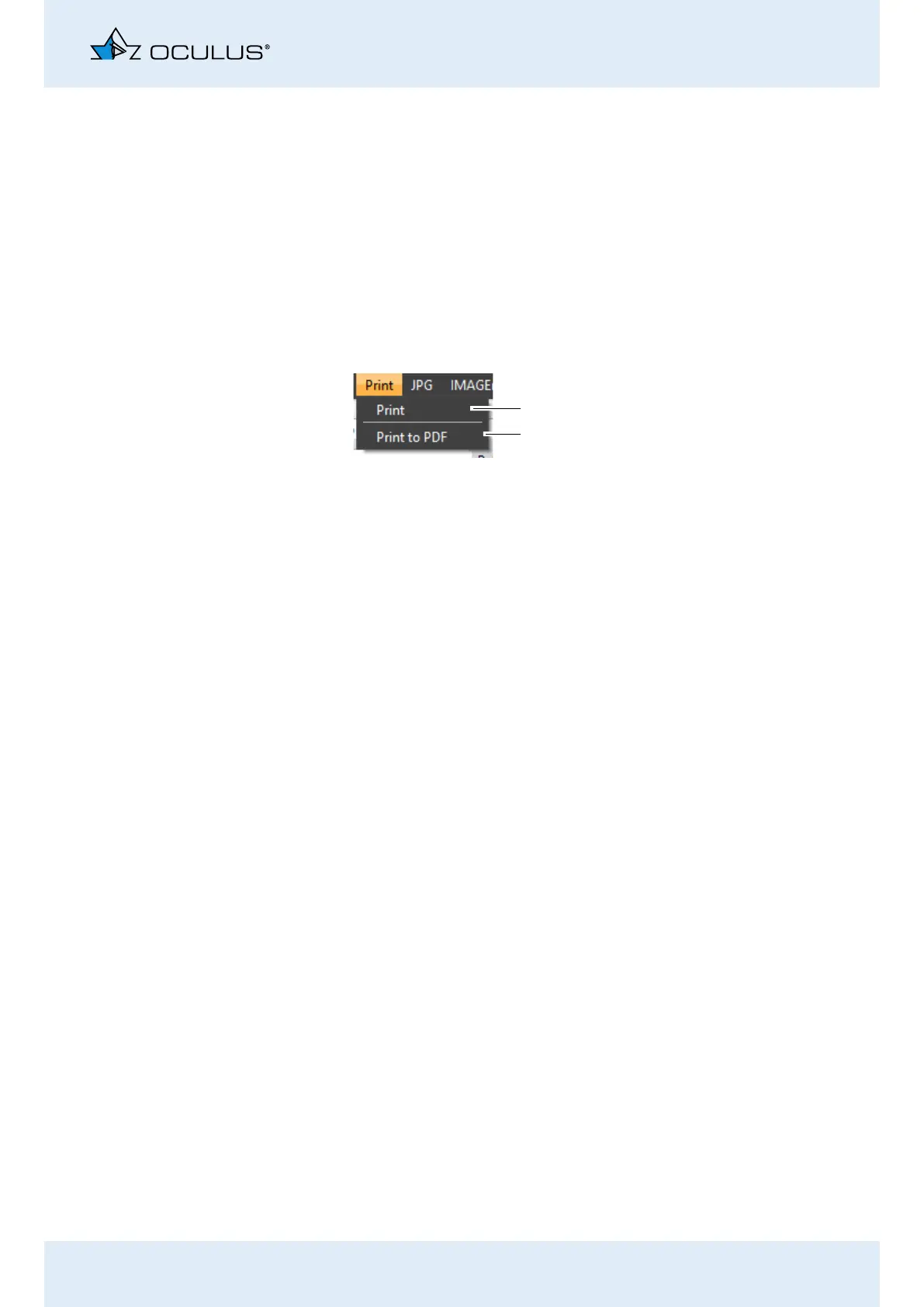
Using the Print button in the menu bar, the corresponding type can be
send to a printer or printed as a PDF file.
Select the [Print] menu item.
Using the first entry you can physically print the JENVIS Pro Dry Eye Re-
port.
The second entry enables to print the report as a PDF file.
The results of the dry eye examinations are shown on the printout of the
JENVIS Pro Dry Eye Report. The JENVIS Pro Dry Eye Report includes a
glossary of relevant terms for the patient.
Fig. 19-9: [Print] menu item
1
2
1 [Print] button 2 [Print to PDF] button



 To Next Page